Post
[StepN] How to Create an Account and Purchase Sneakers
STEPN is a Walk to Earn (W2E) app where you earn money by walking. The tokens earned by walking can be exchanged for Solana (SOL), Binance Coin (BNB), or Ethereum, and can also be used to grow sneakers or mint (create) new sneakers.
1. Download and sign up for STEPN
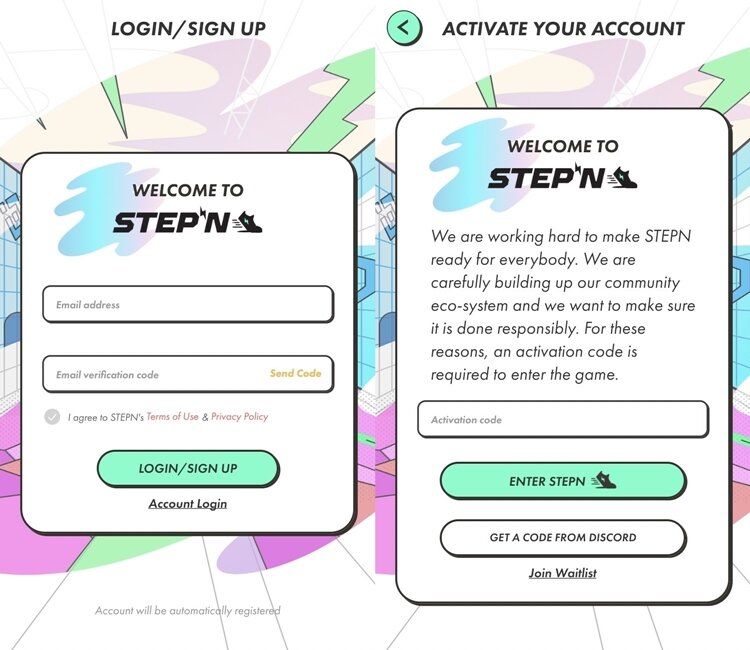
Search for Stepn on Google Play or the Apple App Store to download - After installation, run the program and enter your email address and press "Send Code".
After that, log in to the email you entered, check the code sent, and return to the STEPN app to enter the code, you will need to enter a referral code. You can enter the code that users have spread on the STEPN official Discord, cafes, and other communities.
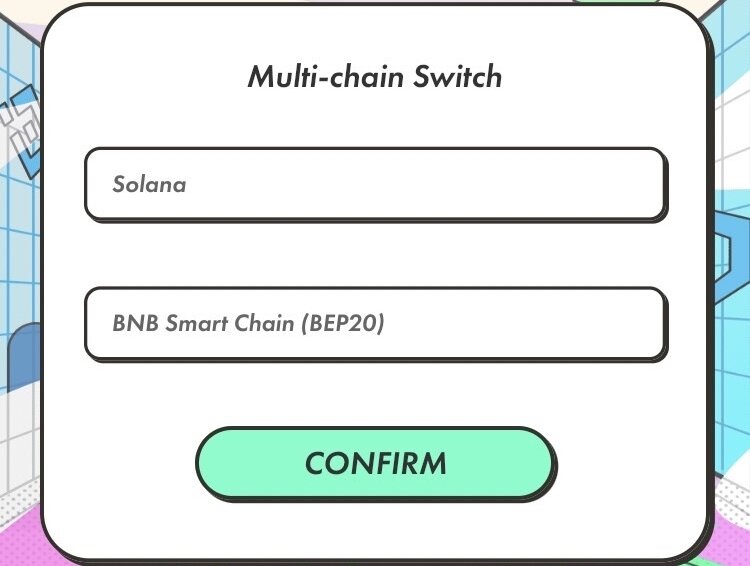
After that, you will select a network chain, and currently Solana, Binance Chain, and Ethereum are supported. The advantages and disadvantages of each chain are that Solana allows you to purchase sneakers at a relatively low price, but you earn less money per day of exercise. In addition, the Solana chain itself is unstable, so there is a possibility of delays when swapping and transferring coins.
Binance and Ethereum chains are new chains, so sneakers are more expensive than Solana, but you earn more money per day of exercise than Solana. In addition, coin swaps and transfers are processed quickly.
2. Purchase sneakers and create a wallet
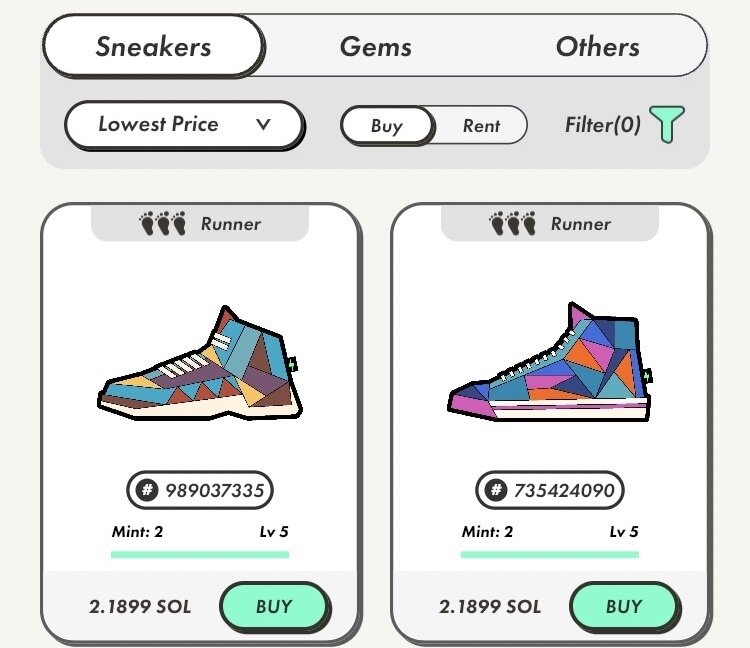
Once you have completed the registration, you can start exercising, but you will not be able to earn tokens. To earn tokens, you must purchase sneaker NFTs, and sneaker NFTs must be purchased with Solana, Binance, or Ethereum.
When you create a 6-digit password, you will be given 11 words. You must remember and write down the given words in order, and then enter them in the next step. You must remember and keep these words, as you can only find your wallet if you lose it, so be sure to write them down.
Once you have created your wallet, you need to purchase coins from a domestic exchange and transfer them to your STEPN wallet. If you are not a member of a domestic or foreign exchange, please refer to the link below for related procedures.
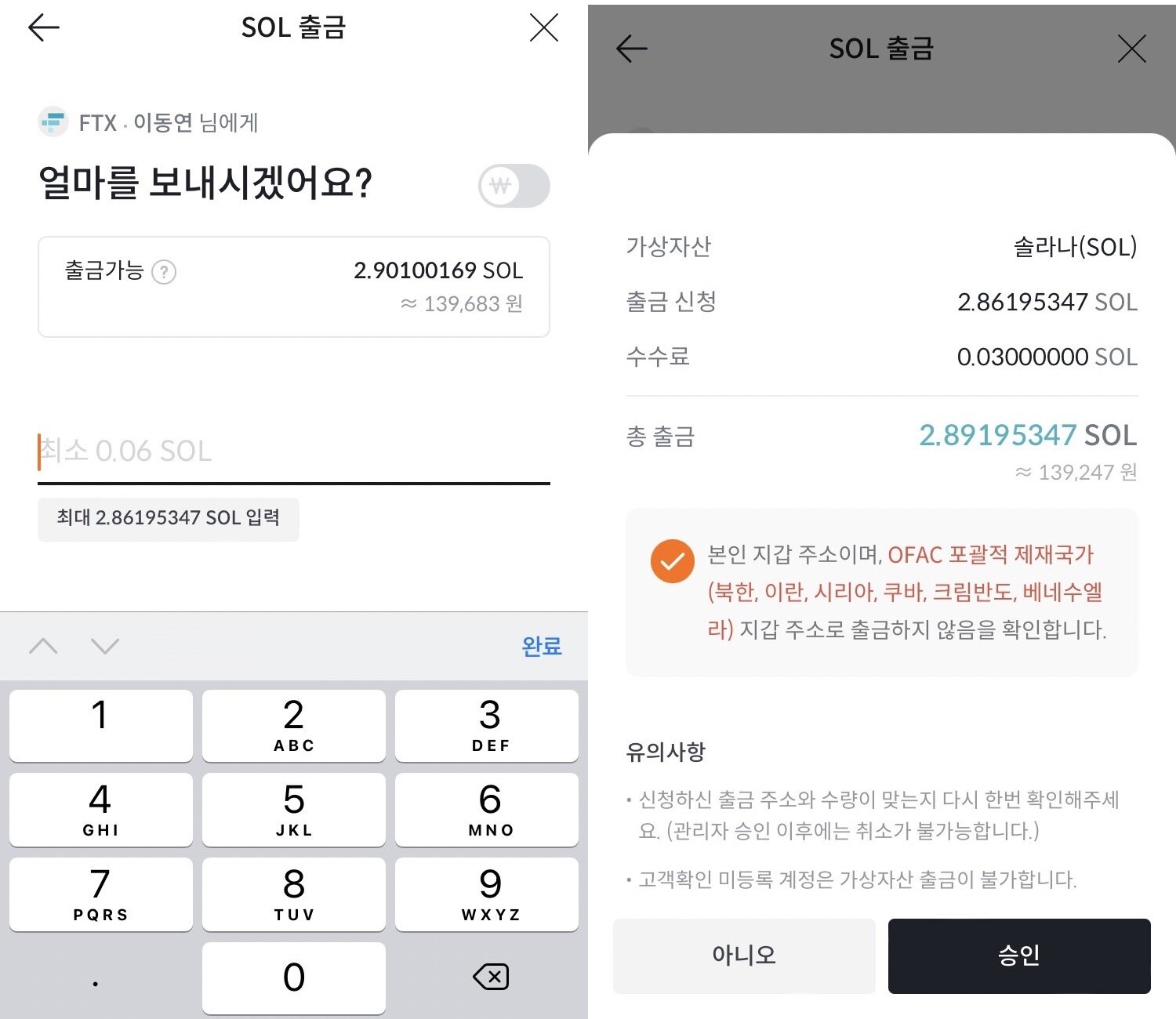
Then, after purchasing coins from Bithumb or Upbit, let's press the coin withdrawal button. Here, we will purchase Solana from Bithumb. If you touch Solana withdrawal, you will be asked to enter the withdrawal address. Due to the Travel Rule, in order to send coins to the STEPN app wallet address, you must first send coins from a domestic exchange to a foreign exchange, and then send coins from a foreign exchange to the STEPN app.
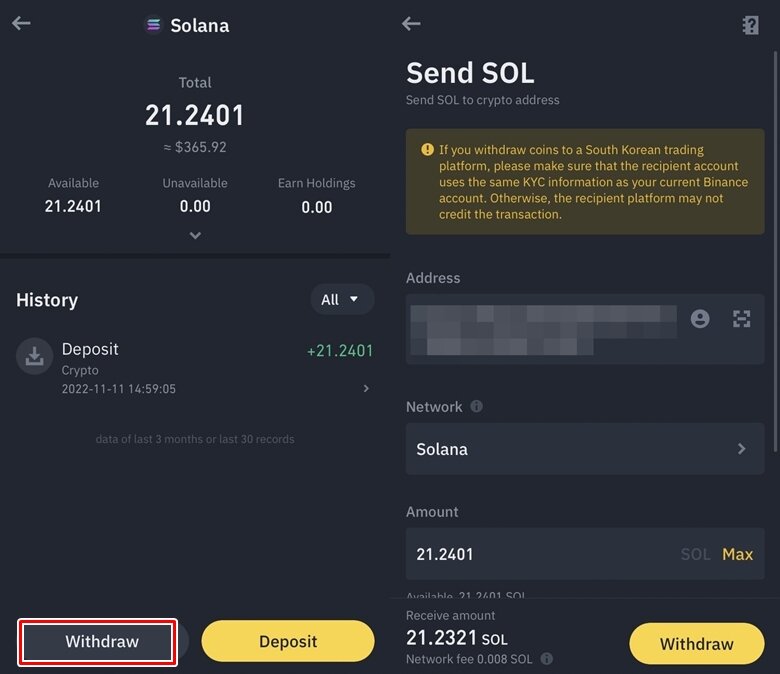
Run the overseas exchange Binance app - Touch the Deposit button - Search for Solana (SOL) to find and copy the Solana wallet address to deposit to. Go back to Bithumb and paste the copied address in the place where you enter the withdrawal address, enter your name / English name and complete mobile phone authentication to send coins to the overseas exchange.
When you send coins overseas, you must get approval from the exchange. It takes 2-3 minutes if it is short, and about 1 hour if it is long. Once approved, the coin transfer to the overseas exchange will proceed.

Once the transfer to Binance is complete, it is time to move the coins from Binance to the STEPN app. Press the wallet icon in the menu below, then touch the Withdraw button - Search and select Solana (SOL), enter the Solana wallet address and amount copied from the STEPN wallet, and then complete the second authentication to complete the Solana coin transfer to the STEPN wallet.
To purchase sneakers, you need to transfer Solana coins to Spending instead of Wallet. You can transfer Solana coins by clicking the Transfer - To Spending button in order. Once you purchase sneakers with the transferred Solana coins, the purchase is complete.
게임파이 인벤기자
2022-10-24