Post
WD SSD 500g Western Digital Blue SN570 M.2 NVMe Benchmark and Review
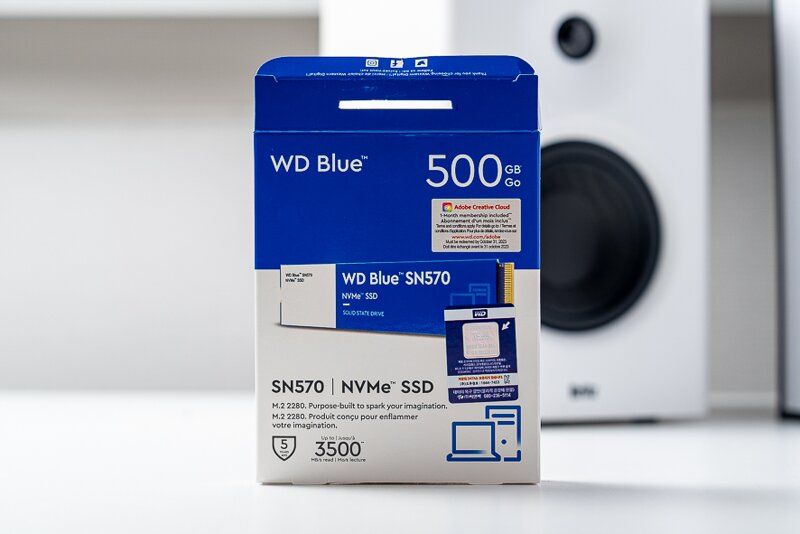
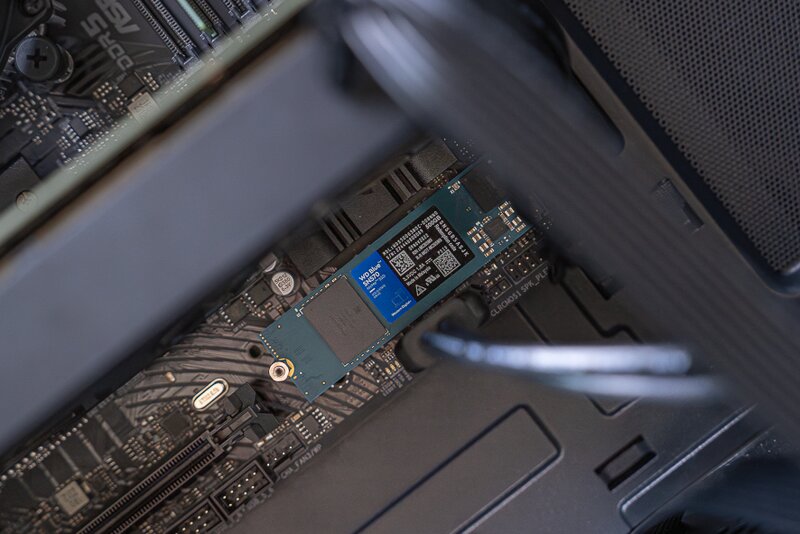
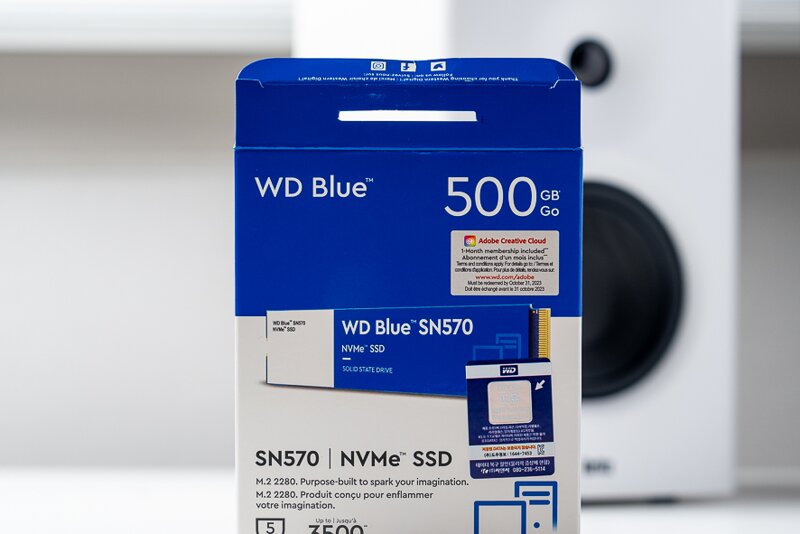

The official model name is Western Digital WD Blue SN570 M.2 NVMe. The capacity is divided into 250GB, 500GB, and 1TB. Even if you are a light user, I recommend avoiding 250GB. If you use it as your main drive, it will be ridiculously insufficient because Windows has a basic capacity, and you need at least 500GB to make it worthwhile. If you are a user who enjoys high-spec programs or games, it is right to go with 1TB.
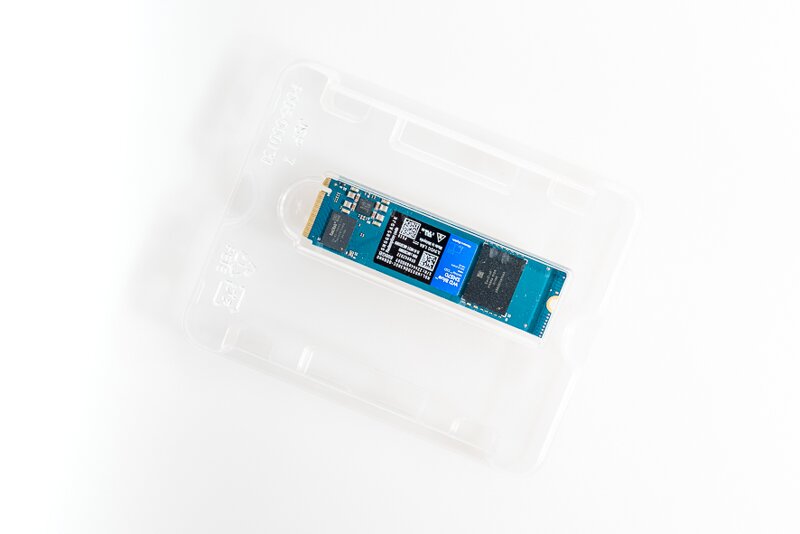
Simple and clean packaging. Recently, SSD 500g products including heat sinks have been released, but I didn't feel the need for them separately because they have excellent heat dissipation capabilities. We will check it through the benchmark below. The size is M.2 2280, which is the most common size. PCle3.0 x 4 is applied and has a spec of 985Mb/s per lane. You can get a sense of how much it is when you multiply by 4.
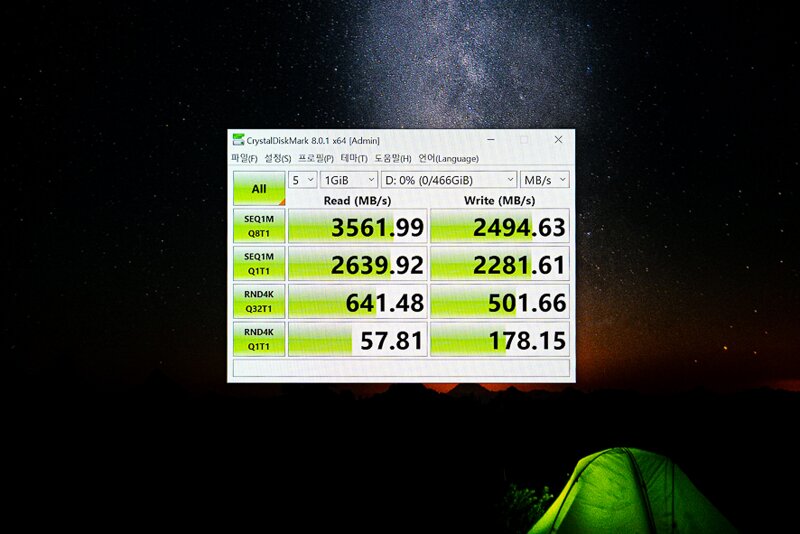
Let's go straight to the benchmark. The spec sheet states that the maximum read speed is 3,500MB/s, but when I actually ran it, I was able to confirm that it was running accurately. The write speed is 2500MB/s, which is slightly slower than the read speed, but this level of spec is more than enough for general users. It also has advantages in high-spec games or tasks such as Lightroom and Photoshop.
Speaking of games, be sure to enjoy Game for free, and be sure to pay a reasonable price for paid games or software...

I also checked the temperature. The basic temperature was maintained at 40℃ even without any work, and based on my usage, it never exceeded 50℃. This is a stable level.
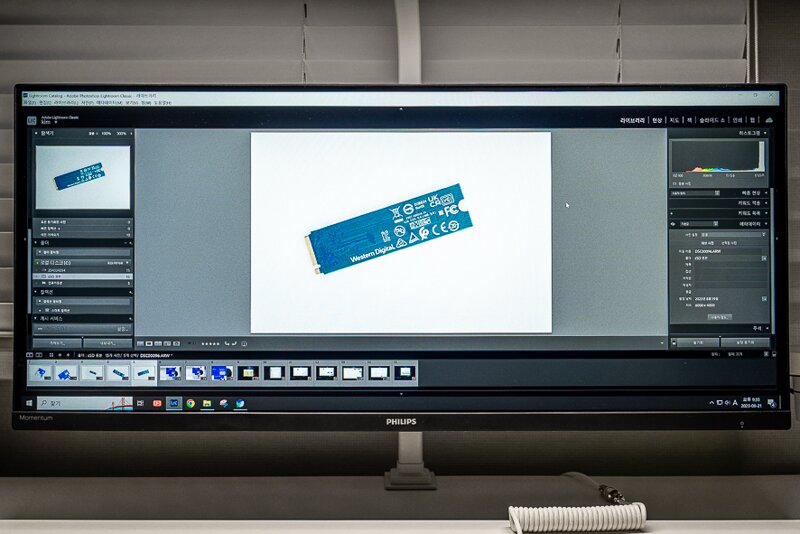

I don't enjoy games, so I focused on whether it works smoothly in Lightroom, which I mainly use. It definitely moved data more smoothly than what I used before, probably because there was a lot of improvement in terms of speed. The video below shows the process of moving photos taken in arw files from a memory card to a Western Digital ssd 500g storage device. Of course, the three elements (storage device + reader + memory card) must work well together, but I was able to confirm that it was transferred at a surprisingly fast speed.

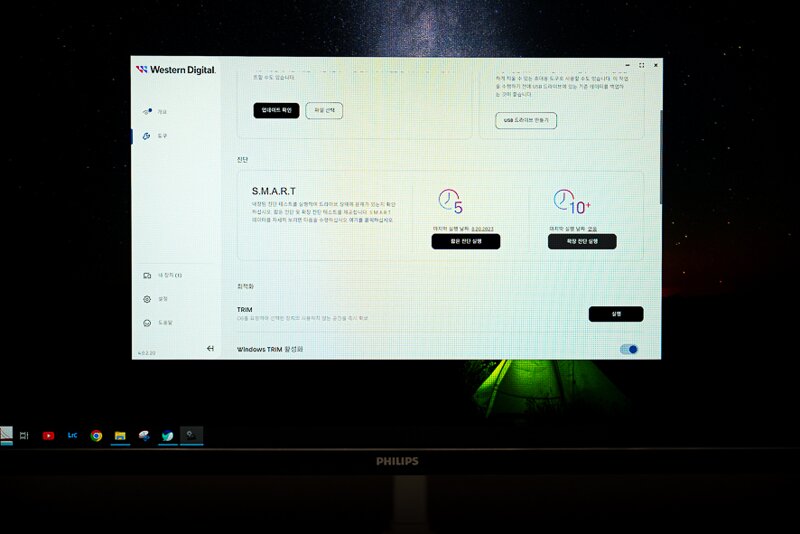
Smart diagnostics checks whether there is a problem with the ssd 500g model through a test. I proceeded with a short diagnosis to save time, and it took about 1 minute, and of course, it hasn't been used for long, but it turned out that there were no problems. Extended diagnostics take quite a long time, so you can use them when you have time.
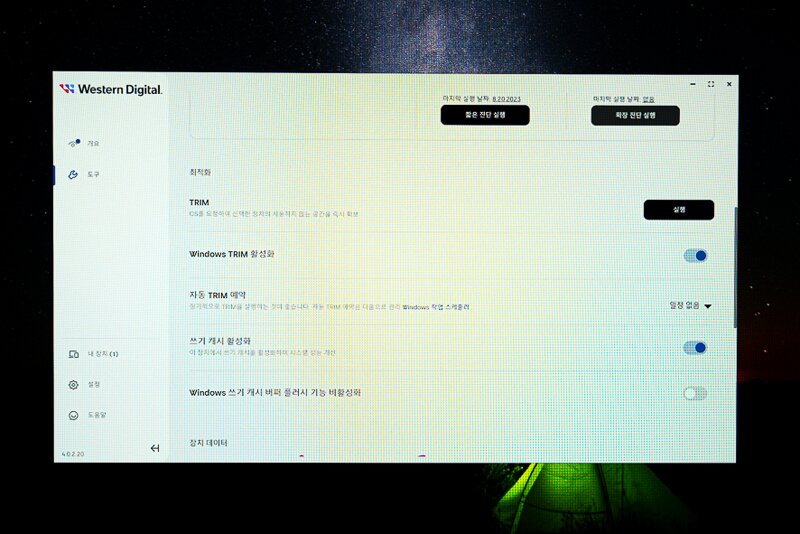
In addition, there are optimization-related functions, but these are definitely functions that people who don't know much about computers may find unfamiliar, so it may be a bit burdensome to use, but the definite thing is that it is done with the intention of making it better, so you can activate it as needed. TRIM judges accumulated data on its own and deletes it after a certain period of time + low usage frequency. It helps to use a wider space.
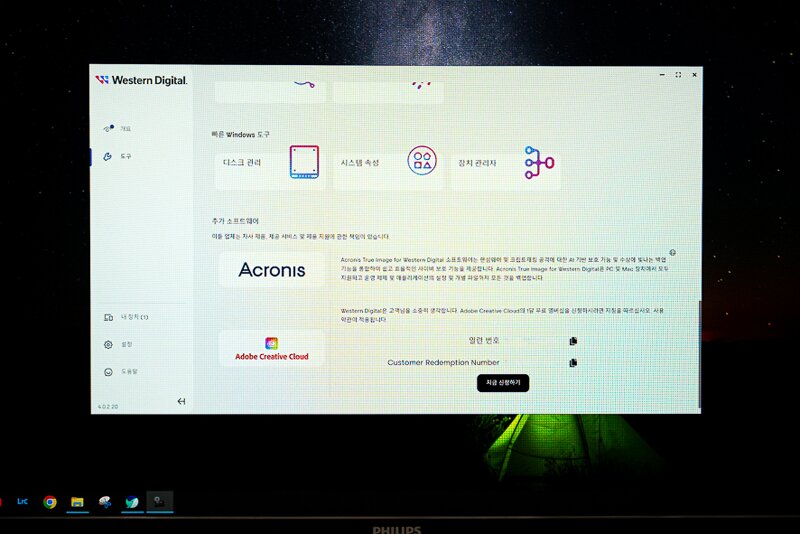
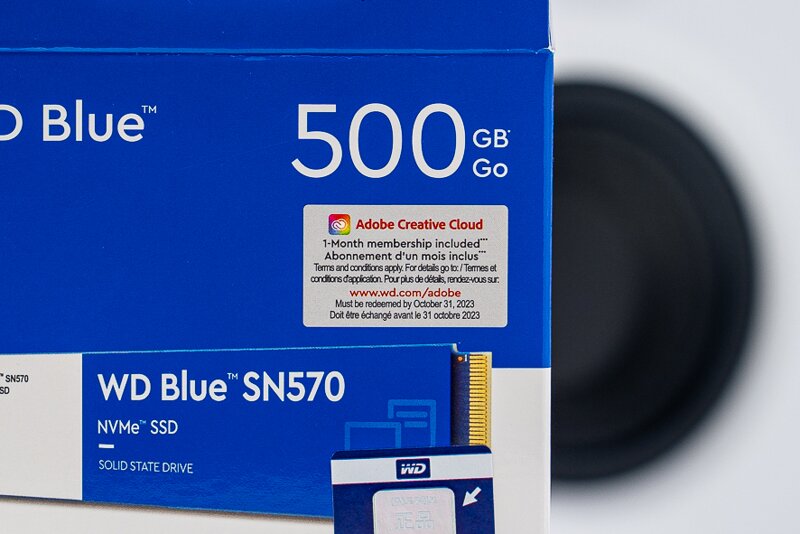
I'm not sure if this applies to all Western Digital models, but this model comes with a promotion that allows you to use Adobe Creative Cloud for one month. 30 days is a short time, but I'm still using it quite usefully. The application method can be done in the dashboard as well. Just press the Apply button and proceed.
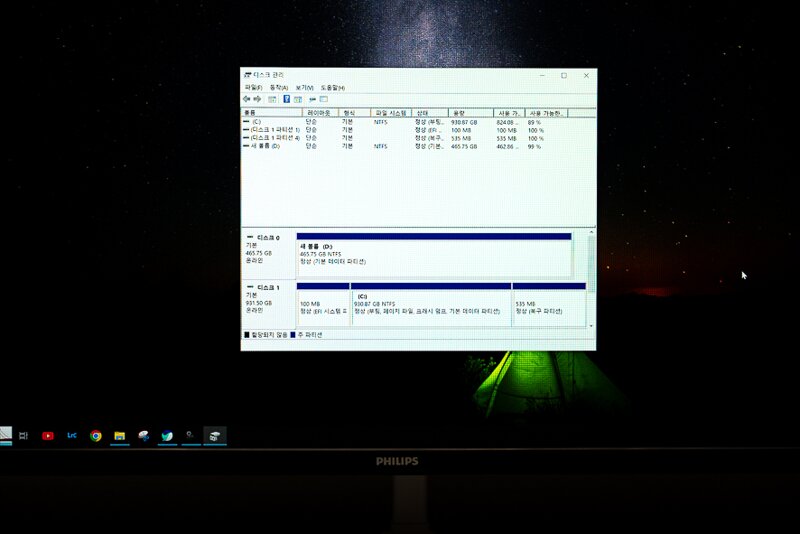
For reference, some people mistakenly think that there is a problem if it is not recognized immediately after being installed on the motherboard. After installation, you must go to the disk management item and activate it separately for it to be recognized and work normally. Please refer to this... This concludes the Western Digital SSD 500g review. Thank you.

IT 인벤 유저리뷰사용기잡블
2023-08-21