Post
Alphascan 32-inch Monitor AOC Q32V3S QHD IPS 75
Hello, I'm Gajaebubu, an IT tech blogger. Today, we'll be reviewing the ALPHASCAN AOC Q32V3S QHD IPS 75 monitor, which is great for office work and for enjoying various OTT services such as YouTube and movies at home with your computer.
First of all, the advantage of this monitor is that it's entirely white, making it a great product for those who have a white desk setup. I've put together a simple white minimalist desk setup, so take a look and consider it if you like it.
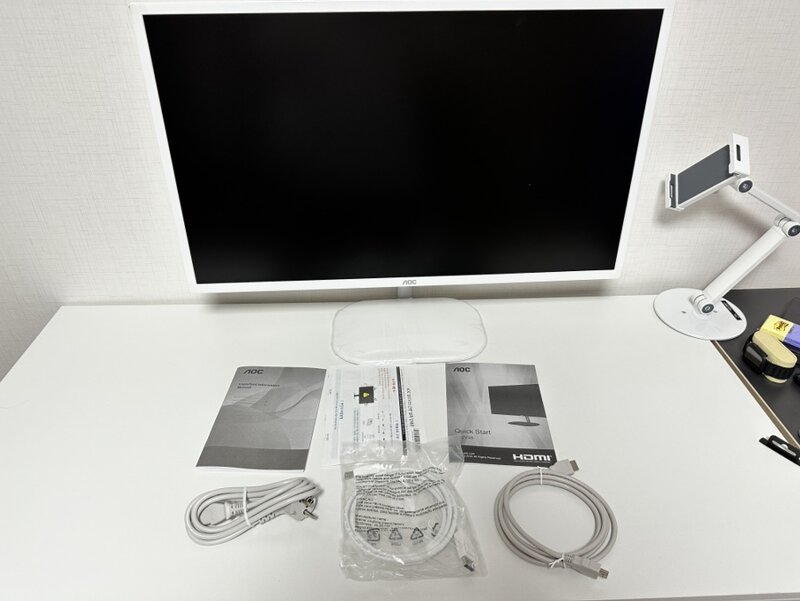

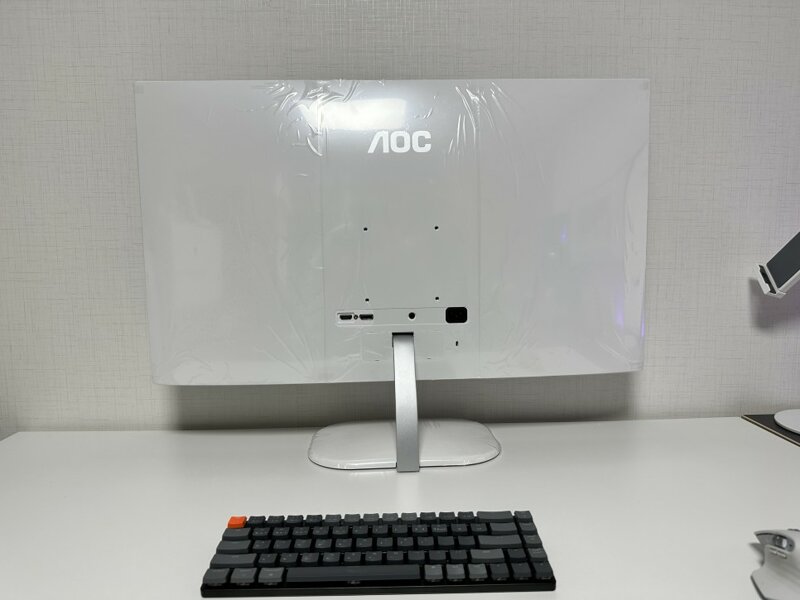
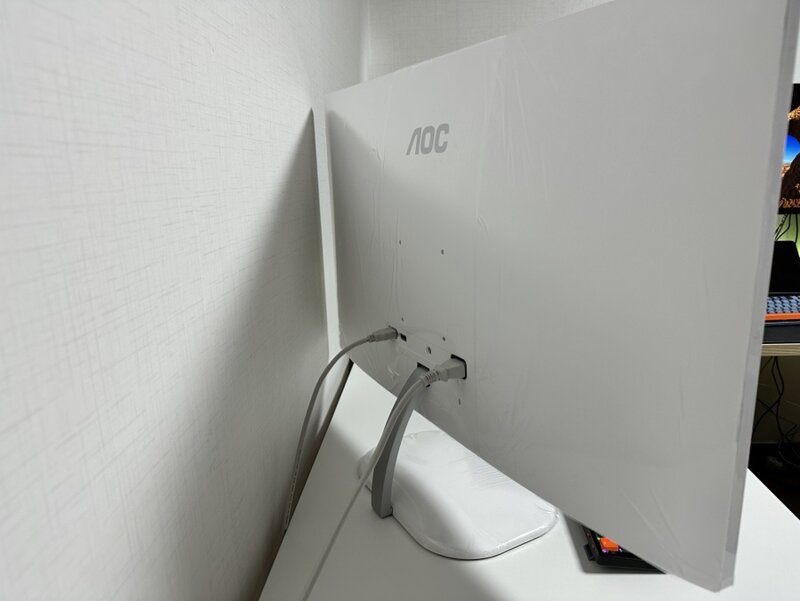
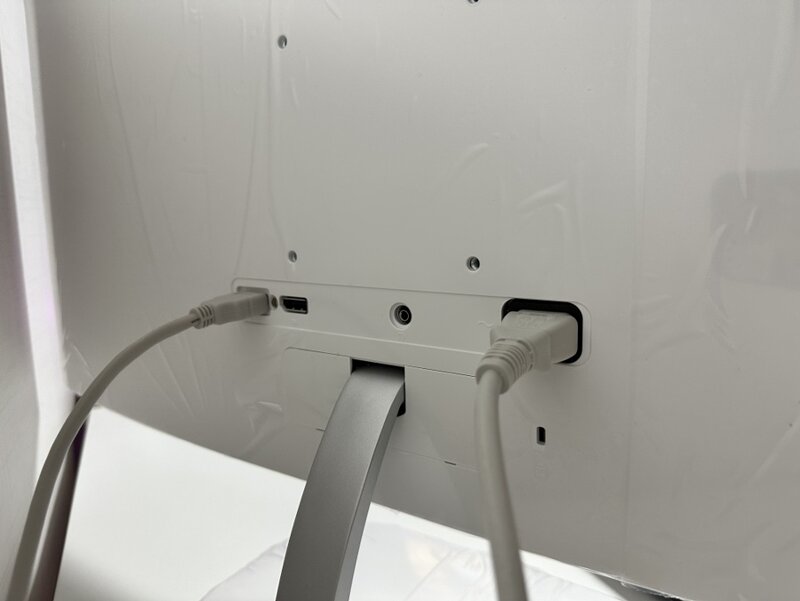 On the back of the monitor, there are HDMI and DP cable ports, and a power cable port.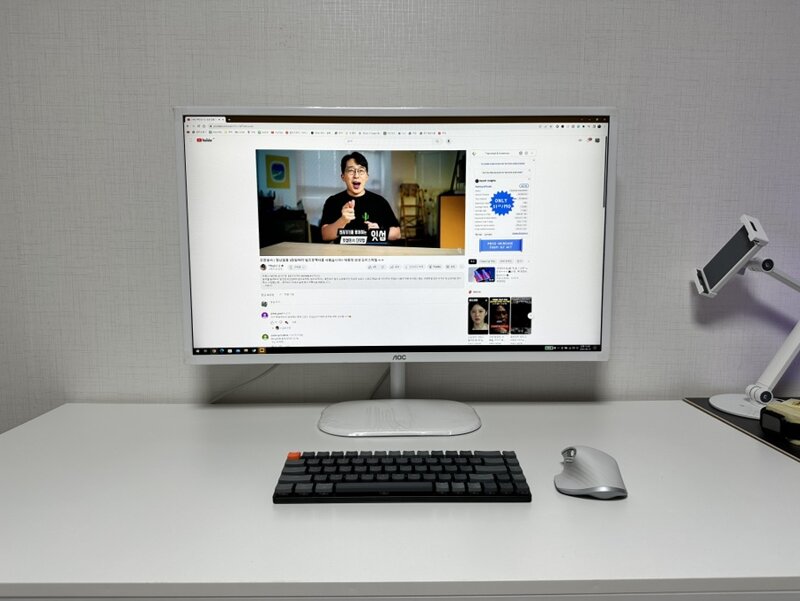
Looking at the specs, it's an 80.1cm, 32-inch 16:9 wide monitor with an IPS panel, flat panel, wide viewing angle, 2560X 1440 (QHD), maximum refresh rate of 75Hz, response time of 4ms, and brightness of 250cd. For eye protection, it has flicker-free, blue light blocking, anti-glare, and on-glare features, making it excellent for eye protection.
In addition, it also has chroma subsampling, fixed aspect ratio support, SW screen splitting, and i-MENU (mouse OSD menu setting) functions. For those who don't use a monitor stand and use a monitor mount, the VESA hole is 100X 100mm, so please keep that in mind when purchasing.
Although it's a 32-inch 75hz monitor, it also has gaming-related features. It supports game mode, crosshair display, FreeSync and G-Sync, and Adaptive Sync, so you can play games in a smoother environment.
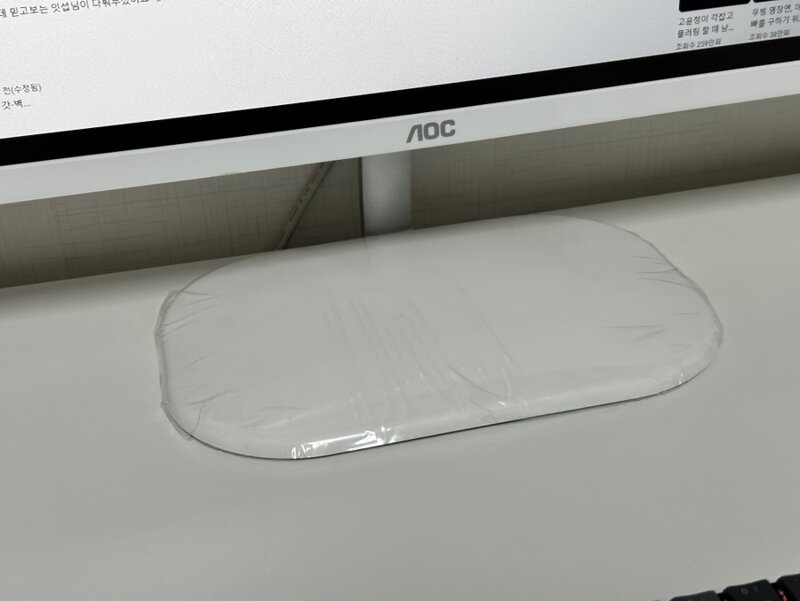
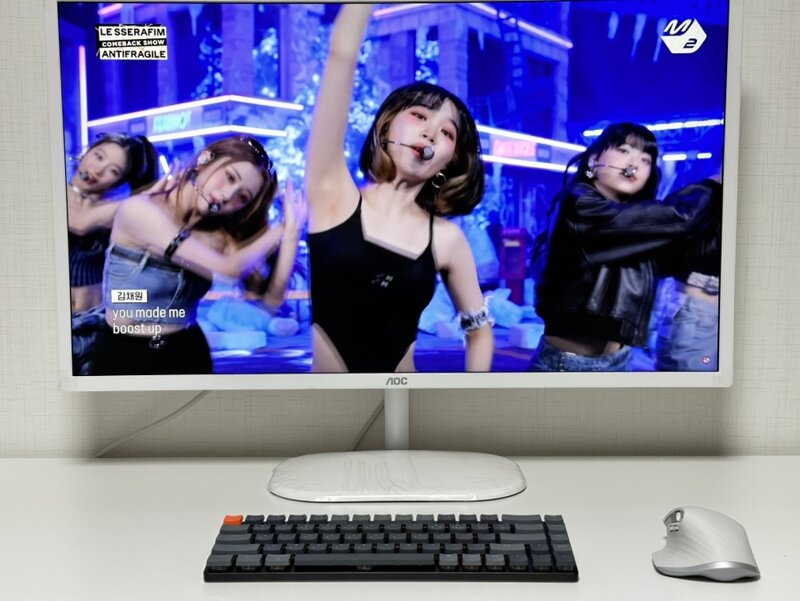
QHD monitors have several advantages. First of all, because they have a high resolution, they have clearer and more detailed graphics than FHD, making them suitable for those who do graphics work or video work. Also, when using services such as movies or OTT, you can watch them neatly and in detail, which increases immersion. In addition, because it provides a larger screen, you can see more of the screen than FHD when playing RPG games, which is advantageous.
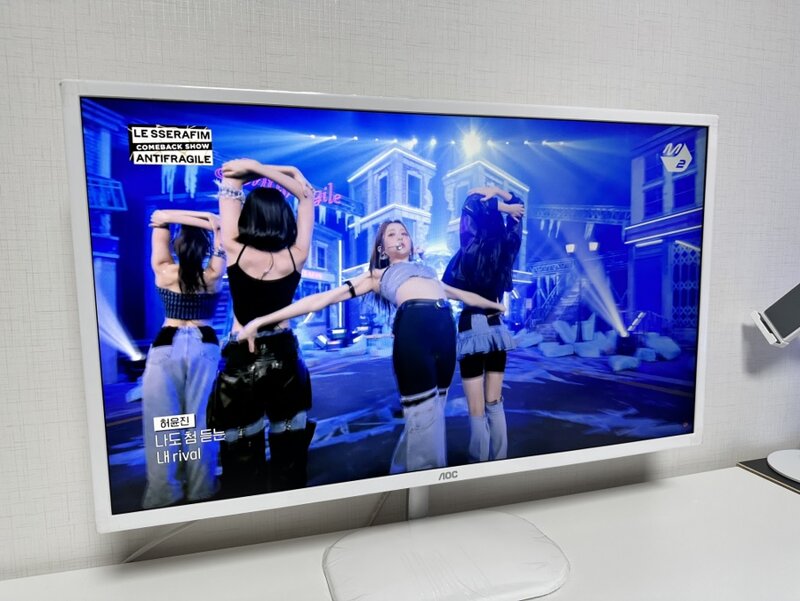
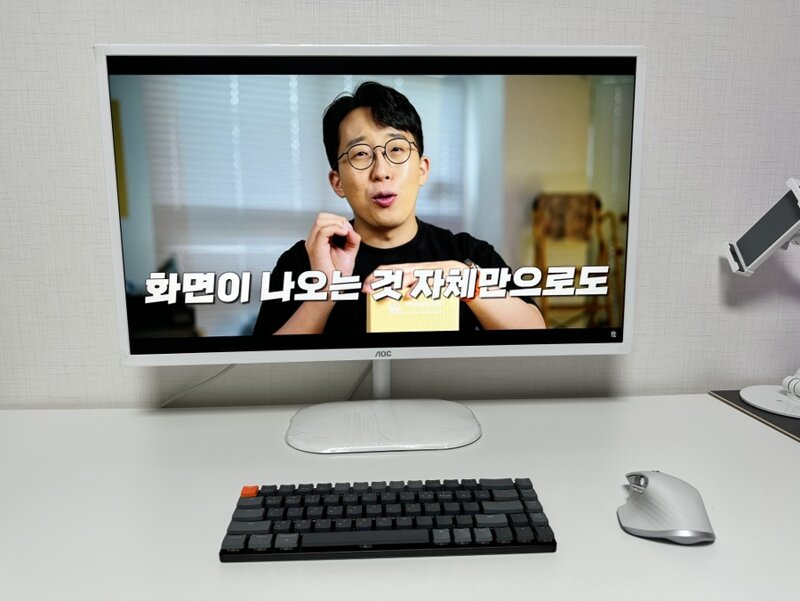
When watching QHD videos, you can clearly see that they are clear, neat, and detailed. It's fun to watch videos with the ALPHASCAN monitor AOC Q32V3S QHD IPS 75.
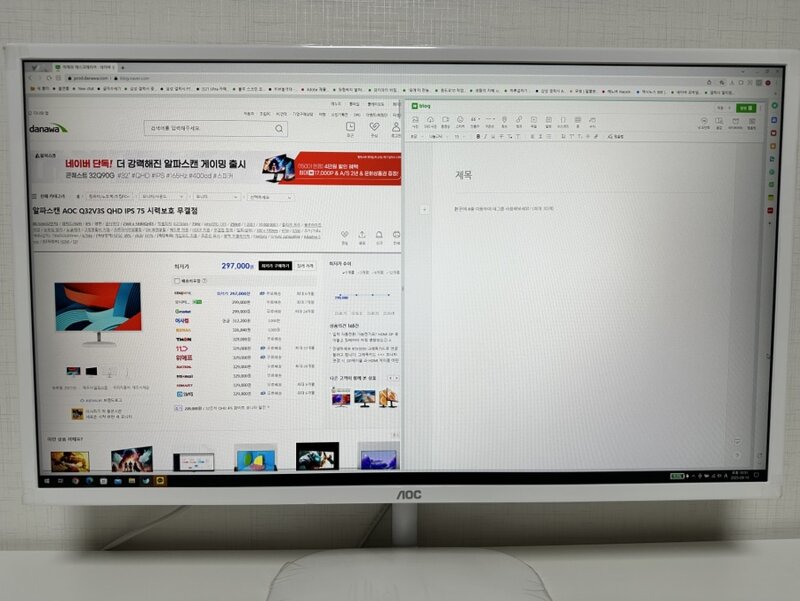
You can also use it for office work. This is using Naver Whale in 2 splits, but you can also split the screen using the options provided by ALPHASCAN. Using the Screen+ software, you can split up to 8 screens, and if you use it well, you can get the feeling of using two or more monitors with one monitor.
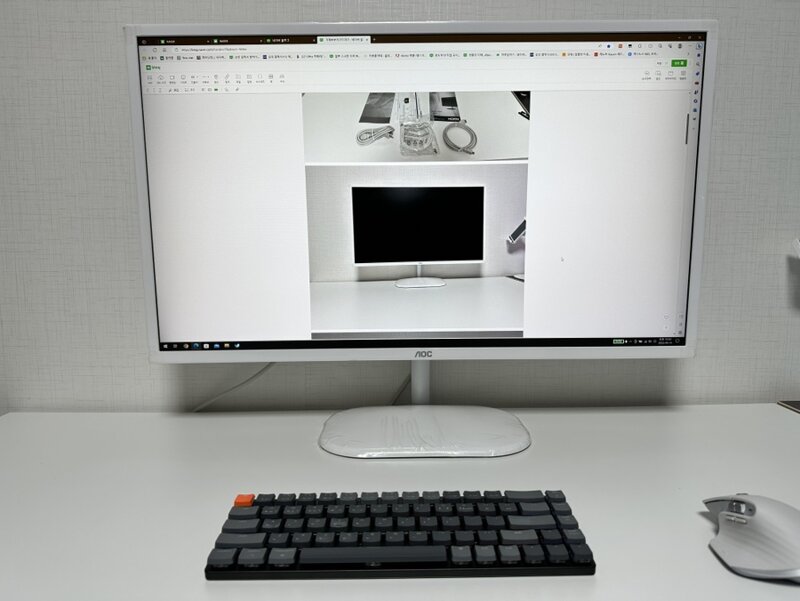
Of course, you can use it as one large screen like this. It's wide and open, so it's fun to post.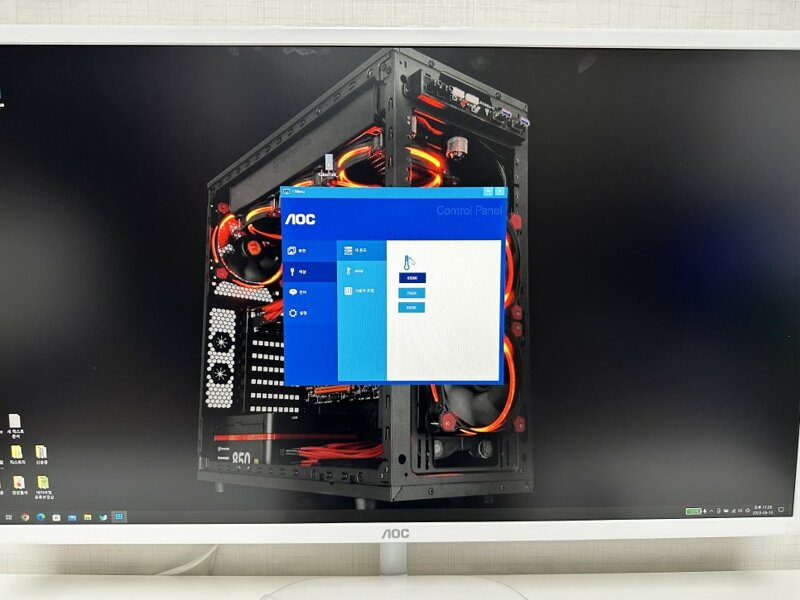
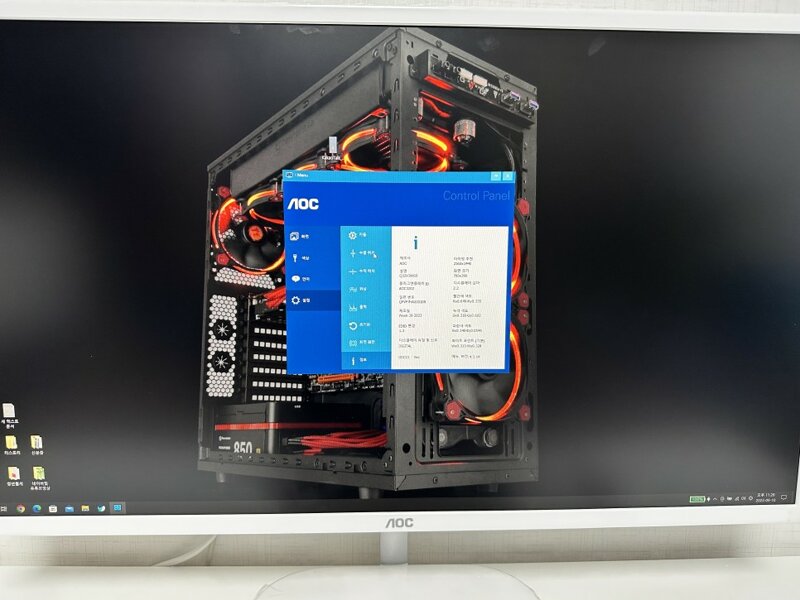
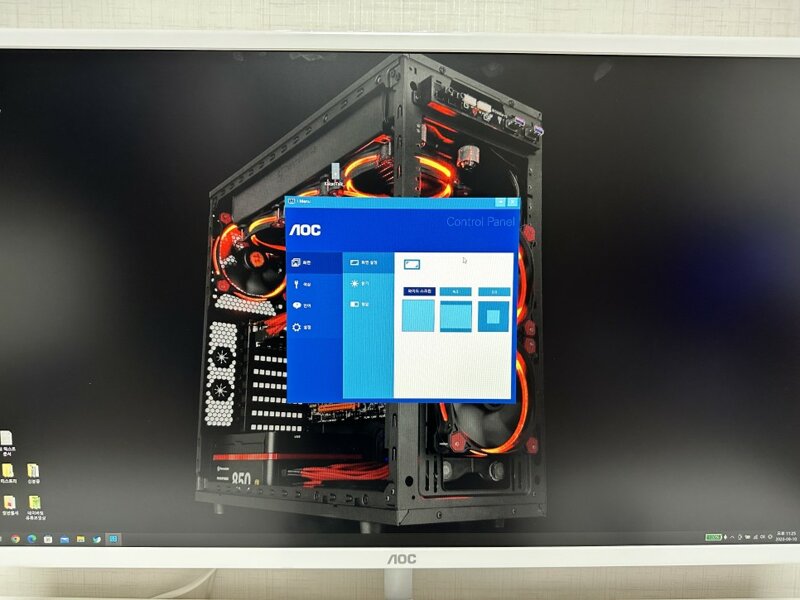
There is also i-Menu software. This software is a menu that softwareizes the OSD button on the monitor so that you can easily adjust the options with the mouse. It's really convenient. Customizing the monitor, which can be slow when using buttons, can be done quickly with the mouse.
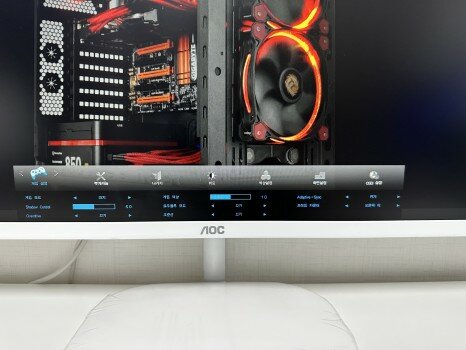
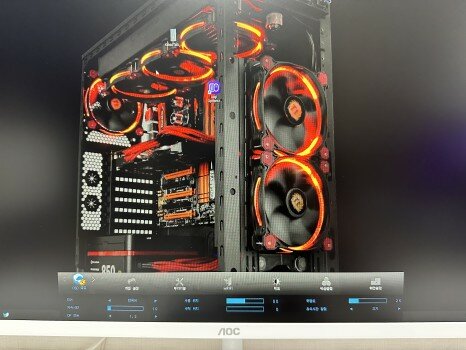
The OSD menu has various functions. It provides many functions such as game mode, a frame counter that tells you the frame, game color adjustment, a shadow control function that adjusts the in-game image, and a crosshair. You can play the game really comfortably depending on how you use it.
Today, we learned about the ALPHASCAN 32-inch monitor AOC Q32V3S QHD IPS 75 product. It can be used as a gaming monitor and also as an office monitor, so it can be seen as a hybrid monitor. If you need a large monitor for both casual gaming and office work at home, why not consider the ALPHASCAN 32-inch monitor AOC Q32V3S QHD IPS 75? Then, see you in the next post!!
http://prod.danawa.com/info/?pcode=13355501

IT 인벤 유저리뷰사용기이슈레인
2023-09-10