Post
What's the most efficient vault choice? How to use the item appraisal simulator.
You can also set specific combat situations as needed
In addition to this, it offers various functions such as Droptimize and Quick Sim

'Which is better, A or B?' 'I got this from the vault, what should I choose?' These are common concerns when playing WoW. With Season 3 opening, these concerns will be more frequent due to the nature of early seasons where item replacements are common. SimulationCraft (hereinafter SimC) is an addon that helps solve these concerns.
In fact, SimC has various functions. Among them, the most representative function is calculating which equipment can produce the best DPS. Because it is based on computer calculations and statistics, its accuracy is considerable, so you can trust and refer to it. So, how do you use SimC and what other functions are there? I've briefly summarized it.
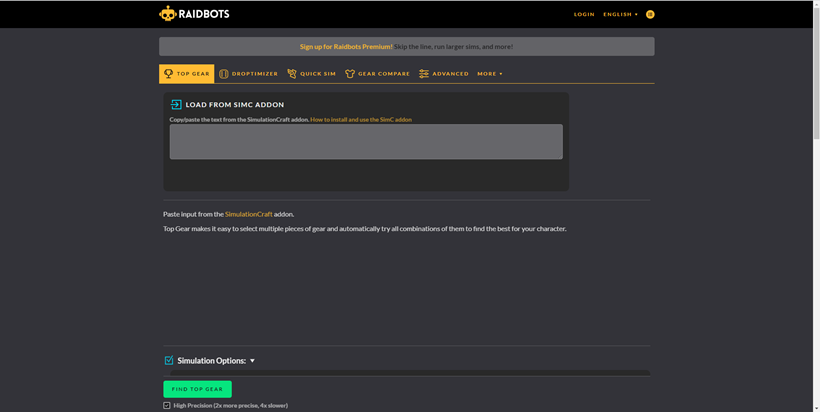
To use SimC comfortably, we recommend installing the SimC addon. When installing the addon, you can quickly retrieve character information and easily use SimC.
Of course, you can use it by directly entering your ID on the site. However, there may be inconveniences such as slow character information update speed and inability to use Top Gear.
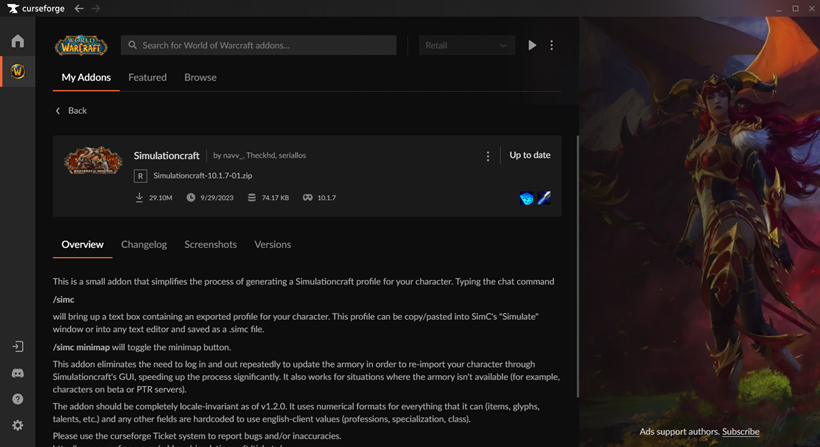
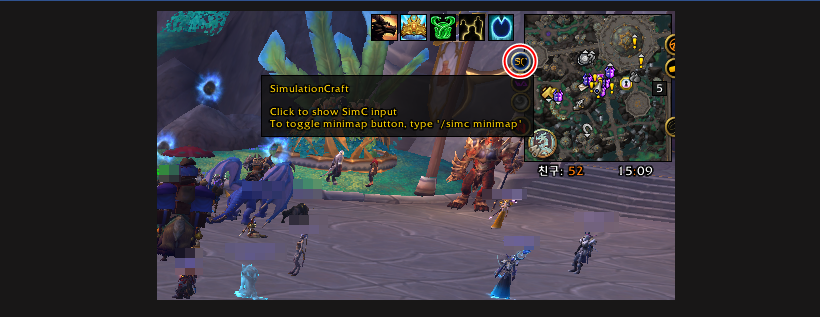
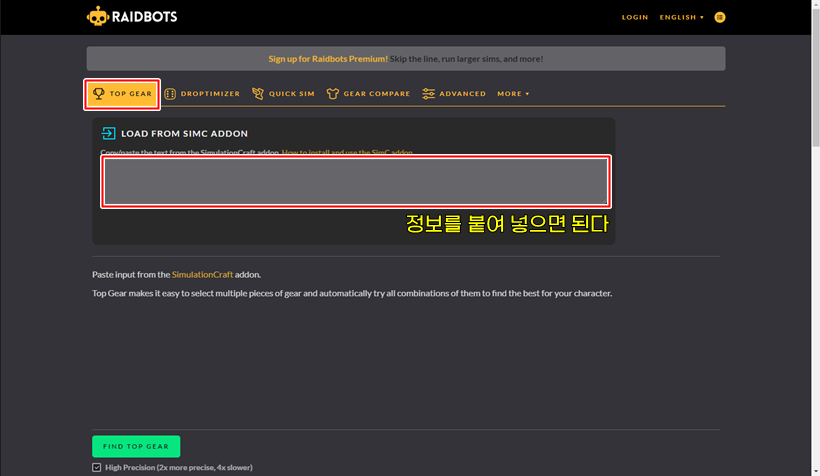
#1 In-game, select the SimC addon and copy the character information (Ctrl+C)
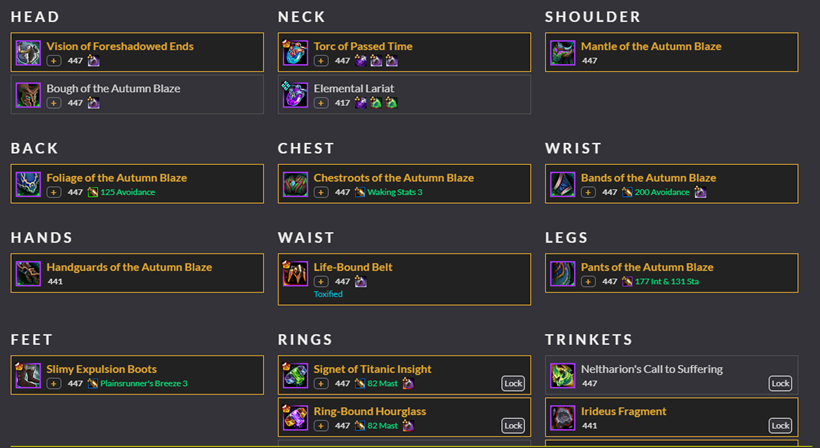
#2 Paste the character information into the Top Gear tab of the Raidbot site (Ctrl+V)
#3 Select the equipment you want to compare
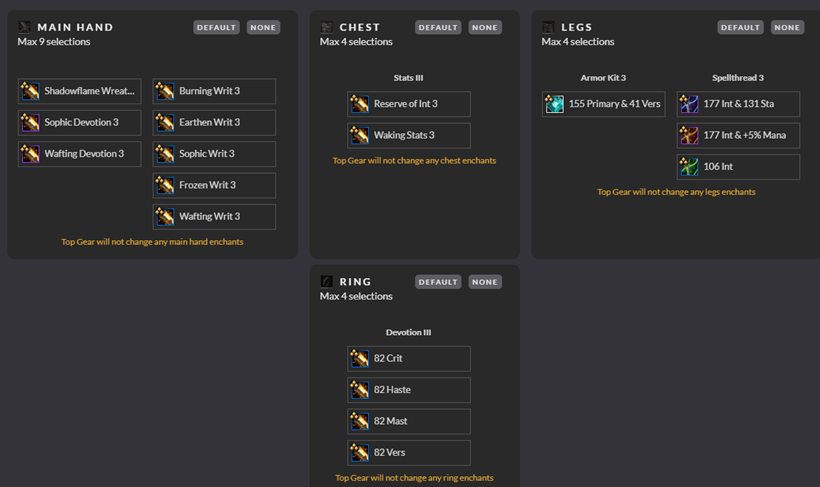
#4 Check other conditions such as enchantments, gems, and talents below
#5 Select simulation options (see explanation below for options)
#6 Click the Find Top Gear button and check the results
If you are not familiar with SimC, you may not know how to select simulation options when using it. In fact, you can use it as is with the default settings without touching anything.
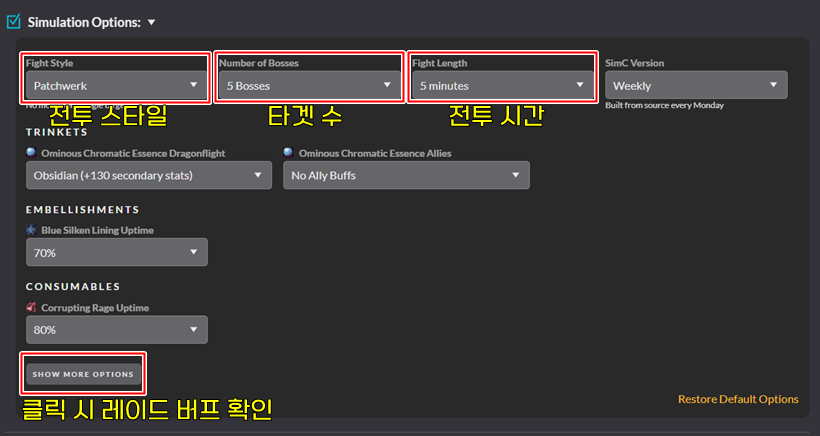
However, if you want to get more detailed information, it is good to adjust some options. For reference, the options to adjust are Fight Style, Number of Bosses, Fight Length, and Raid Buffs.
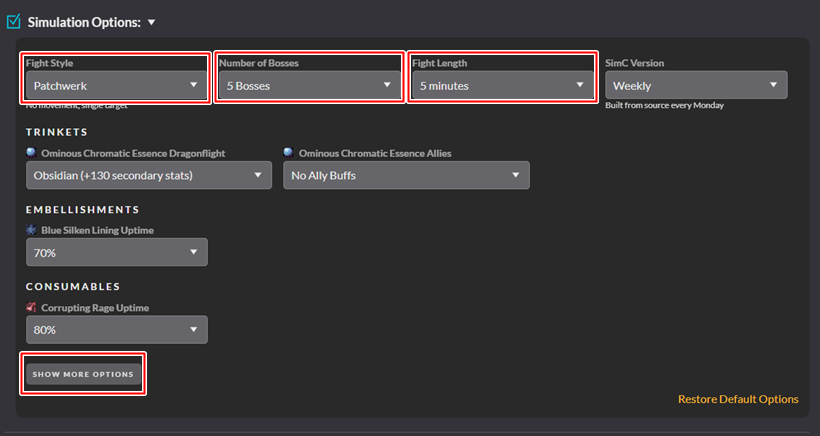
Fight Style literally means combat style. The main options to choose are Patchwerk, Dungeon Slice, and Hetic Add Cleave. Patchwerk is the most basic combat style, and you can think of it as attacking a training dummy.
Dungeon Slice is a combat style related to Mythic+. It assumes a Mythic+ dungeon is in progress for about 6 minutes. Hetic Add Cleave means dealing with a boss that periodically spawns adds during combat. In SimC, it assumes 5 adds that last for about 40% of the total combat time.
Number of Bosses means the number of targets. For example, if you set Patchwerk combat style to 5 Bosses, it means attacking 5 dummies. Fight Length means the combat time, and settings of 5 minutes or more are usually not used.
Raid Buffs means raid buffs, that is, all buffs that can be obtained in WoW. If you don't see the option, you can click the 'Show More Options' button to check it.
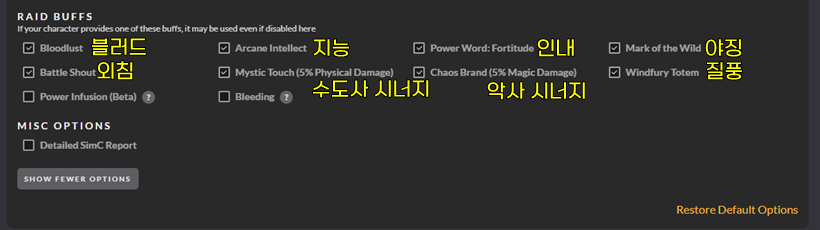
Based on the above information, you can set the options according to the situation you want to check. For reference, the SimC options that the reporter mainly uses are as follows.
- Single Target (Raid) : Patchwerk / 1 Boss / 4~5 Minutes / Raid Buff On
- Multiple Targets (Raid) : Patchwerk / Set according to the number of targets / 4~5 Minutes / Raid Buff On
- Mythic+ #1 : Patchwerk / 5~8 Bosses / 1~1.5 Minutes / Buffs excluding your own Off
- Mythic+ #2 : Dungeon Slice / Buffs excluding your own Off
※ For Mythic+, compare after using both 1 and 2, mainly refer to 1
※ In Mythic+, one pull usually takes 1~1.5 minutes, so set the combat time as above
※ Hetic Add Cleave is rarely used
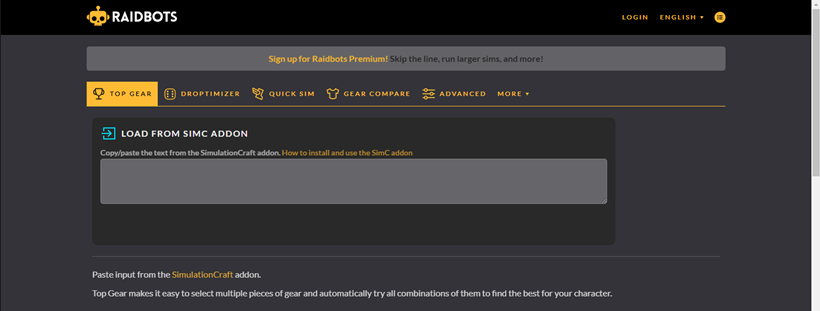
As you can see from the top tab, SimC offers various functions besides Top Gear. Among these, Droptimize and Quick Sim are useful functions.
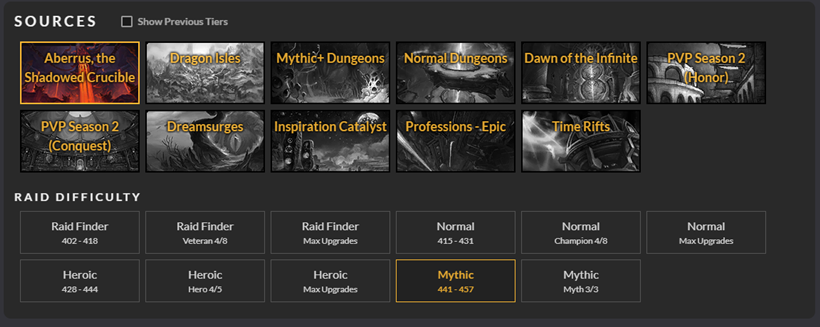
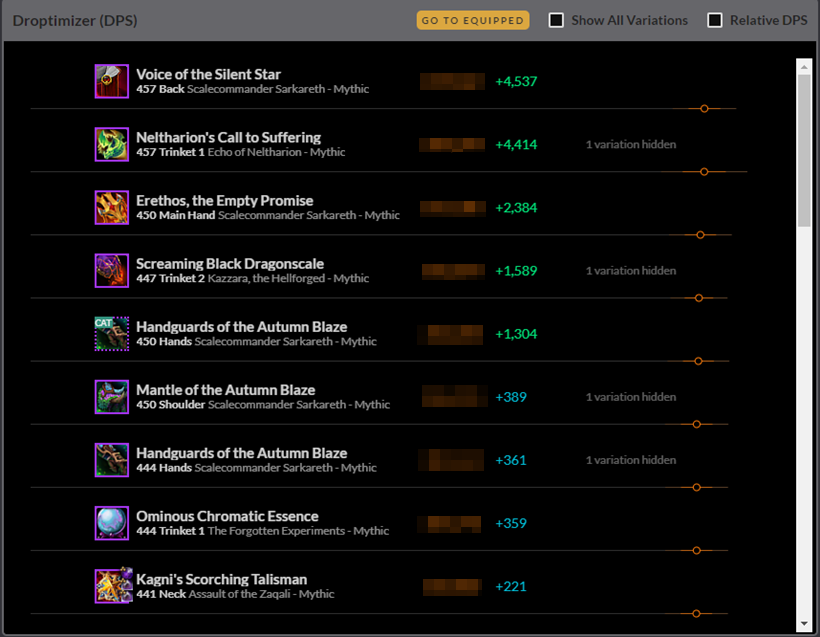
Droptimize is a function that allows you to check which equipment is suitable for you among the items that can be obtained from the content after selecting the content. It is especially useful at the beginning of the season when gear settings are frequent.
Quick Sim is a function that allows you to check the maximum DPS that can be achieved with the character's current spec. Through this, you can check the character's maximum DPS according to the situation. Additionally, the DPS cycle is also shared, so you can check whether you are running the correct cycle.
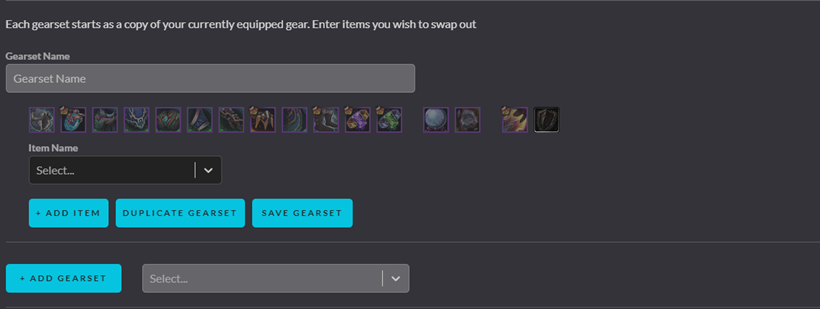
Gear Compare is a simplified version of Top Gear. If you want a simple equipment comparison, you can use this function. However, it can be cumbersome to use because you have to enter the item name directly in English.
World of Warcraft Inven하성철 기자
2023-10-11