Post
Which should I install first, 'DBM' or 'MRT'? Essential addons to prepare for Season 3
Easy addon management possible through Curseforge
4 essential addons: 'Meter' 'DBM' 'MRT' 'WeakAuras'
※ Before this article
- This article mainly covers addons that must be installed.
- We plan to cover additional recommended addons in the future.
Addons are features that you must install and use while playing WoW. They provide essential features that are not provided in-game, and also provide various convenience features, so addons are not an option but a necessity.
In some ways, addons may feel like a barrier to entry, but once you get used to them, they are valuable features that enable pleasant gameplay. The installation and usage methods are surprisingly simple, so once you get used to them, you can continue to use them comfortably.
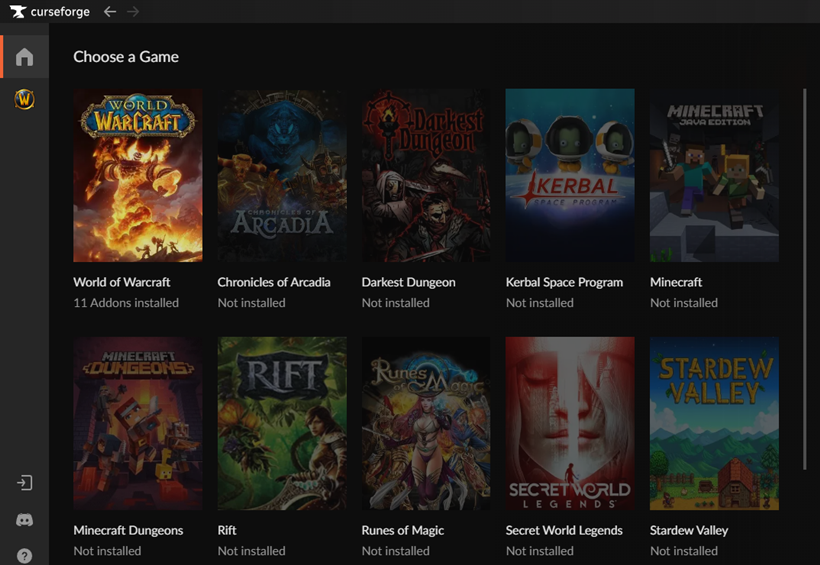
To install, visit the Curseforge website and download the app. After that, download and install the desired addon from the app. However, at first, you may not get a good sense of it and may not know what each addon does. If so, here's a quick summary of the essential addons that you must install.
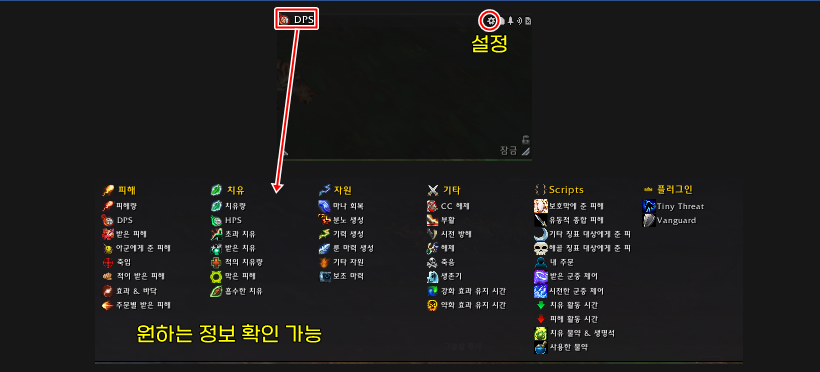
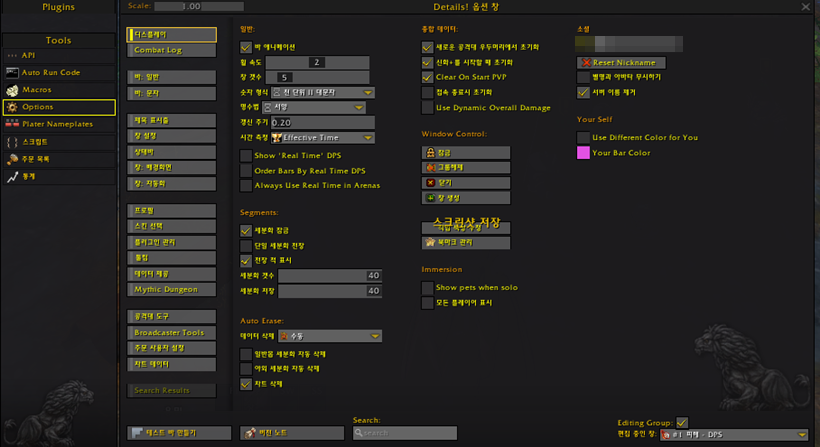
This addon allows you to check real-time combat data. It shows most combat-related elements numerically, and is usually used to check real-time deal/heal amount and total deal/heal amount. There is a saying that 'the meter number is the sense of hitting', and it is an addon that allows you to feel the fun of WoW through the deal/heal amount displayed as a number.
The meter also provides various other functions. For example, you can quickly check blocks, deaths, damage to specific enemies, and whether life stones, healing potions, and potions are used. Through this, you can quickly check and provide feedback in real time without logs on why you died or whose block was empty during raids or keystones.
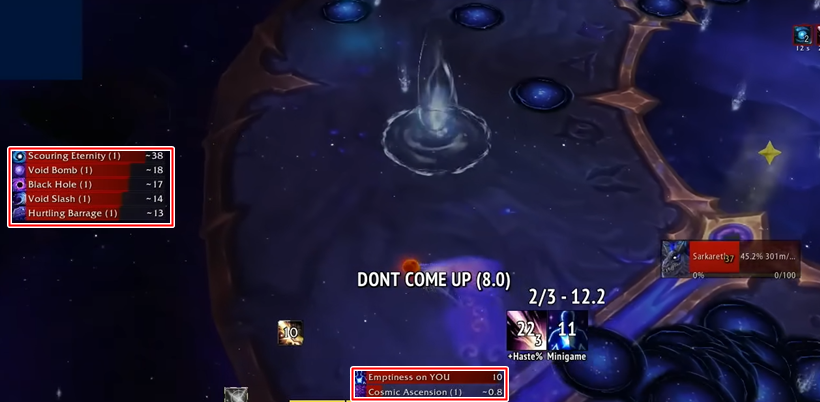
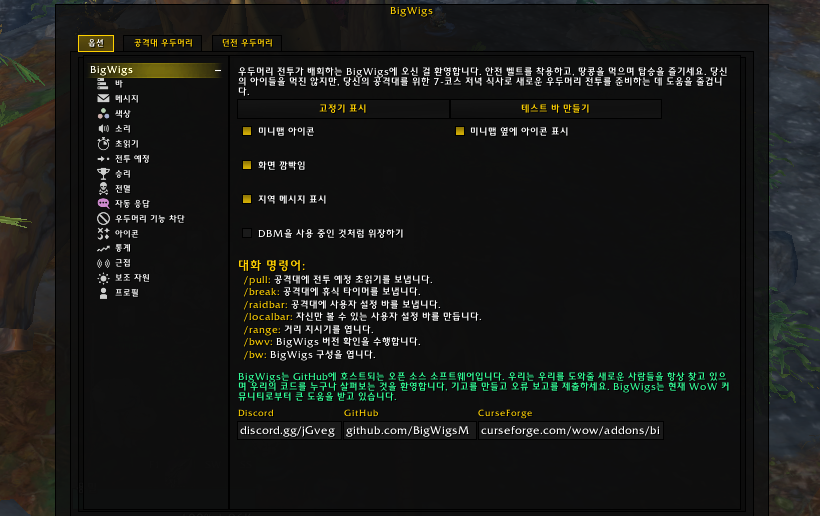
BigWigs, LittleWigs, and DBM are addons that tell you the main patterns in advance. Because they tell you the main patterns in advance, you can prepare for the upcoming pattern by preparing pre-work or survival skills. You don't need to install all of them, and you can install BigWigs (raid) and LittleWigs (keystone) or just DBM depending on your preference.
Personally, I recommend BigWigs and LittleWigs among BigWigs, LittleWigs, and DBM. In the case of DBM, it may feel distracting during play because it informs you of even minor patterns through loud noises, etc. However, if you are not yet familiar with WoW or prefer notifications that tell you more clearly, DBM may be more to your liking.
On the other hand, BigWigs and LittleWigs notify you with relatively simple alarms. In addition, it informs you of detailed elements such as frontal attacks, especially in keystones, allowing for more detailed play. Also, because it is an addon used by world first kill race guilds such as Liquid, Echo, BDGG, and Method, it is based on more accurate data and error correction is faster.
Also, it may be a matter of personal preference, but BigWigs has more sophisticated bar shapes and characters than DBM.

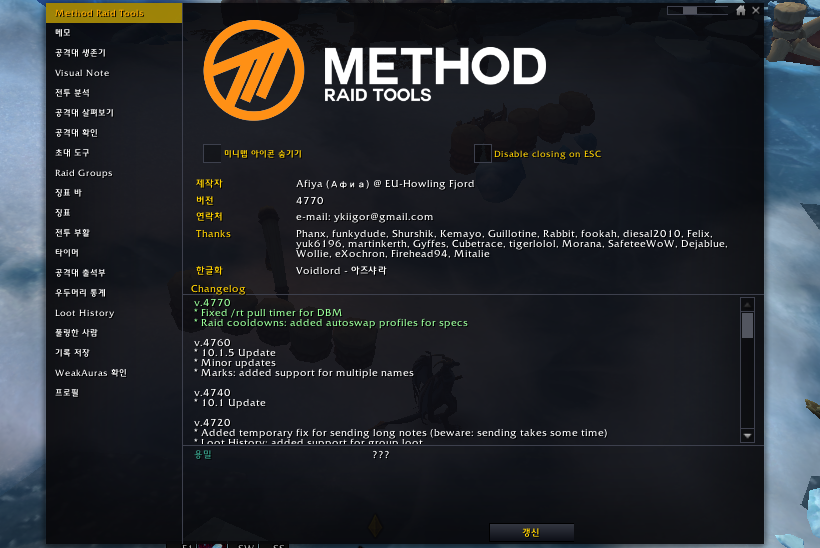
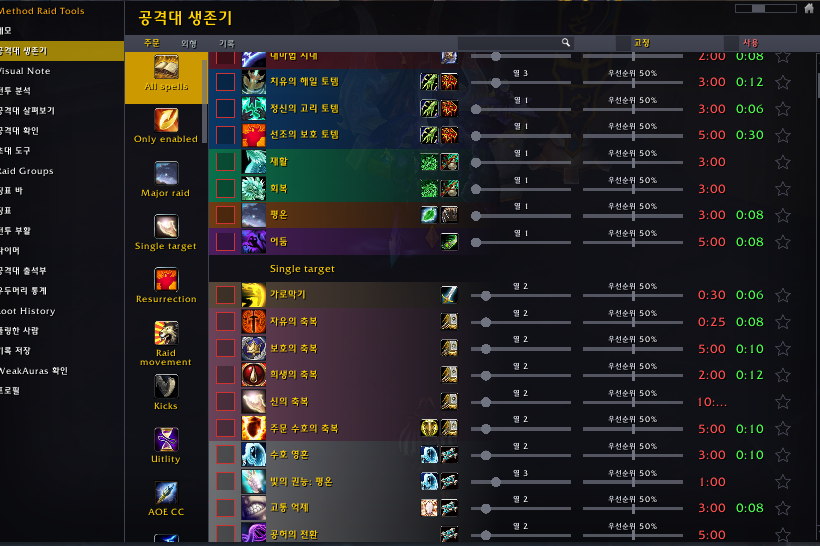
Method Raid Tool (hereinafter referred to as MRT) is an addon that must be installed when participating in raids. Basically, it is used to organize raid tactics such as cooldown memorization and special mission memorization. In addition, it is also used to deal with specific raid patterns along with WeakAuras, which will be explained later, such as the Stone Legion Generals of Shadowlands and the Echo of Neltharion this season.
Healers, in particular, who need to use promised cooldowns at the correct timing in raids, must install it. If you use the MRT memo highlight WeakAura together, it will help you use cooldowns at the right timing, so it is recommended to use it together if necessary.
In addition, it provides functions such as checking the cooldown of skills such as guild and party cooldowns and survival skills, and checking the availability and cooldown of combat resurrections.
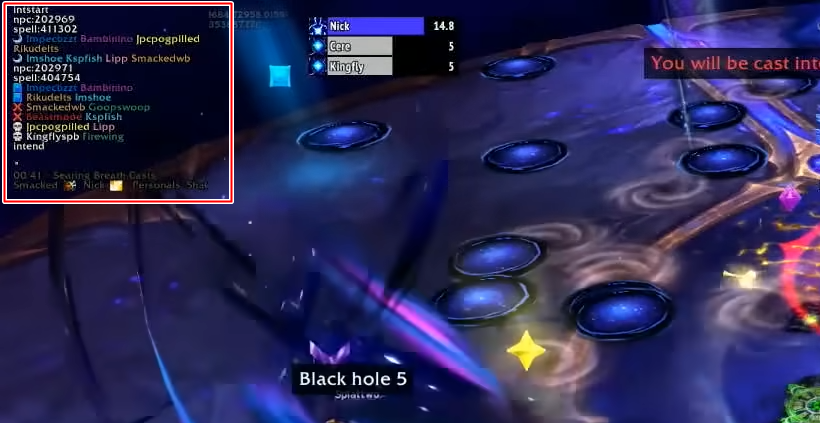
WeakAuras is a core addon that I personally think is the most important in WoW. It is an all-around addon that solves most of the difficulties, to the point that there is a saying that it is the World of WeakAuras. This addon not only has the function of simple aura tracking, skill cooldown tracking, and convenience, but also helps you easily solve difficult patterns in keystones or raids.
The usage method is simple. Find the WeakAura you want, copy the string, and paste it into WeakAura.
In fact, you can know the patterns in advance by using BigWigs and LittleWigs. However, if you focus on the game, you may miss it from time to time. Also, you can know in advance what pattern is coming, but BigWigs and LittleWigs do not provide information on how to specifically deal with it, and WeakAuras can solve these difficulties.
For example, WeakAuras greatly helps in solving patterns such as the direction of the outgoing charge target of the Charge Infusion target that targets 3 people and deals damage to the surroundings in the first phase of 'Storm Eater Razageth' last season, and finding holes in 'Echo of Neltharion' this season.
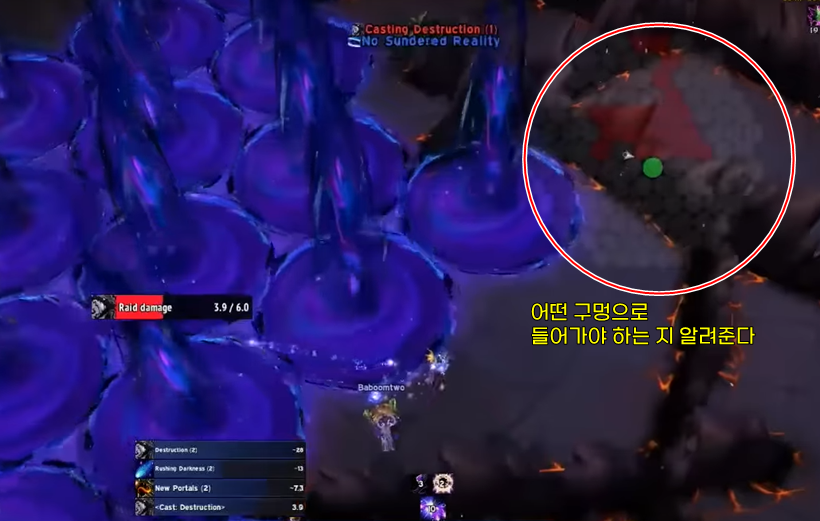
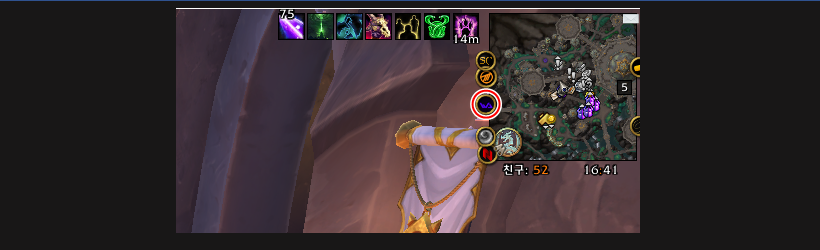
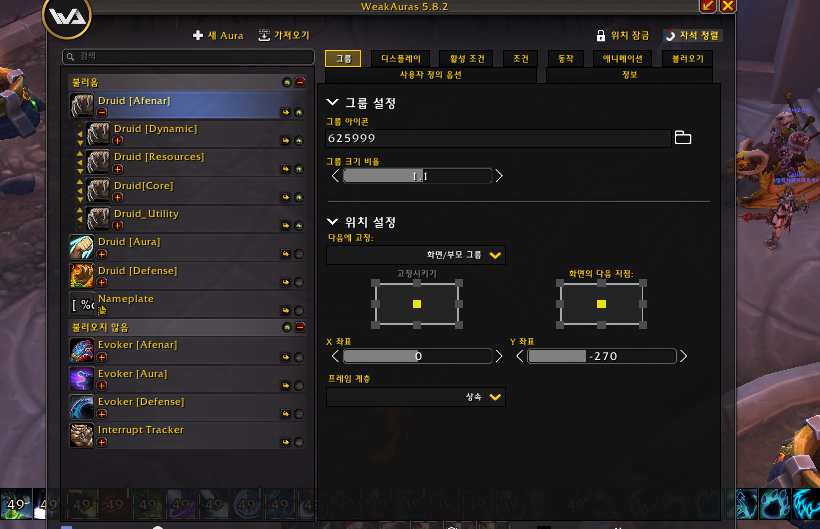
Also, as mentioned earlier, aura tracking and skill cooldown tracking functions are also applied to class WeakAuras, etc. If you place this near your character, the visibility will increase and you will be able to recognize your skills more quickly during the game.
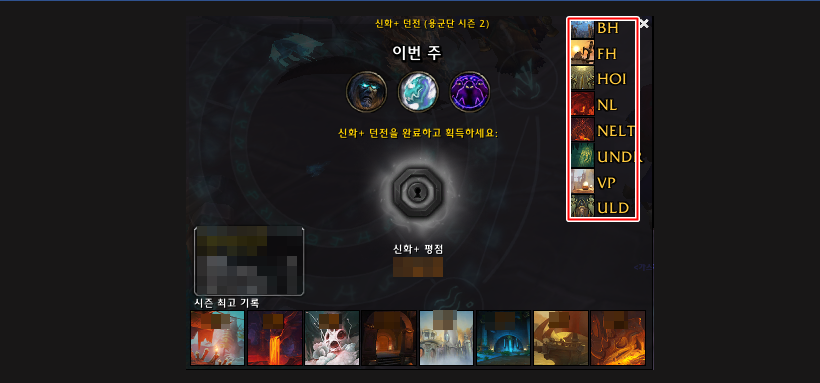
In addition, WeakAura also provides convenience such as alarms when you are targeted and allowing you to conveniently use keystone portals. In other words, WeakAura is such a powerful addon that almost everything in WoW can be solved with it.
World of Warcraft InvenHa Seong-cheol Reporter
2023-10-13