Post
CPU Cooler JONSBO CR-1000 EVO AUTO RGB Black
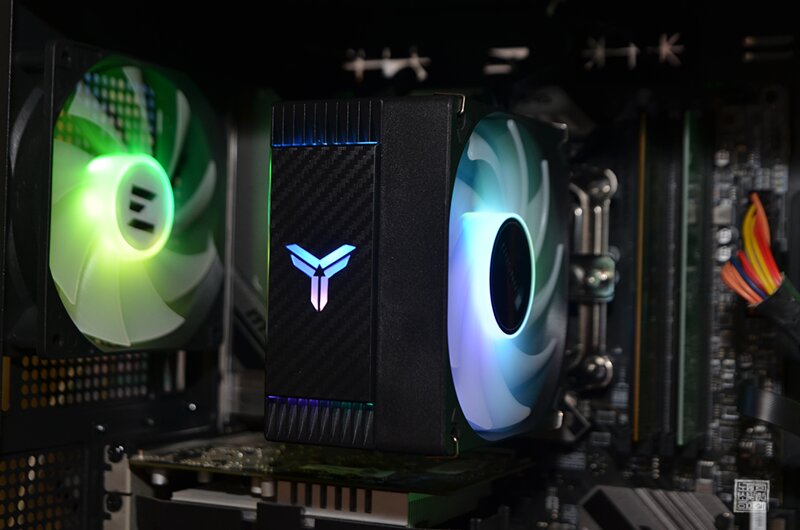
Most people who use computers tend to use air coolers or, in some cases, liquid coolers, rather than the bundled cooler that comes with the computer from the start. If you want to use your computer for office work such as word processing and Excel, you don't really need an air cooler or a liquid cooler, but if you want to play games or do media work that requires a little more performance, you need at least an air cooler.
There are plenty of air coolers on the market, ranging from cheap 10,000 won coolers to expensive 100,000 won+ coolers. Because of this, people who are trying to install an air cooler for the first time or who don't know much about computers get confused about which product to install. If you just think that expensive is better and buy it, you may not be able to return it because the height at which the CPU cooler can be installed varies from case to case.
Therefore, when purchasing a cooler, it is necessary to check the installable CPU cooler height of your computer case and purchase a cooler with good cost-effectiveness rather than just being expensive. I would like to actively recommend the JONSBO CR-1000 EVO AUTO RGB cooler, which was newly released by JONSBO, as one of the coolers with good cost-effectiveness. The price of this cooler is about 20,000 won, so there was no burden at all.
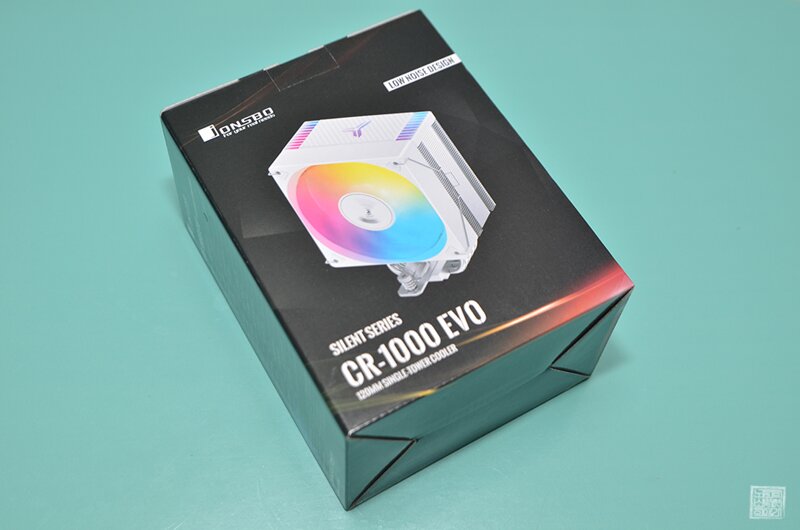

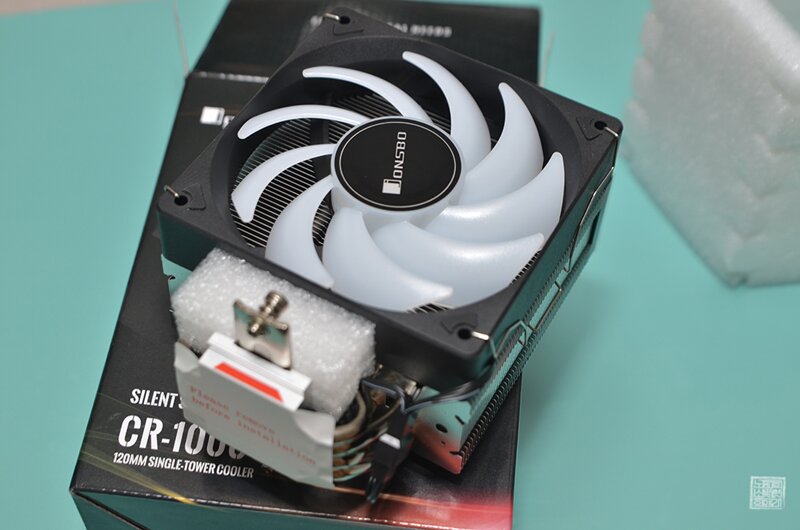
Looking at the product's configuration, you can see that thermal grease that can be applied to the CPU is included, along with Intel brackets and AMD brackets. The JONSBO CR-1000 EVO AUTO RGB product boasts wide compatibility (AM4/AM5, INTEL 1700, 1200, 115x), so you can purchase and use it without worrying about whether it will be compatible with your motherboard.
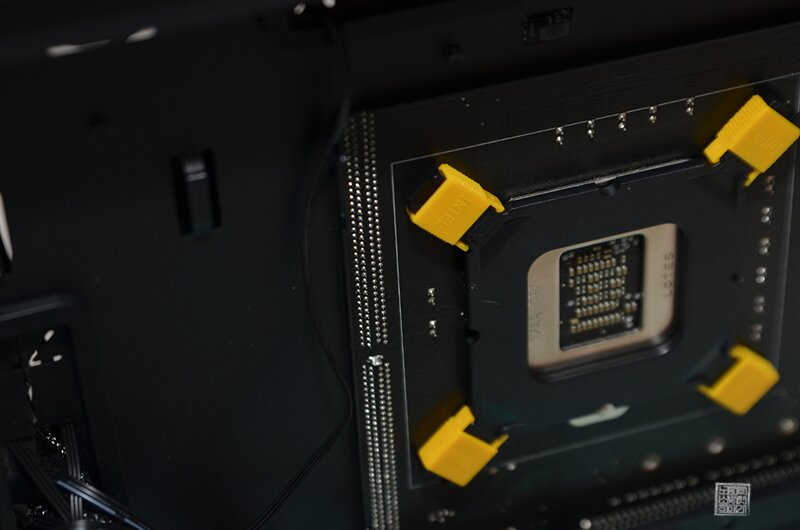
Installation was also easy, as all I had to do was match the holes on the motherboard according to the manual and turn the screws with a screwdriver. One of the advantages is that even people who are not good at assembling computers like me can easily do the work, and if you look at the work sequence through the photos attached below, you will see that anyone can do it easily. Installation should also be easy!

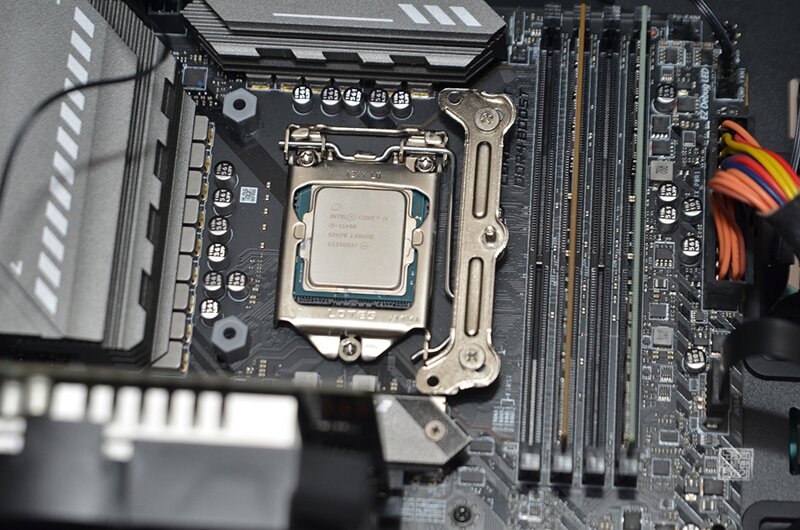
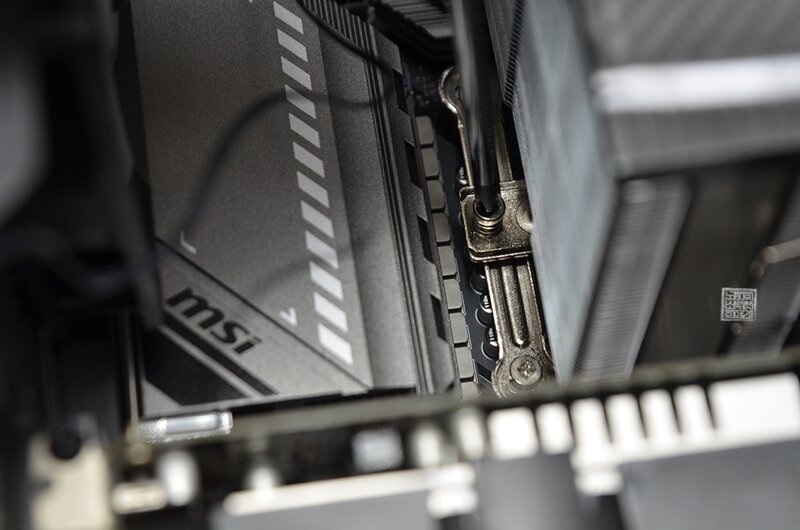
A point to note when installing these air coolers is that you should not forget to remove the plastic sticker attached to the bottom of the air cooler. Sometimes, people who are assembling an air cooler for the first time may forget to remove the plastic sticker even if they follow the instructions because they are nervous, and even people who are familiar with computer assembly may assemble it with the plastic sticker attached because they 'assumed they had removed it'.
Even though it seems like there wouldn't be people who make mistakes on these minor things, people make mistakes when they live, so a thorough check is necessary. Anyway, if you look at the finished installation, it looks like this.


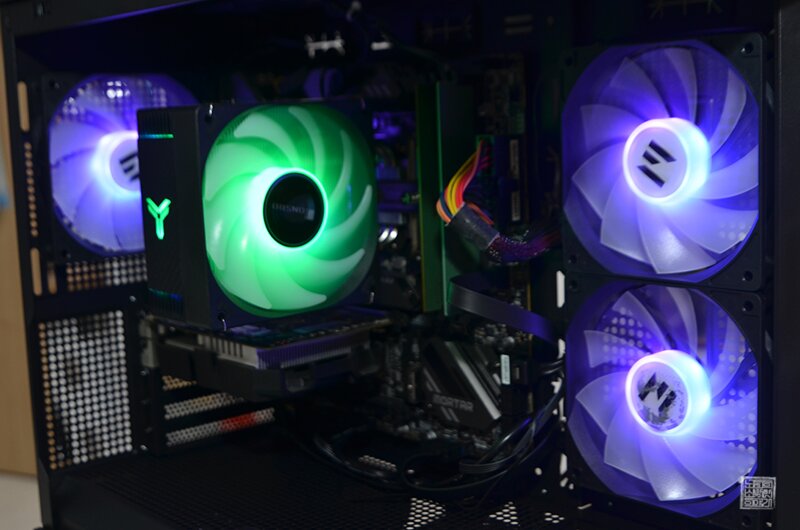
The JONSBO CR-1000 EVO AUTO RGB cooler provides a PWM 4-pin connector, so you can adjust the speed in the BIOS screen, and the 120mm cooling fan with high-performance hydro bearings supports a lifespan of about 40,000 hours. And the standard of 154mm including the cooling fan can be installed even in a mini tower without being stuck in a specific case.
As you can see in the attached photo, the design is also solid, so I think it can give the person looking at it a clean image. Usually, these air coolers can cause slight noise due to shaking every time the cooling fan rotates, but the JONSBO CR-1000 EVO AUTO RGB model has enough vibration-proof pads installed, so there was no need to worry about that.
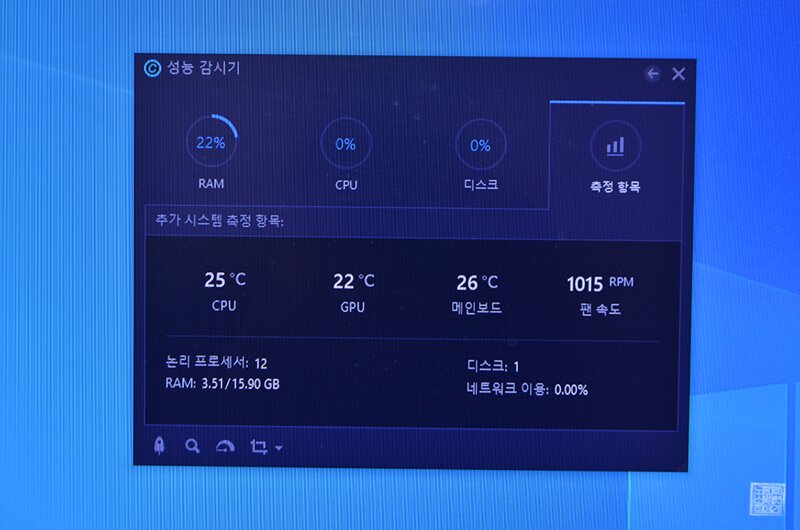
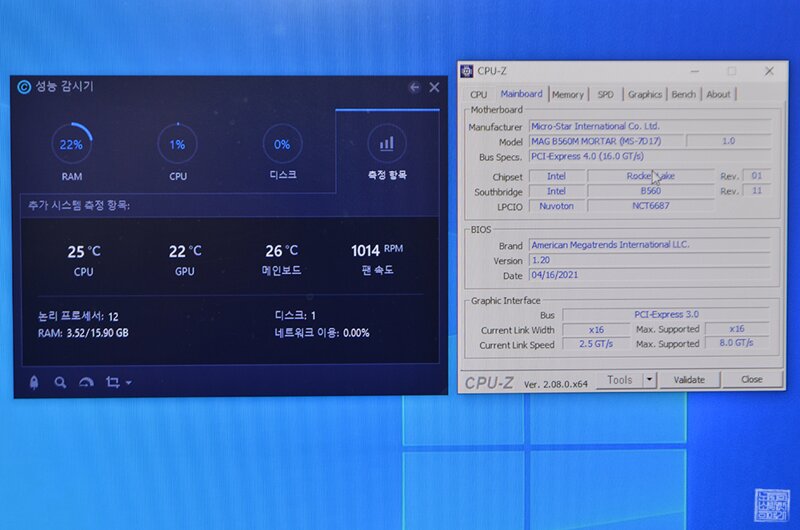
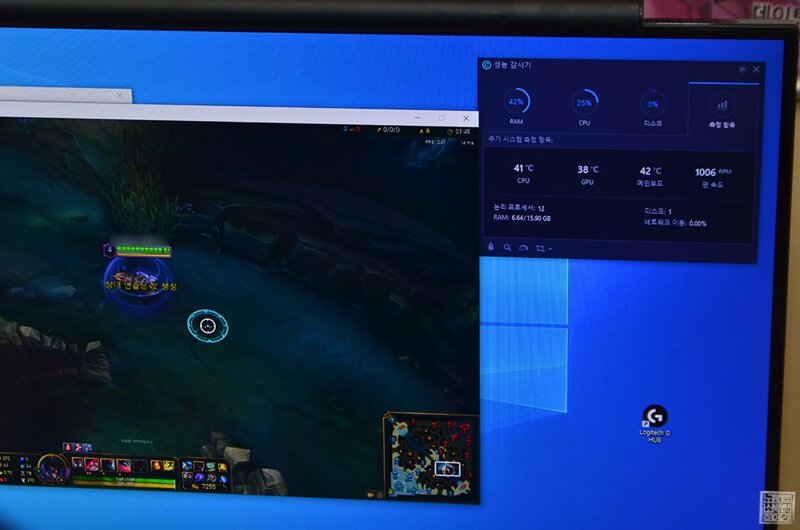
I think that in order to test these air coolers, you need to do high-performance work as well as a high-performance CPU that has heat itself. The computer currently equipped with the JONSBO CR-1000 EVO AUTO RGB cooler is a computer equipped with an 11th generation i5 CPU that my younger sibling used in the dormitory, so the temperature was basically low. However, the average temperature dropped by about 3~5 degrees compared to the basic bundled cooler.
Even in the CPU-Z benchmark test, the temperature did not exceed 40 degrees, and in League of Legends updates and practice mode, the temperature fluctuated between 38 and 45 degrees. Basically, the fan speed was running at about 1,000 RPM when set to Auto mode without selecting speed control according to temperature, but I thought the noise was low. Originally, the noise of the cooling fan alone was about 22-32 decibels.
And the cooler boasts gorgeous AUTO RGB tuning with RGB lighting not only on the fan but also on the top cover. If you are using a tempered glass case that allows you to see inside the computer, the JONSBO CR-1000, which boasts a generous cooling performance of TDP220W, is attractive to those who like to decorate the inside of the computer with various aRGB fans!
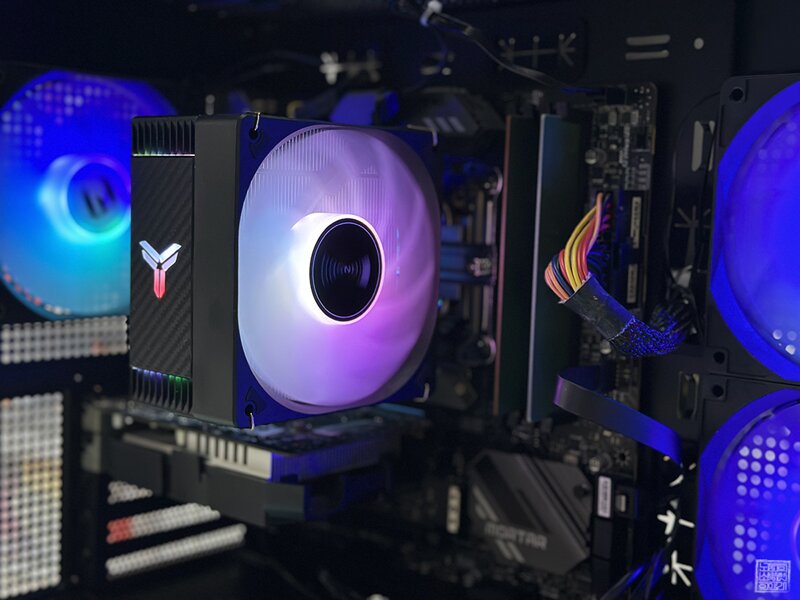

The only downside is that the LED color of the JONSBO CR-1000 EVO AUTO RGB CPU changes individually, rather than the LED color changing to match the aRGB fans installed on the computer case fan. Except for that part, I don't think there were any drawbacks to the JONSBO CR-1000 EVO AUTO RGB model as an air cooler that can be purchased for about 23,000 won. Both the design and performance were satisfactory.
The maximum allowable TDP capacity reaches 220W, and the heat pipe is made of copper, so it is durable and can be used for a long time. The height of the product including the cooling fan is 154mm, so it is a CPU air cooler that can be installed unless the computer case you are using now is too narrow. If you are interested in the product, please refer to the link below.
● 구매 링크
- 화이트 :https://naver.me/5uiK6ubA
IT 인벤 유저리뷰사용기Mi4ka
2024-01-26