Post
Axie Champions Installation, Sign-Up, and Wallet Linking Guide
We recommend using a Ronin Wallet account for installation and registration
1. Download the APK from the official website (https://axie-champions.com/).
※ Axie Champions is only available on Android, not on iOS.
※ You can play Axie Champions on PC using app players such as BlueStacks, Nox, and LD.
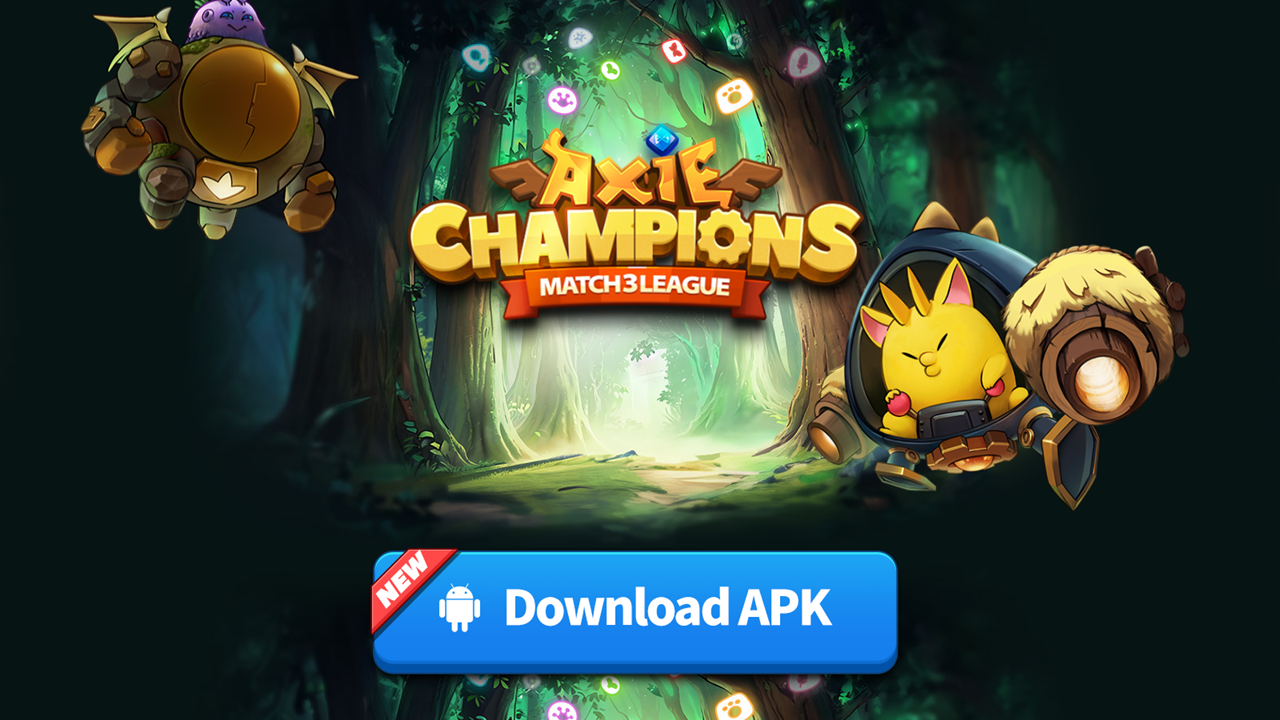
2. Install the game with the downloaded APK.
You may need to adjust security settings such as 'Install apps from unknown sources' depending on your device environment.
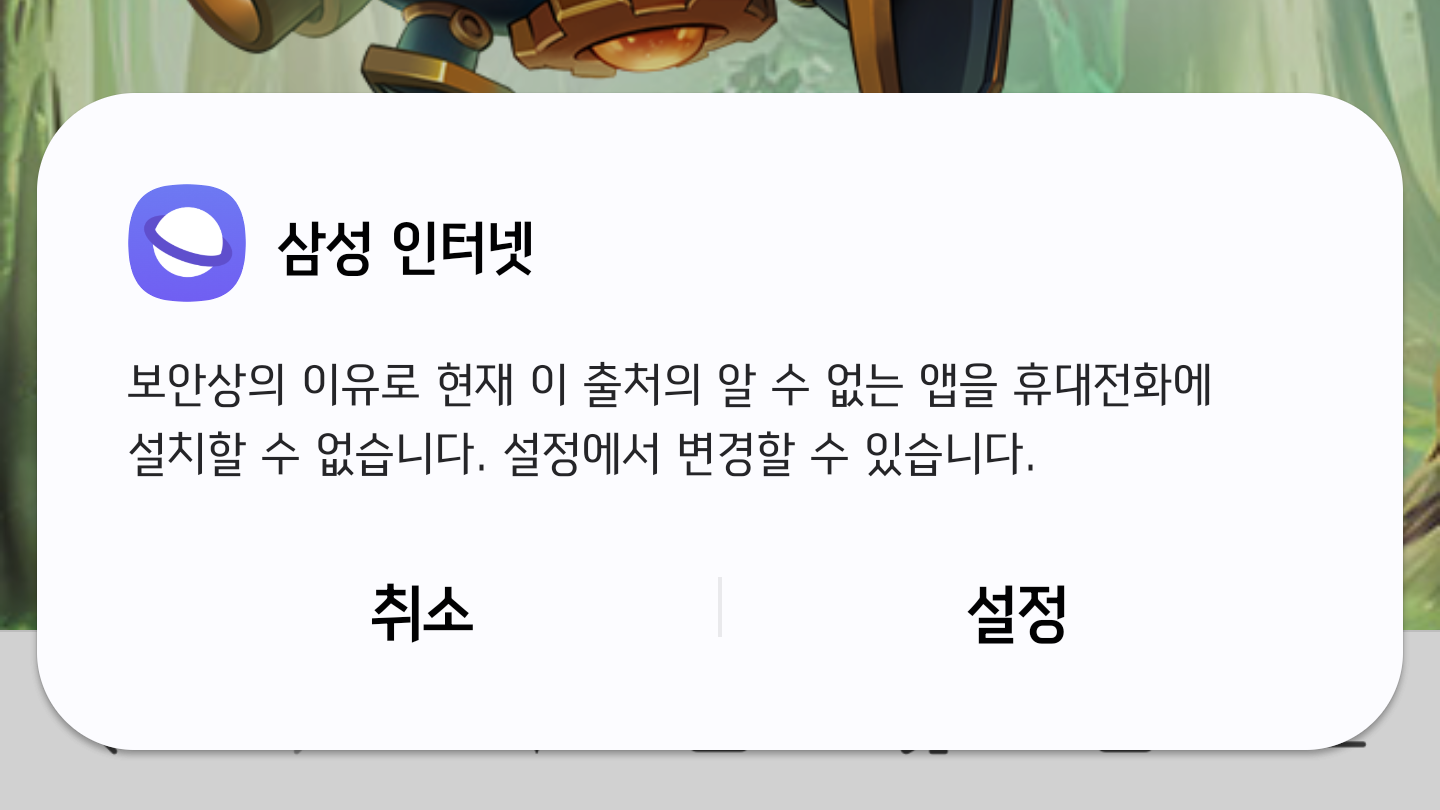
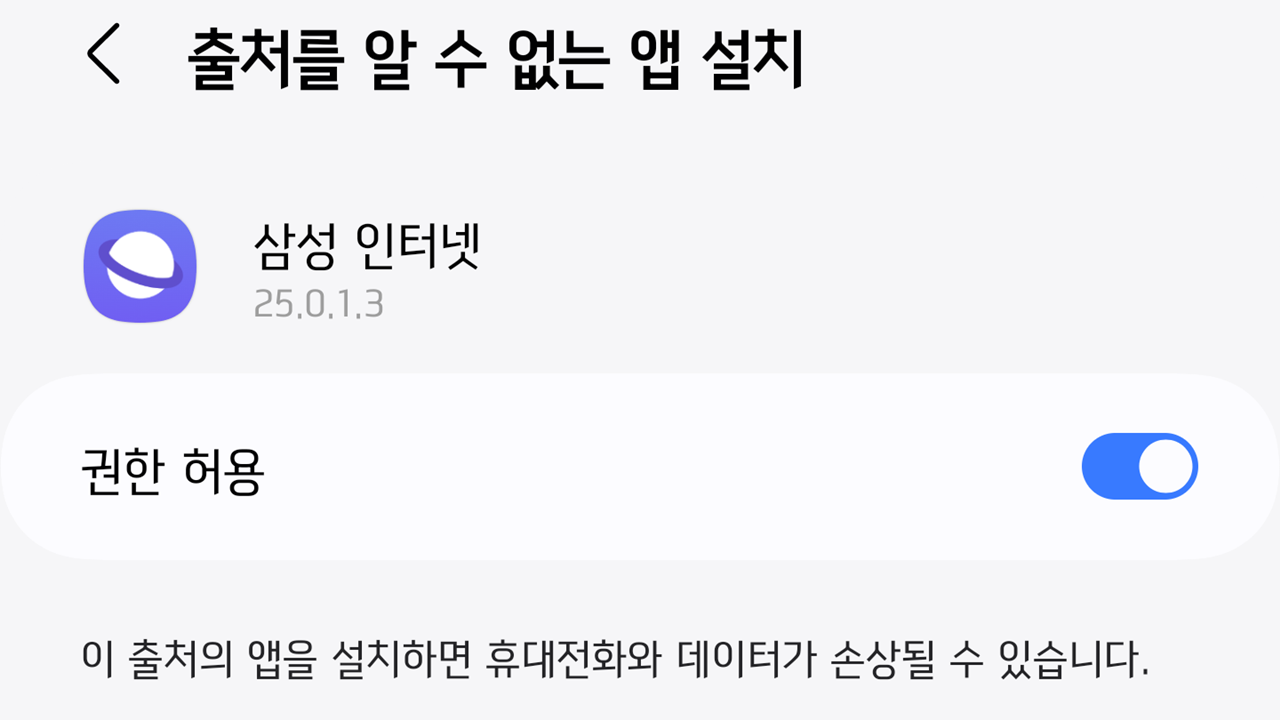
3. After running the installed game, select Skymavis Account Login.
4. You can sign up for a Skymavis account with your email, Google, Facebook, or Apple account.
Signing up with a Ronin Wallet makes wallet linking easier in the future.
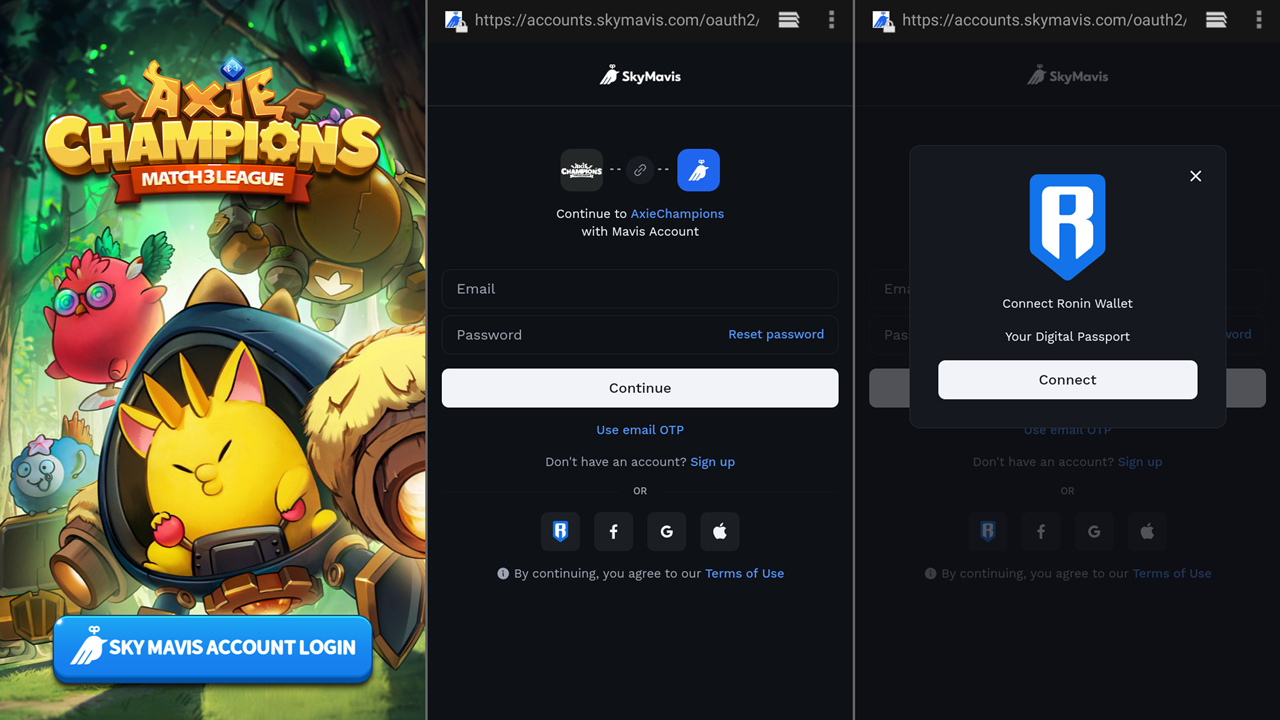
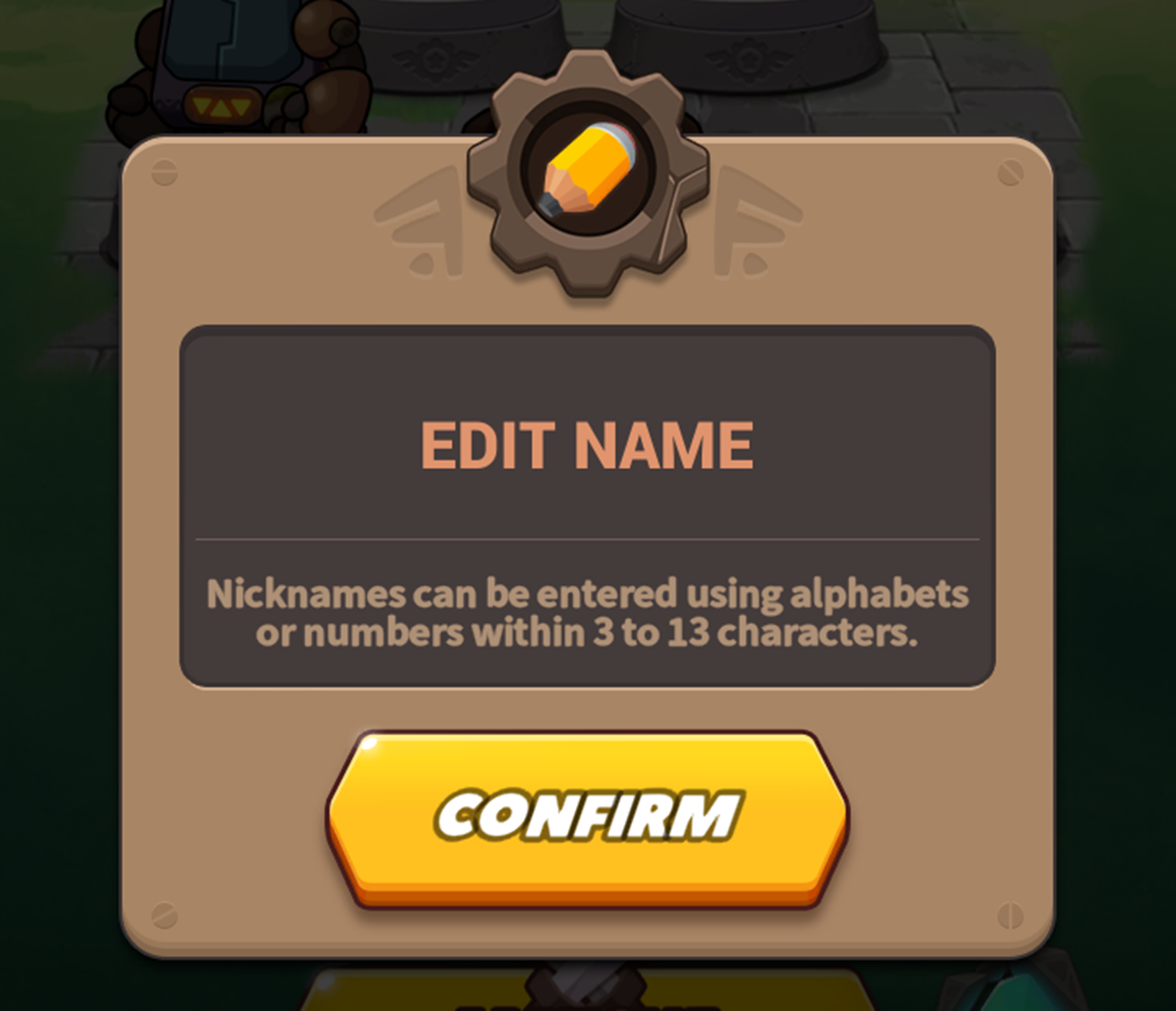
5. Setting a nickname completes the registration.
Ronin Wallet Installation and Registration
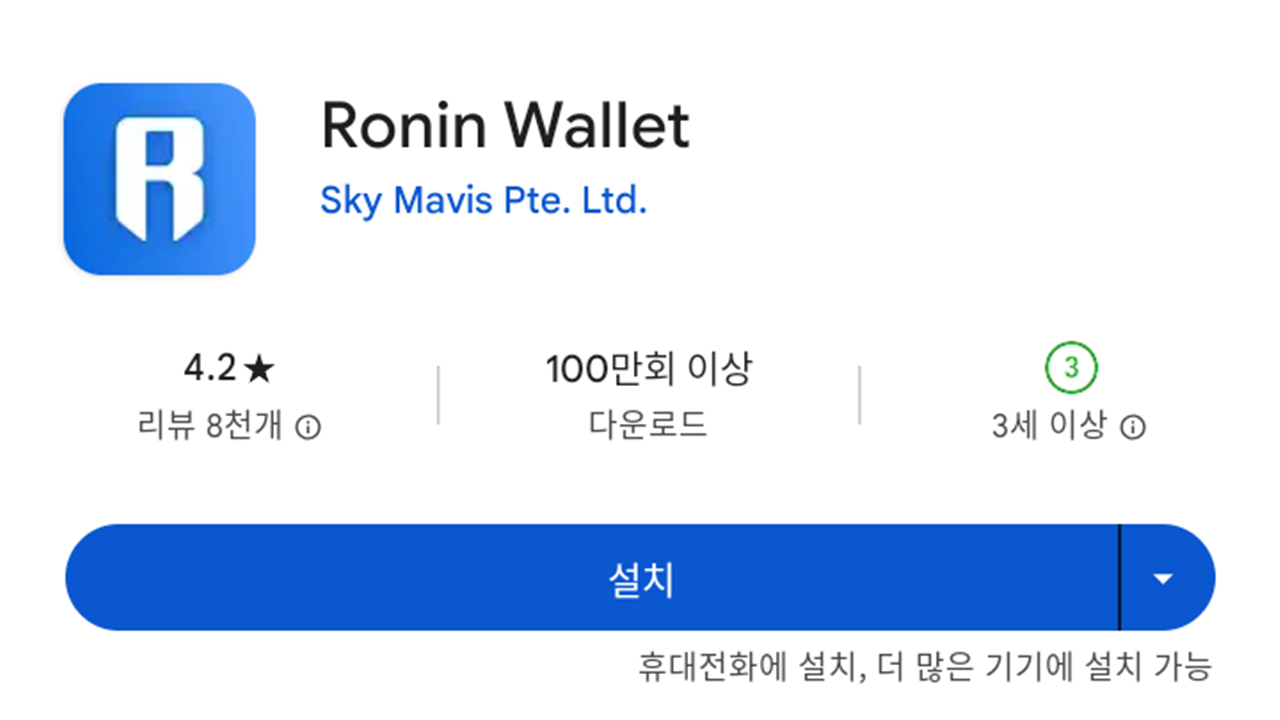
1. Install Ronin Wallet from Google Play.
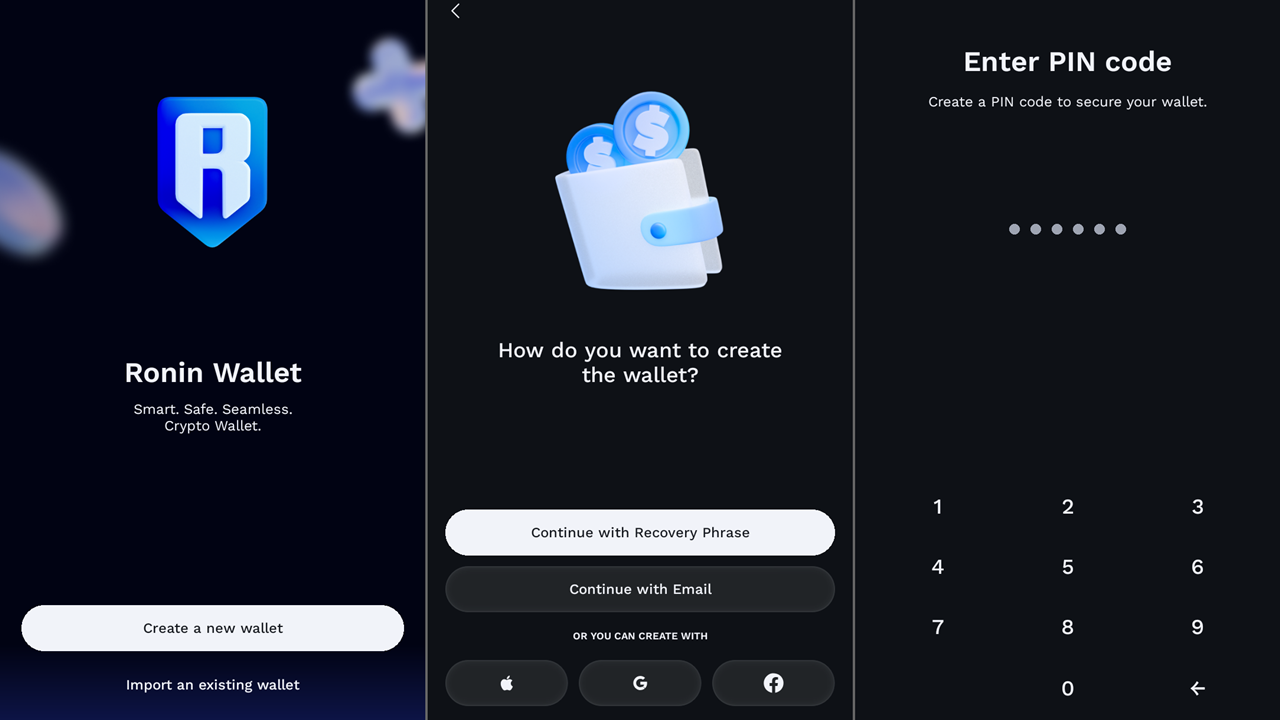
2. After running Ronin Wallet, press the Create a new wallet button.
3. Choose your preferred method to sign up: recovery phrase, email, Google, Facebook, or Apple.
4. You must set a recovery password when signing up with email or a social account.
5. Finally, set up biometric recognition or a PIN number to lock the app.
Wallet Linking
1. Press EXCAHNGE on the left side of the Axie Champions home screen.
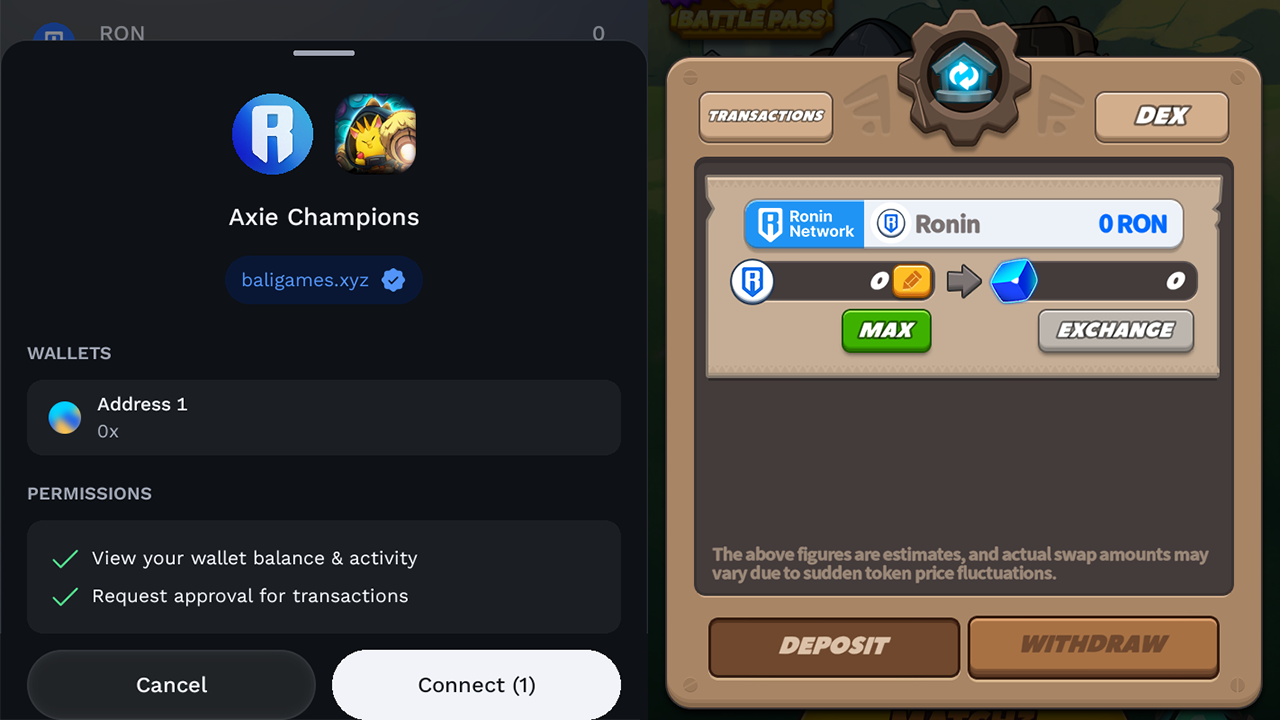
2. Press the Connect Wallet button.
3. Select Ronnin Wallet.
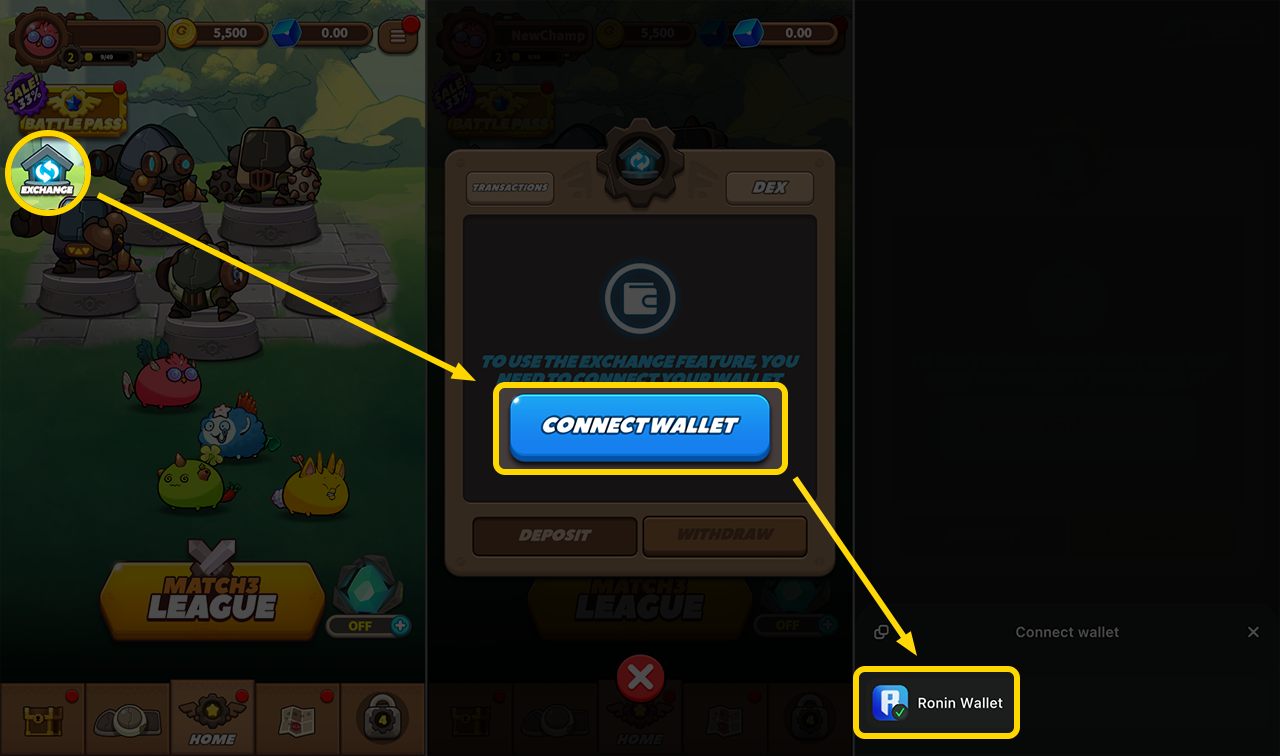
4. Press the Connect button in the running Ronin Wallet.
5. All connections are complete when the token exchange screen appears.