Post
Logitech Launches New MX Keyboard and Mouse for Office Use
Data provided by - Logitech
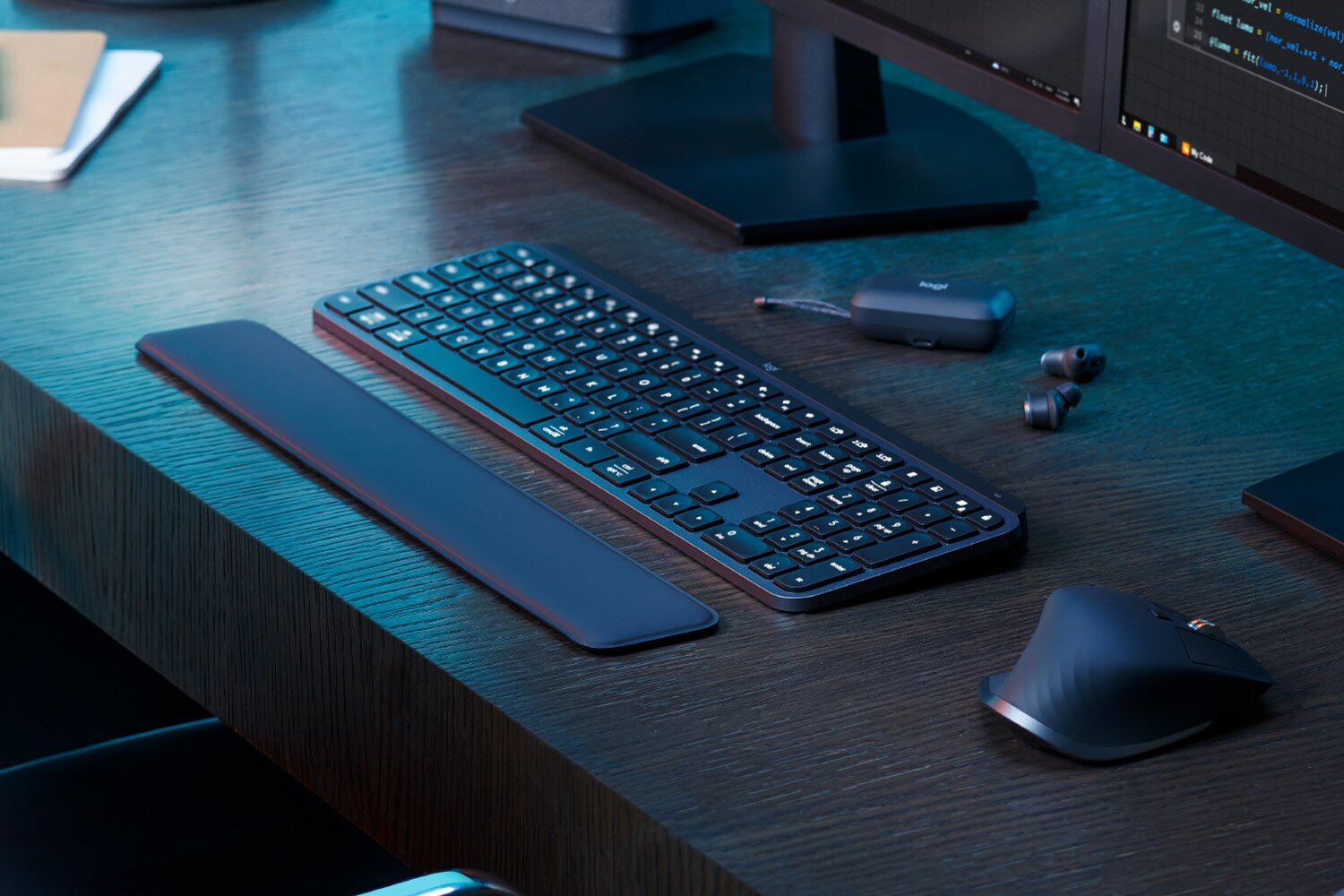
Logitech (CEO Cho Jung-hoon), a company specializing in personal peripherals, announced on June 12 that it has officially launched the 'MX Keys S' wireless keyboard, 'MX Anywhere 3S' wireless mouse, and 'MX Keys S Combo' wireless keyboard and mouse combo in Korea.
All three products released this time are new lineups introduced in the MX Master series, Logitech's top-of-the-line office lineup for professionals. They also unveiled 'Smart Actions' software to maximize work efficiency, and are expected to support users who require expertise and creativity, such as IT developers and web designers, to immerse themselves in their work with high productivity.
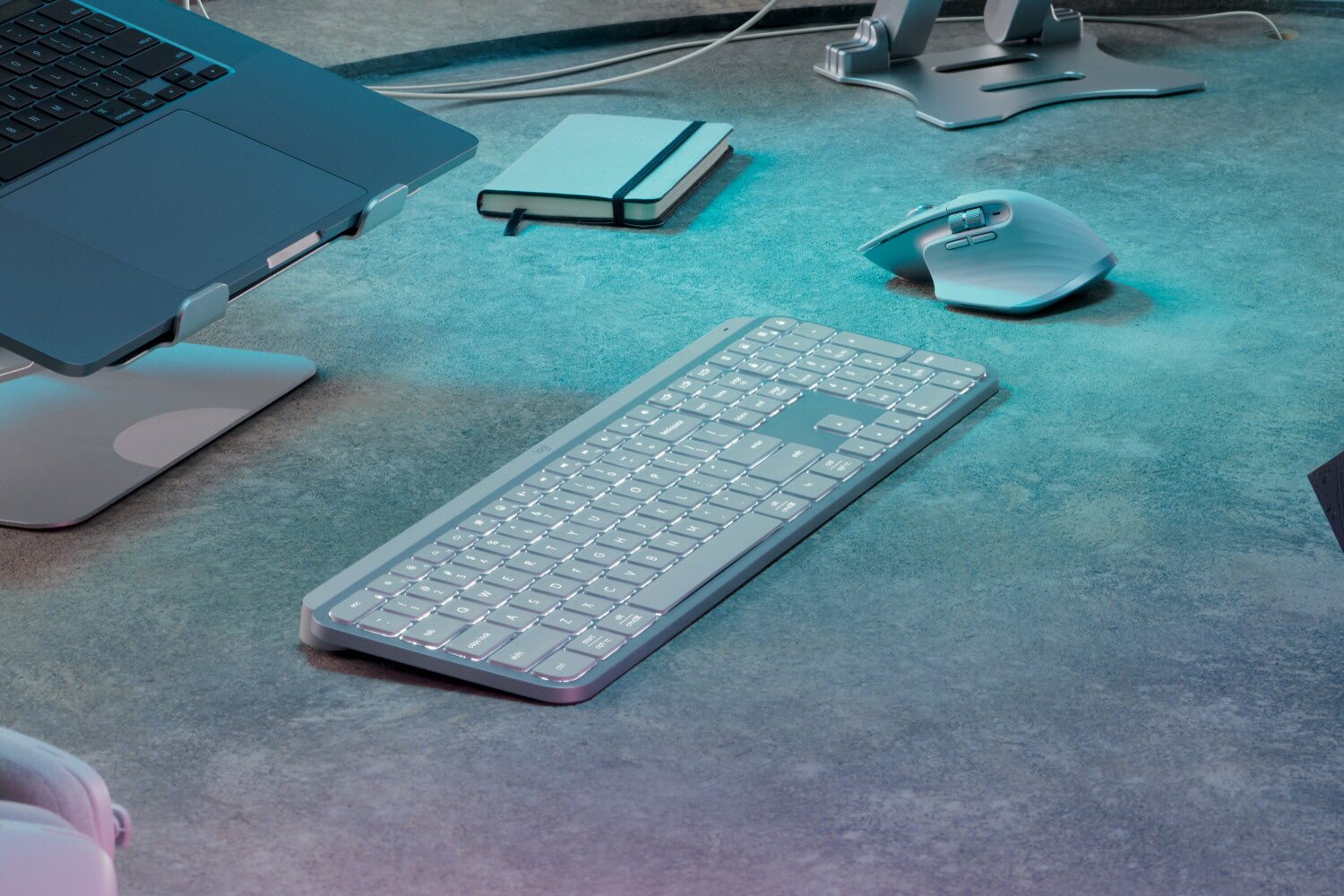
MX Keys Sis an upgraded version of Logitech's best-selling premium wireless keyboard, MX Keys. Pale Gray color has been added as a new color to complete a neat deskterior. It has a solid, integrated metal body design, making it stable even with strong typing. Logitech's Perfect Stroke technology has been applied, and the keycaps are designed with a concave center to fit the fingertips, reducing the error rate and realizing a smooth typing experience.
It is also characterized by the addition of three new shortcut keys to the function (FN) key: voice dictation, emoji key, and microphone mute. It also has a smart backlight function that automatically adjusts the keyboard backlight according to the environment, and detailed settings such as duration and brightness can be adjusted through Logi Options+. It supports wireless connection via Bluetooth LE, and a Logi Bolt USB receiver is included for a more secure wireless environment.
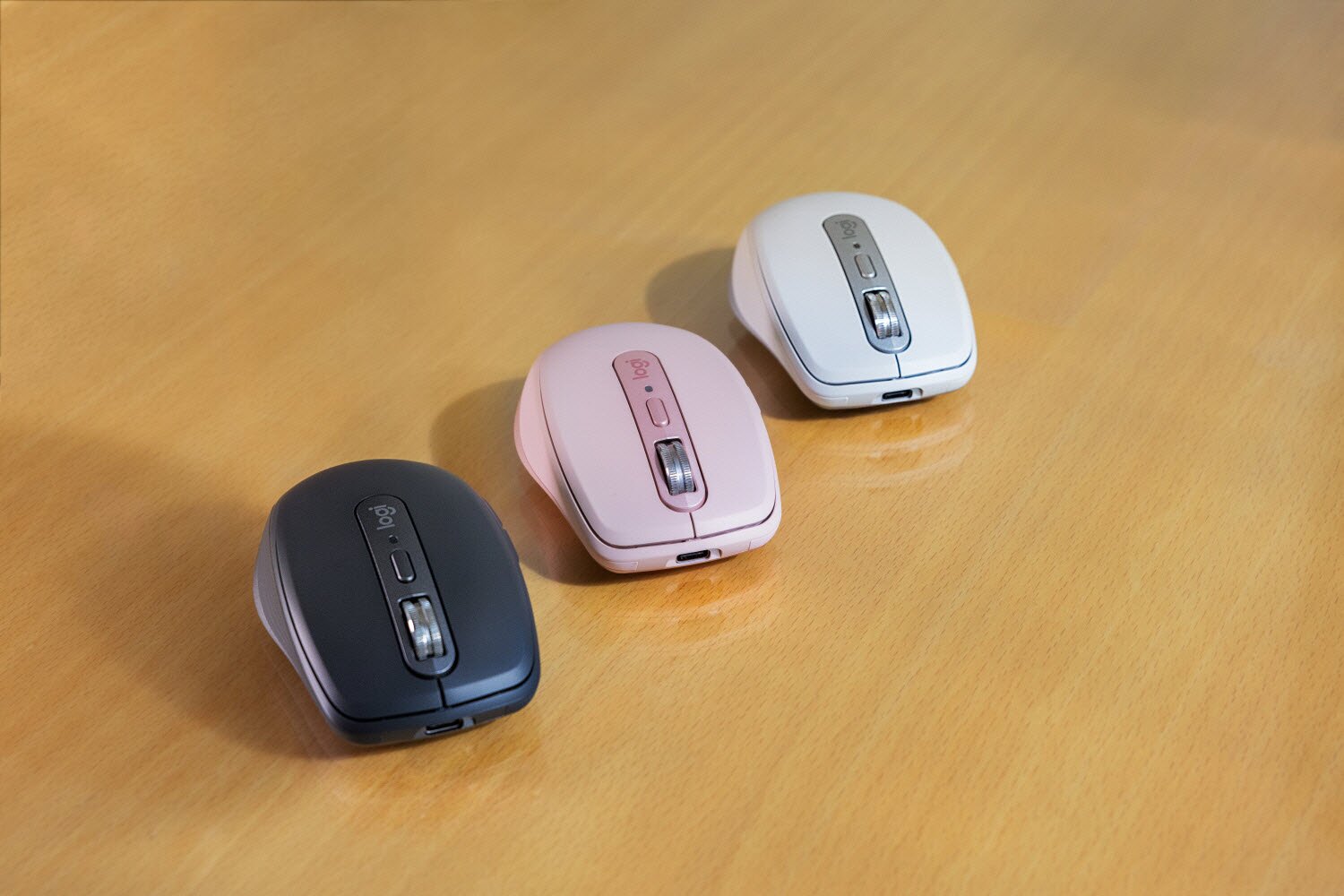
MX Anywhere 3Sis a wireless mouse that inherits the design of its predecessor, MX Anywhere 3, and enhances performance. Upgraded with silent clicks, you can immerse yourself in your work even more, and it is equipped with a Darkfield sensor that supports 8000 DPI, which is twice as powerful as before, allowing you to track quickly and accurately even on surfaces such as glass. In addition, it is equipped with a MAGSPEED scroll wheel that can scroll up to 1000 lines per second, and has general and ultra-fast modes, making it useful for tasks that require speed and detail. It has a compact size that fits in one hand, and provides a stable grip with a low-profile streamlined design and silicone side grips. The impact-resistant design also increases portability.
Both products can increase work efficiency by reducing repetitive tasks through 'Smart Actions', an innovative software available in the Logi Options+ program. With intuitive usability, anyone can combine actions such as app execution, system settings, and text input to suit their lifestyle routine and proceed with just a key and button click. It can also be saved and shared as a macro file, and you can also use the already developed Smart Action template as is. It can be multi-paired with up to 3 devices via Easy-Switch, and if you use the Logitech Flow function together, you can move between 3 PCs with different operating systems and bring the necessary data.
MX Keys S, which is released in two colors, Graphite and Pale Gray, uses up to 26% (Graphite: 26%, Pale Gray: 11%) of recycled plastic, and MX Anywhere 3S, which has a total of three color lineups, Graphite, Pale Gray, and Rose Pink, uses up to 78% of recycled plastic (Graphite: 78%, Pale Gray, Rose Pink: 61%). It can be charged by connecting a USB-C cable, and MX Keys S can be used for up to 10 days when fully charged (up to 5 months when the smart backlight is disabled), and MX Anywhere 3S can be used for up to 70 days.
MX Keys S Combois a keyboard and mouse combo product in the MX series with MX Keys S, Logitech's best-selling wireless mouse MX Master 3S, and a premium MX palm rest configuration. MX Master 3S is equipped with a Darkfield sensor that supports 8000 DPI and a MagSpeed scroll wheel for fast and accurate operation, and is equipped with silent clicks, and its ergonomic design allows you to immerse yourself in your work for a long time in a comfortable posture. Similarly, you can use Logi Options+ and Smart Actions to customize and program, and the Logitech Flow function is also supported. The MX palm rest has a memory foam material that stably supports the wrist without slipping, making it comfortable even when using the keyboard for a long time.
Cho Jung-hoon, CEO of Logitech Korea, said, "I am confident that Smart Actions, which supports users to immerse themselves in more advanced tasks with Logitech's best-selling keyboards and mice that have further enhanced productivity, will be an item that professionals have been waiting for." He added, "Logitech will continue to strive to introduce innovative products and technologies that can dramatically increase the productivity of more people's work."
Meanwhile, Logitech will be holding a Smart Action Challenge for creators starting today, June 12, to provide an opportunity to showcase creative macros that reflect ideas that can improve work efficiency. Applications will be accepted through the Logitech Smart Action Microsite until July 30, and any YouTube creator with more than 10,000 subscribers can apply. Those who wish to participate can fill out the application form, film a video of the process of creating their own Smart Action along with a review of the new product released this time, upload it by August 13, and submit the URL. After the review, the 1st place winner will receive a NOUHAUS massage chair, the 2nd place winner will receive an AVOLT Square One cable set, and the 3rd place winner will receive a HAY Color Crate.
웹진 인벤백승철 기자
2023-06-12