Post
How to fix Wuthering Waves errors and error codes
✅ Error Code[126] d3dcompiler_43.dll etc.
1) Reinstalling DirectX may solve the issue.
https://www.microsoft.com/ko-kr/download/details.aspx?id=35
2) If that doesn't work, Google the file name that's causing the problem andwidows - system32(32-bit) / SysWOW64(64-bit)paste it in
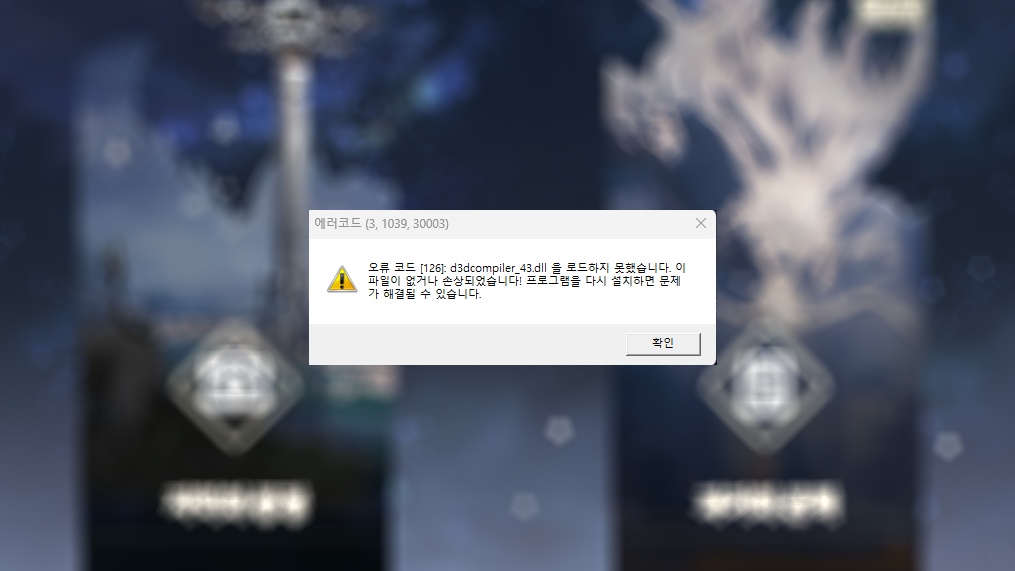
The error code usually means you have a high chance of needing to reinstall DirectX
✅ Gateway Error
- Run as administrator
- This may be an error caused by too many users connecting at once, so it may resolve itself over time.
- Gateway connection is either a connection overload or administrator permission error
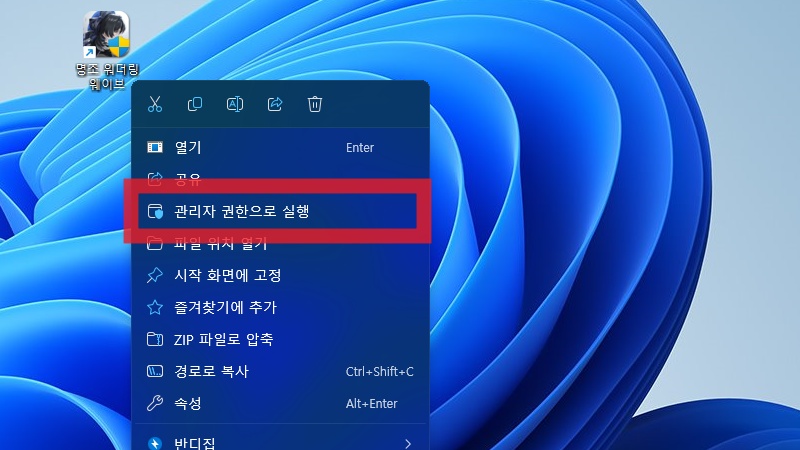
Solution: Run as administrator or wait for people to leave and then run
✅ Error Code (3, 1057, 107002)
- Run Task Manager and close other game clients and launchers
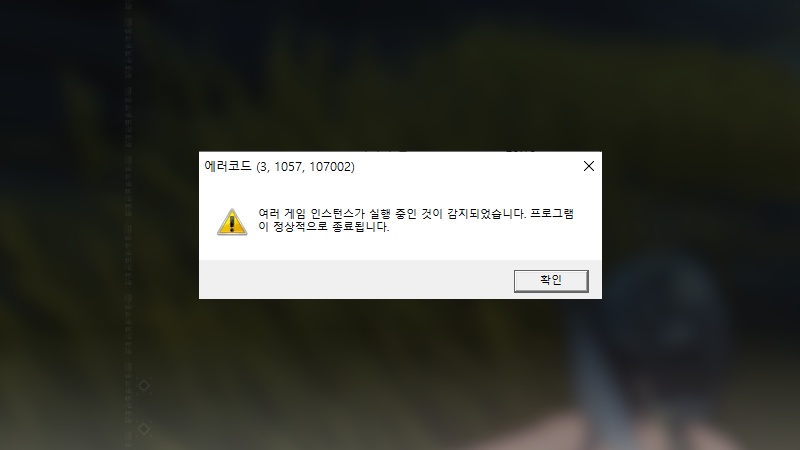
Check Task Manager as other game clients and launchers running, app players, and multiple Wuthering Waves instances could be the cause.
✅ Error Can t initialize plug-ins directory Please try again later
- Reboot your computer
For other launcher error solutions, check the link below.
https://wutheringwaves.kurogames.com/kr/main/news/detail/753