Post
[API] EXP Efficiency Calculator: Added Date Calculator Open
Hello, this is the Maple Road developer.
We're introducing a new feature added to the 'Maple Road - EXP Efficiency Calculator' site, which was previously created using the API.
The 'Date Calculator' introduced below is a calculator that allows you to check the time required to reach the target level according to the content implementation.
The link is the same as the existing link (https://mapleroad.kr/utils/exp_calculator), and you can check it through the interruption tab after searching for a nickname.
Below are simple instructions on how to use it.
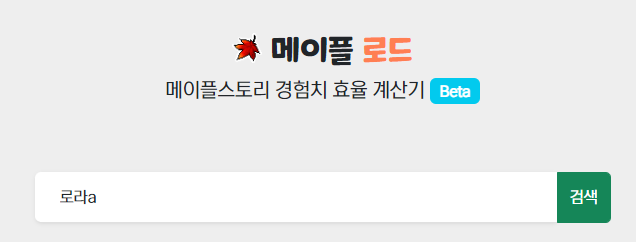
1. Access the site and search for a nickname
2. Check personal information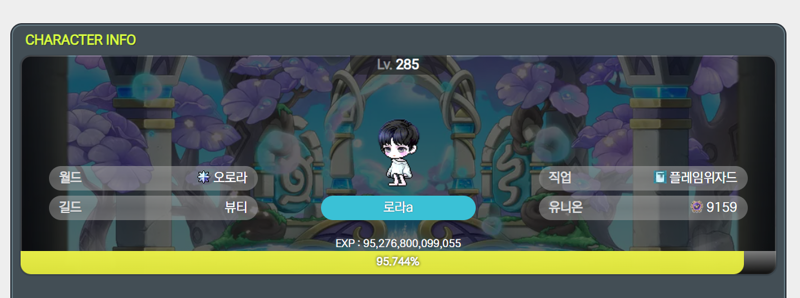
3. Select 'Date Calculator' on the far right

4. Select and enter the routine used to grow your character
- By default, areas that are not the maximum level based on the symbol level of the character searched through the API are automatically selected.
- If you are over level 260, Extreme Monster Park is automatically selected, and the highest Monster Park among the accessible areas is selected, and the default number of entries is set to 2. (This reflects the part where you get +50% Monster Park experience once a week on Sundays.)
- The target level is set to the current level + 1 by default. (You must select whether or not Hyper Burning is active.)
- The skill Aswang Shaman's Blessing (event tonic buff) is automatically entered based on the character's information obtained through the API.
- Hunting experience is reflected, but the meso farming calculator will be updated later!
- Pressing the Calculate button will automatically reflect the calculation results.
- Hunting experience is reflected, but the meso farming calculator will be updated later!
- Pressing the Calculate button will automatically reflect the calculation results.
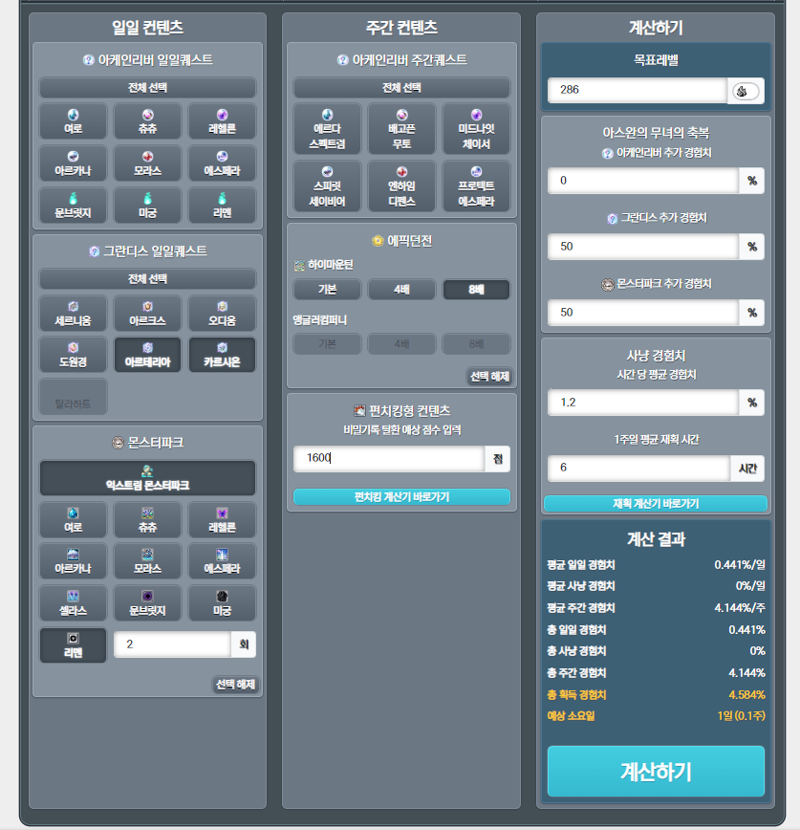
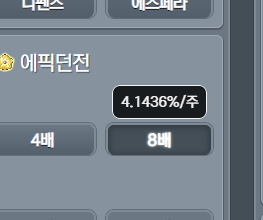
5. You can test the above contents in various ways by directly selecting/modifying them, and if you hover the mouse over each content as shown below, a tooltip will display the amount earned according to the current level, so please refer to it!
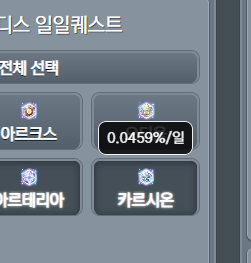
I hope you find it useful, and feedback is welcome!
Thank you.
Site link :https://mapleroad.kr/utils/exp_calculator
==========
24.08.07. Additional content)
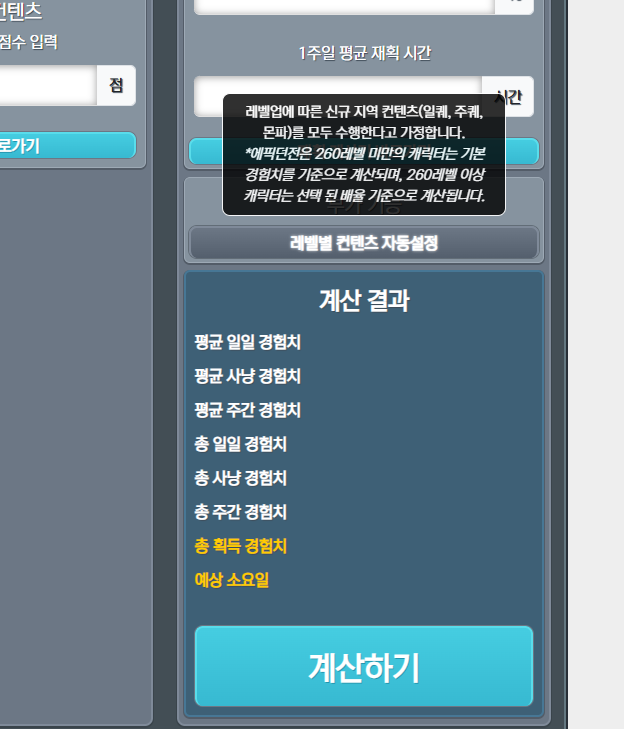
A selection function has been added to automatically execute and calculate new content according to level up.
You can turn on/off by selecting the 'Automatic Content Setting by Level' button.
메이플스토리 인벤 팁과노하우로라a
2024-08-02