Post
How to upload real-time logs (bump)

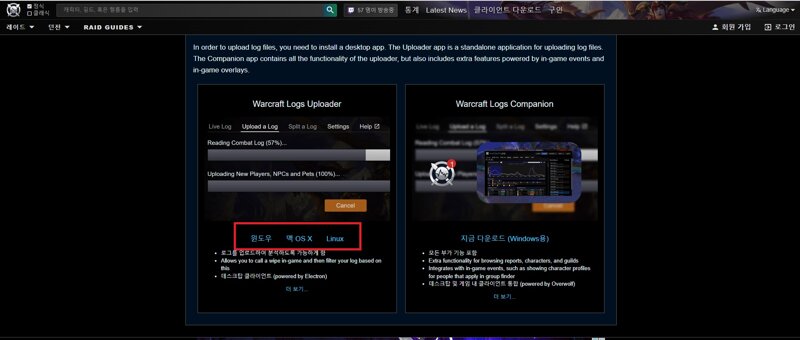
2. Installation
Didn't take separate screenshots, just install it
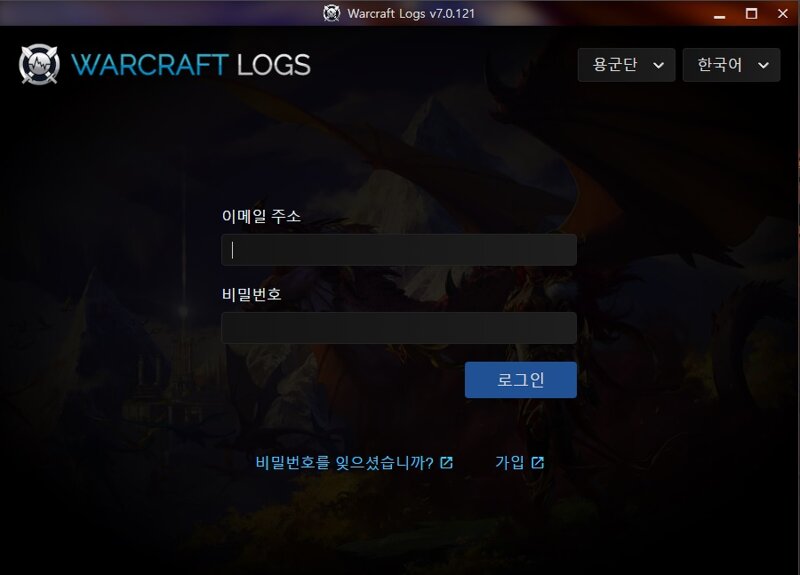
3. Login and select log folder path


4.Settings - System - Network -"Advanced Combat Logging"Check

5. Start in-game combat log
(Warning: You need to turn on "Combat Logging" every time you reload or reconnect)
Be sure to turn it on inside "Raid Dungeon"


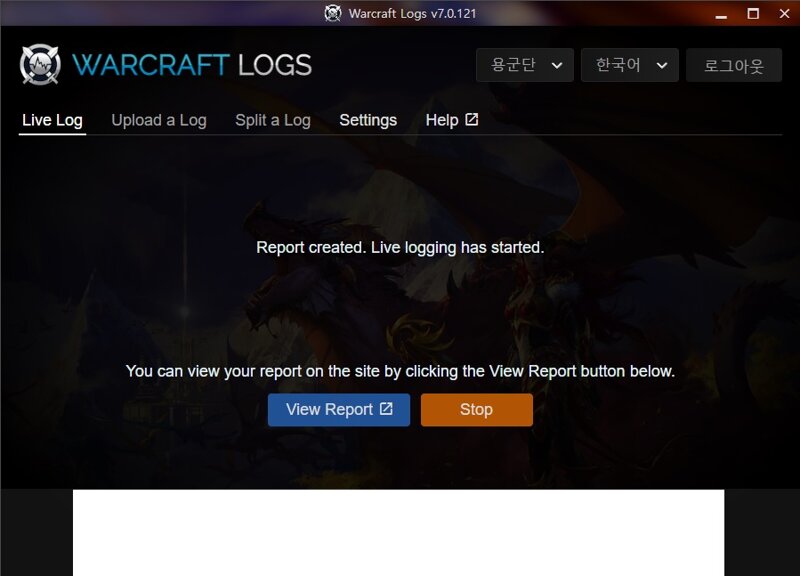
Completed if the above message appears
MRT(Method Raid Tools) User
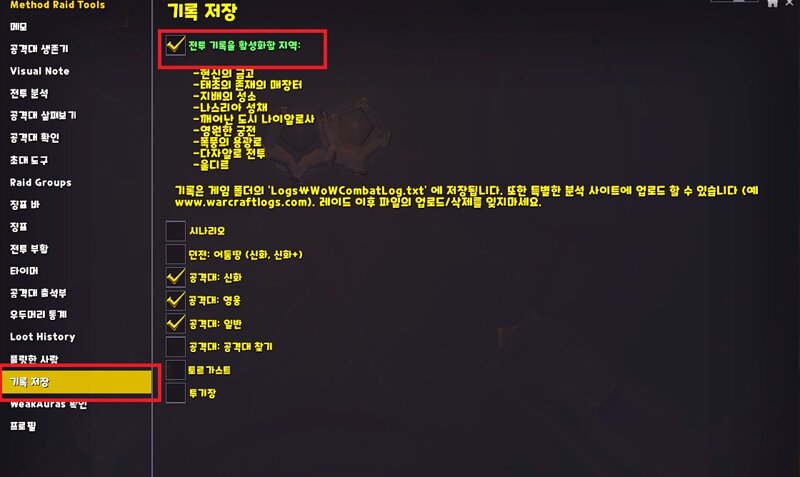
If you have the MRT(Method Raid Tools) addon, /mrt -> activate the save record setting
The '/combatlog' process will run automatically and a WoWCombatLog.txt file will be created in the log folder when entering the dungeon.
The '/combatlog' process will run automatically and a WoWCombatLog.txt file will be created in the log folder when entering the dungeon.
"With Mrt's function, you don't have to turn /combatlog on and off every time"
6. Start the log program (real-time analysis)
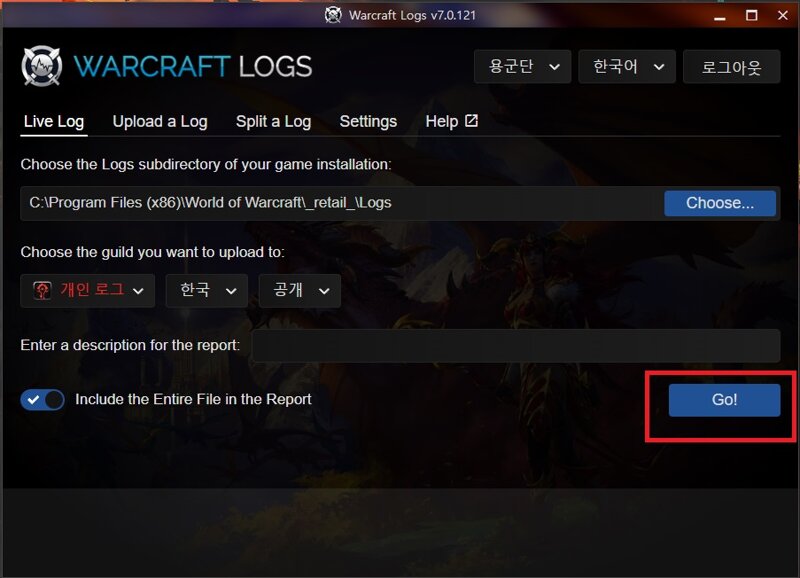
Check the screenshot below for normal operation
월드 오브 워크래프트 인벤 확장팩 팁과노하우바솔로무쿠마
2024-09-14