Post
Basic "Deck Building" Methods (Basic Information, Building Methods, Auto- 편성 Function)
Once you've collected some cards, you can start battling. To do this, you first need to build a deck. At first, you might not know how to build a deck. Therefore, it's a good idea to use the auto-build feature when building your first deck.
✅ Basic Deck Building Guide
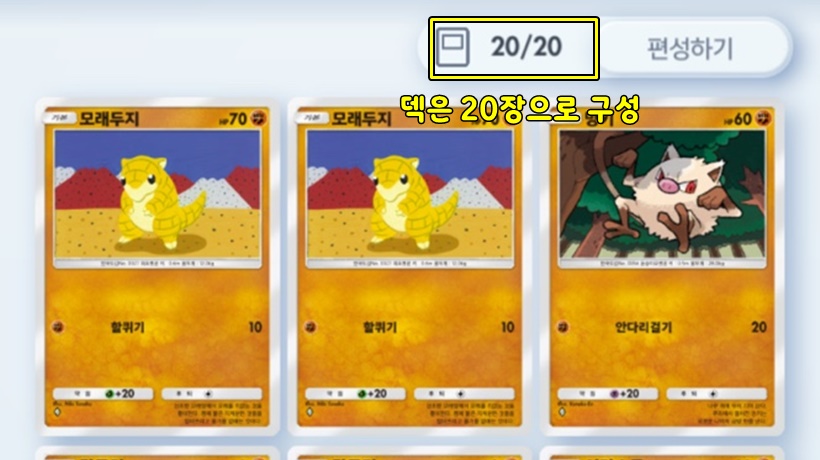
· Consists of 20 cards
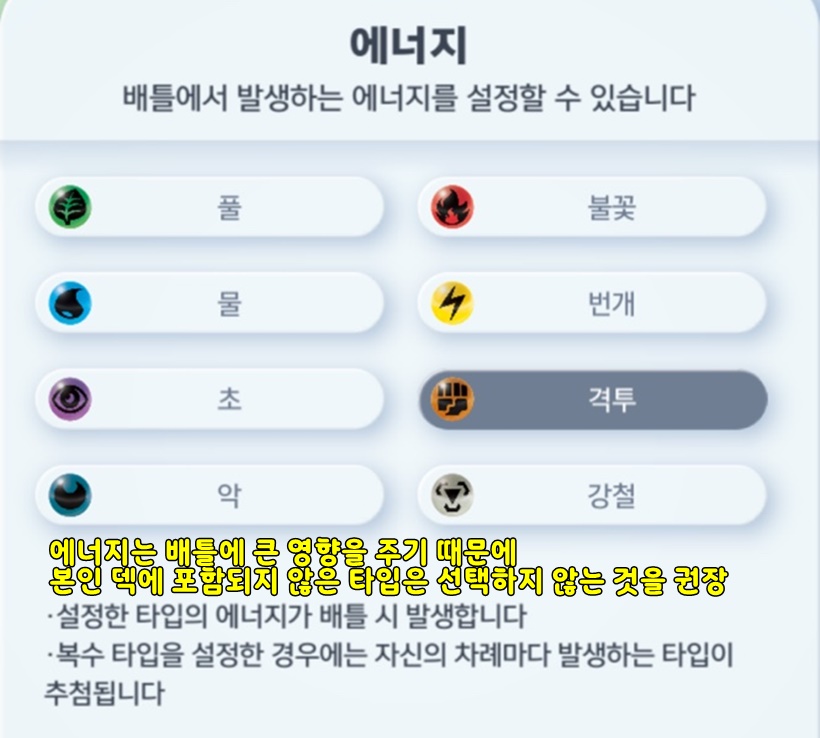
· You can check and change the deck's main energy, surrounding items, main cards, etc.
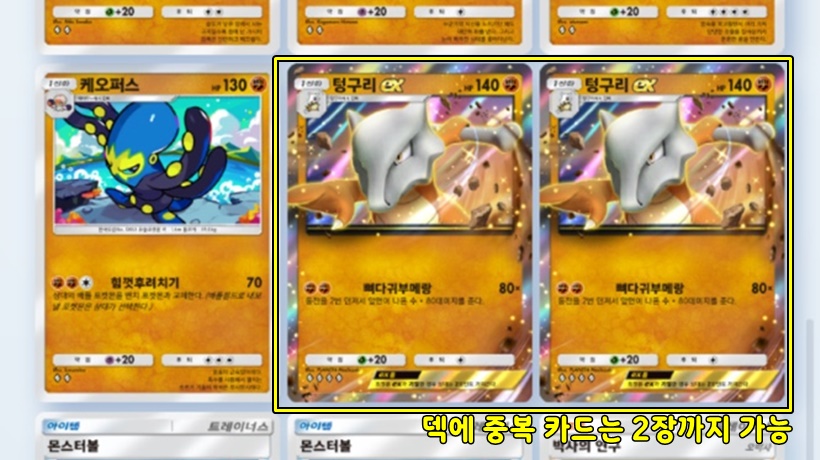
·You can have up to 2 of thesame card in a deck
· There is no limit to the number of item, support, or monster cards (for example, you can build a deck with only 20 monster cards)
✅ How to Build a Deck
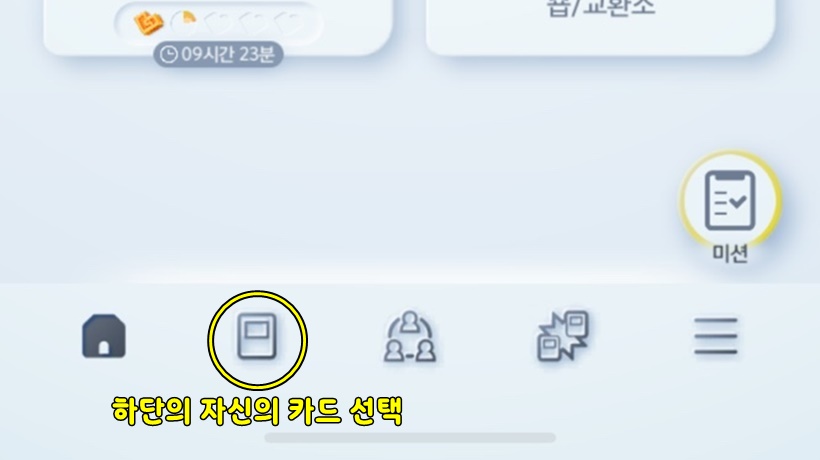
1️⃣ Select your cards from the bottom tab
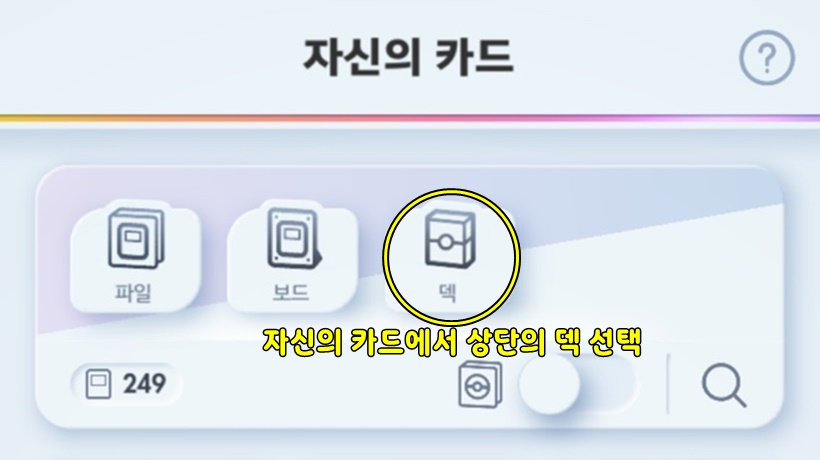
2️⃣ Select the deck at the top
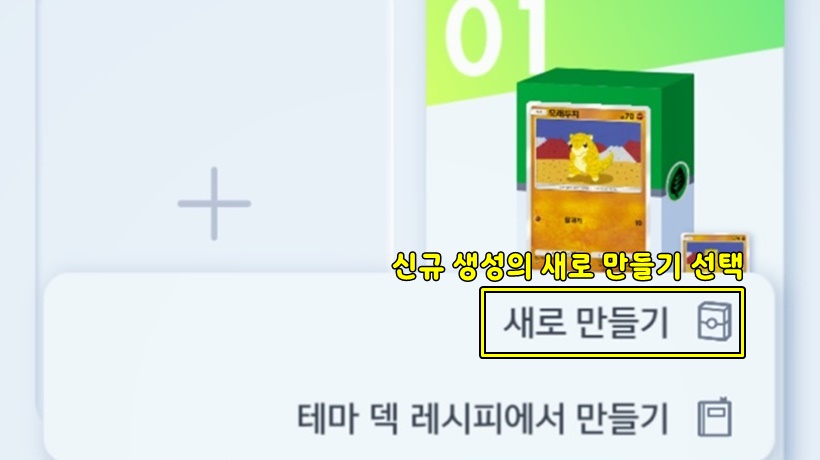
3️⃣ Select 'Create New' from 'New Creation'
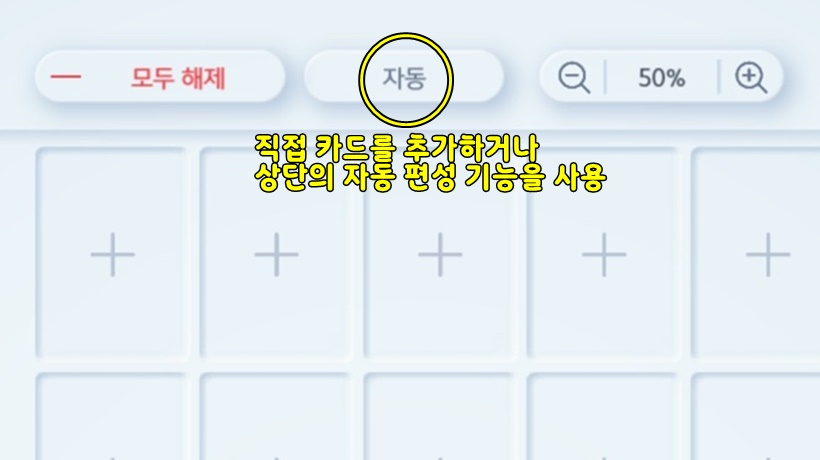
4️⃣ Select 'Organize' to add the cards you want directly, or use the auto-build feature at the top
✅ What is the auto-build feature?
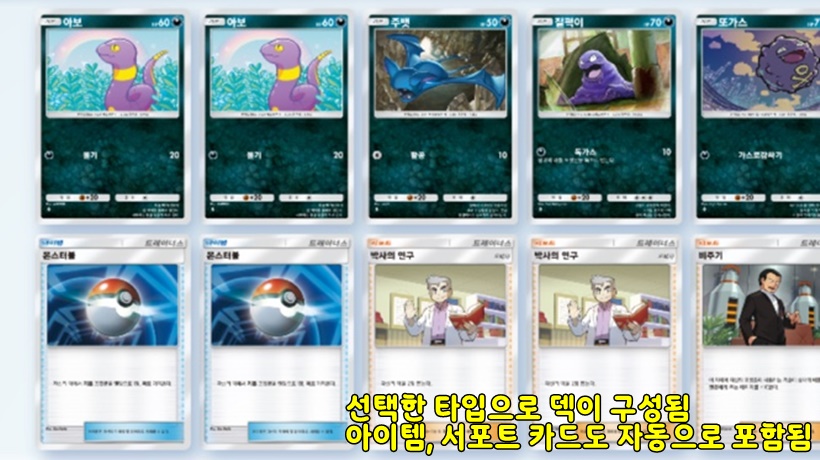
· A feature that allows you to easily create a deck composed of the type you want
· Mostlycomposed of the selected type of monster + colorless type monster + item cards (Monster Ball, Professor's Research, etc.)
· You can select up to 2 types
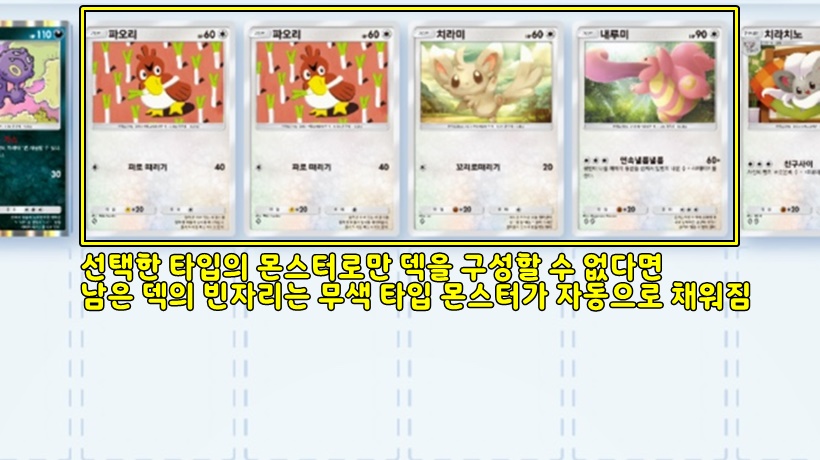
· If you don't have enough monsters of the selected type to build a deck, the remaining slots will be filled with colorless type monsters
🚨 If you select 2 types, you will also get 2 types of energy in battle, soit is recommended to build with 1 type