Post
Will RTX 5070 be able to run Monster Hunter Wilds on max settings?
The recently released Capcom's 'Monster Hunter Wilds' (hereinafter MH Wilds) is receiving a hot response. From the release date announcement, not only MH fans but also gamers like me who have been waiting, thinking "If it comes out, I'll really try it this time." Especially in Korea, the MH Wilds release date was February 28th, the day before the holiday, so the response was even hotter. As expected, from the release date, it showed a phenomenal number of 980,000 global concurrent users, and 1.38 million on weekends, and is cruising along, achieving 8 million copies sold in just 3 days.
Stimulating and diverse content and elements based on hunting, and gorgeous graphics. MH Wilds, developed based on the know-how accumulated in the MH series, can be called the best ever, but it requires an unprecedented environment. It requires at least a GTX 1660, and the ultra specs require an RTX 4070 Ti or RTX 4070 Ti SUPER, but after actually playing it, there are additional options that can be raised in the ultra options, and to play it at a satisfactory level with these options, even an RTX 5080 seems insufficient.
Speaking of RTX 5080, my wallet isn't generous enough to call a graphics card that costs over 2 million won a PC component. The most realistic graphics card for gamers would be around the RTX 5070 level. This is also not cheap, but I think that when you say "I'm going to buy a new computer," the level that you can afford to buy is around 600,000 to 700,000 won.
With MH Wilds, which requires heavy specs, being popular now, I checked to see to what extent you can enjoy MH Wilds with the RTX 5070 when it is released.
Test PC Environment
Intel i7-13700KF + RTX 5070 System
CPU: Intel Core i7-13700KF
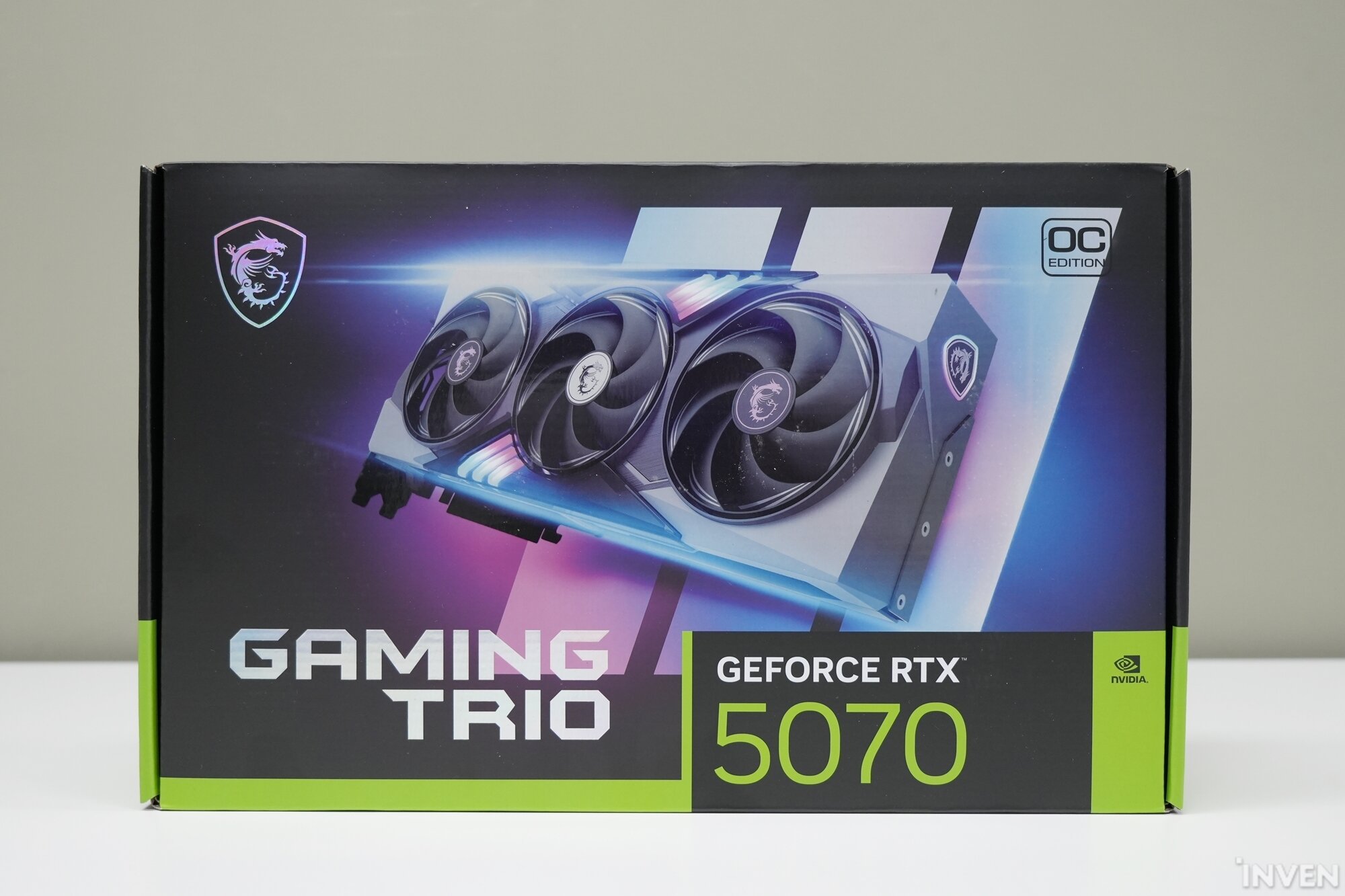
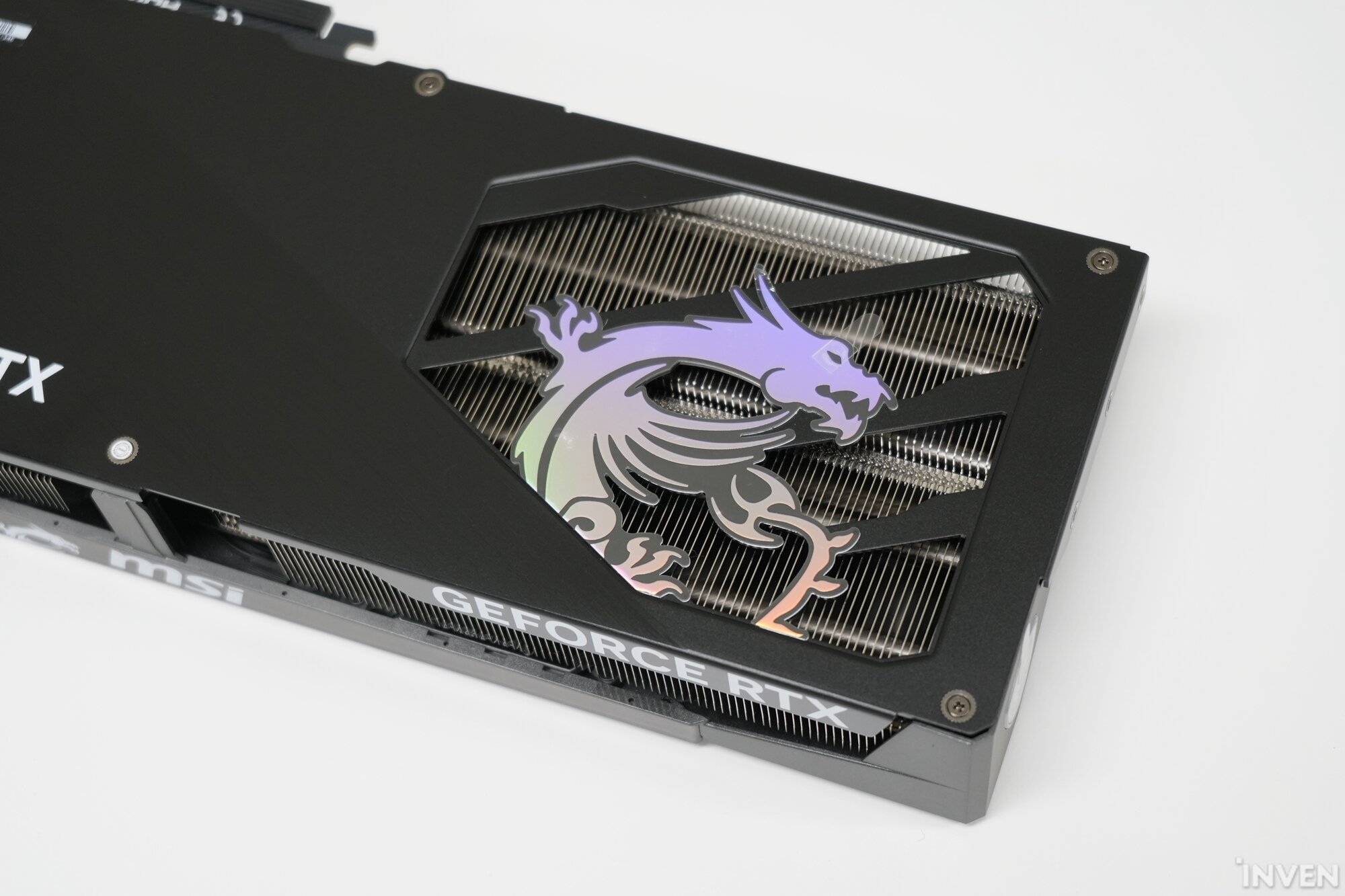
VGA:MSI RTX 5070 Gaming Trio
Motherboard: ASUS TUF Gaming B760M-PLUS II
Memory: ESSENCORE KLEVV DDR5-6000 CL30 BOLT V 16GB x2 (32GB)
Storage: Western Digital WD BLACK SN850 M.2 NVMe
Power Supply: MSI MEG Ai1300P 80PLUS PLATINUM Full Modular ATX 3.0
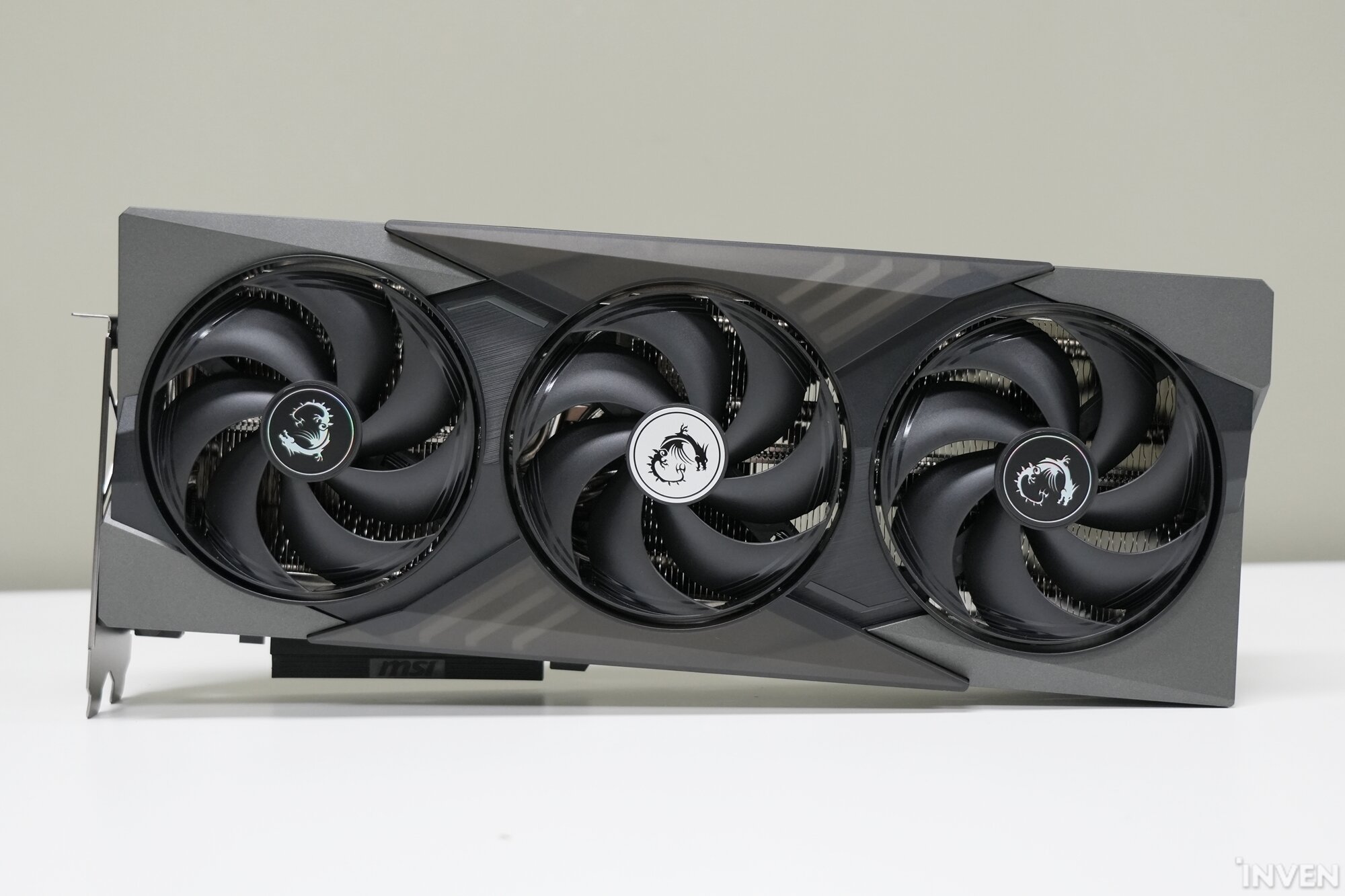
The graphics card used in the test is 'MSI GeForce RTX 5070 Gaming Trio OC D7 12GB Tri Frozr 4 (hereinafter MSI RTX 5070 Gaming Trio)'. MSI is a global PC and computer component brand, and last year, in 2024, the 20th anniversary of MH, it collaborated with Capcom to showcase various limited edition products, so the collaboration is frequent and it seems to go well with the MH IP.
MSI's Gaming Trio lineup features an upgraded cooling system, 'Tri Frozr 4', with the release of this RTX 50 series. MSI's cooling know-how has been accumulated, further reducing temperature and noise.
The RTX 5070 series released by MSI includes the Vanguard and Inspire series in addition to the MSI RTX 5070 Gaming Trio introduced this time, and the MSI GeForce RTX 5070 Ventus 2X OC D7 12GB is scheduled to be released as an MSRP product.
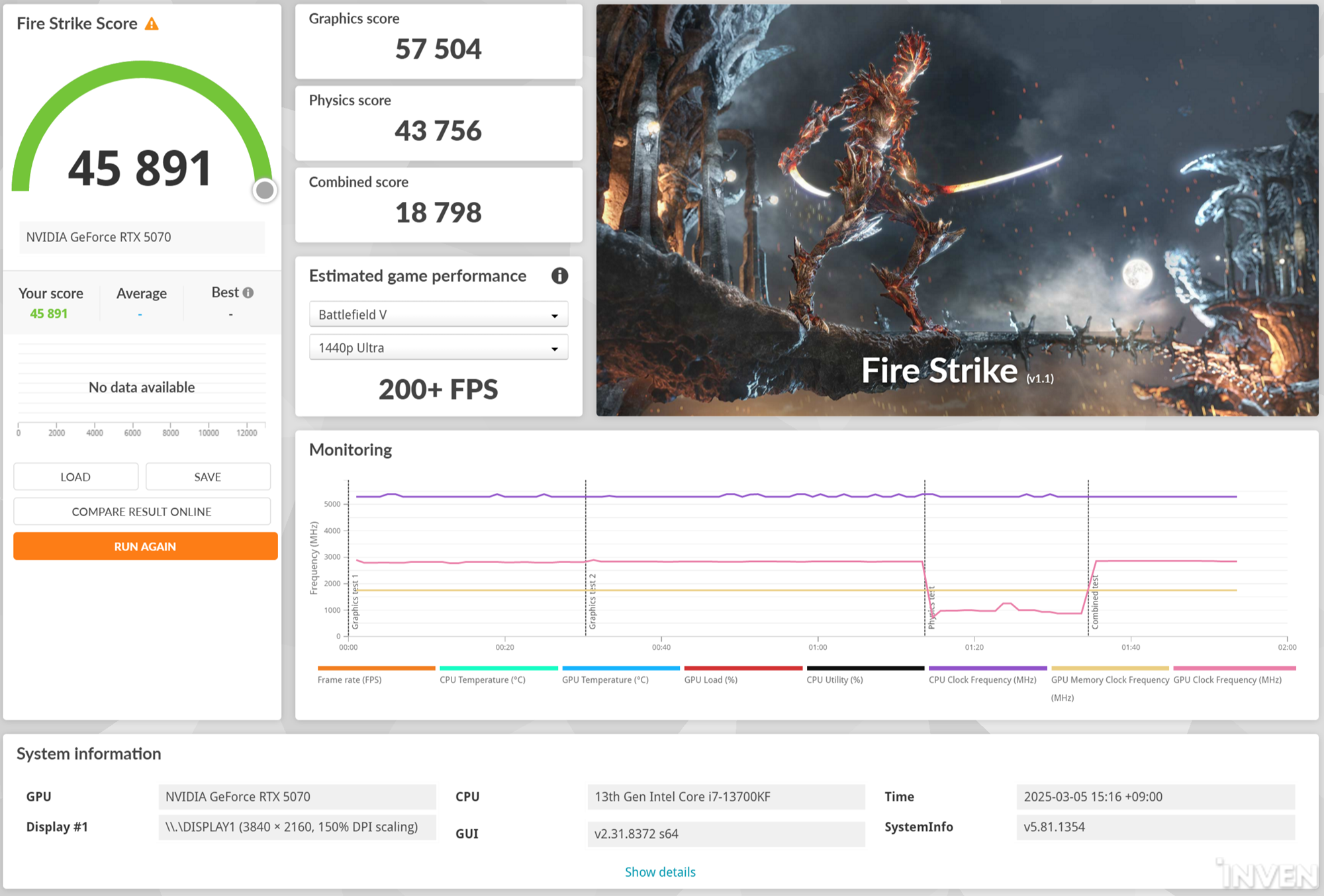
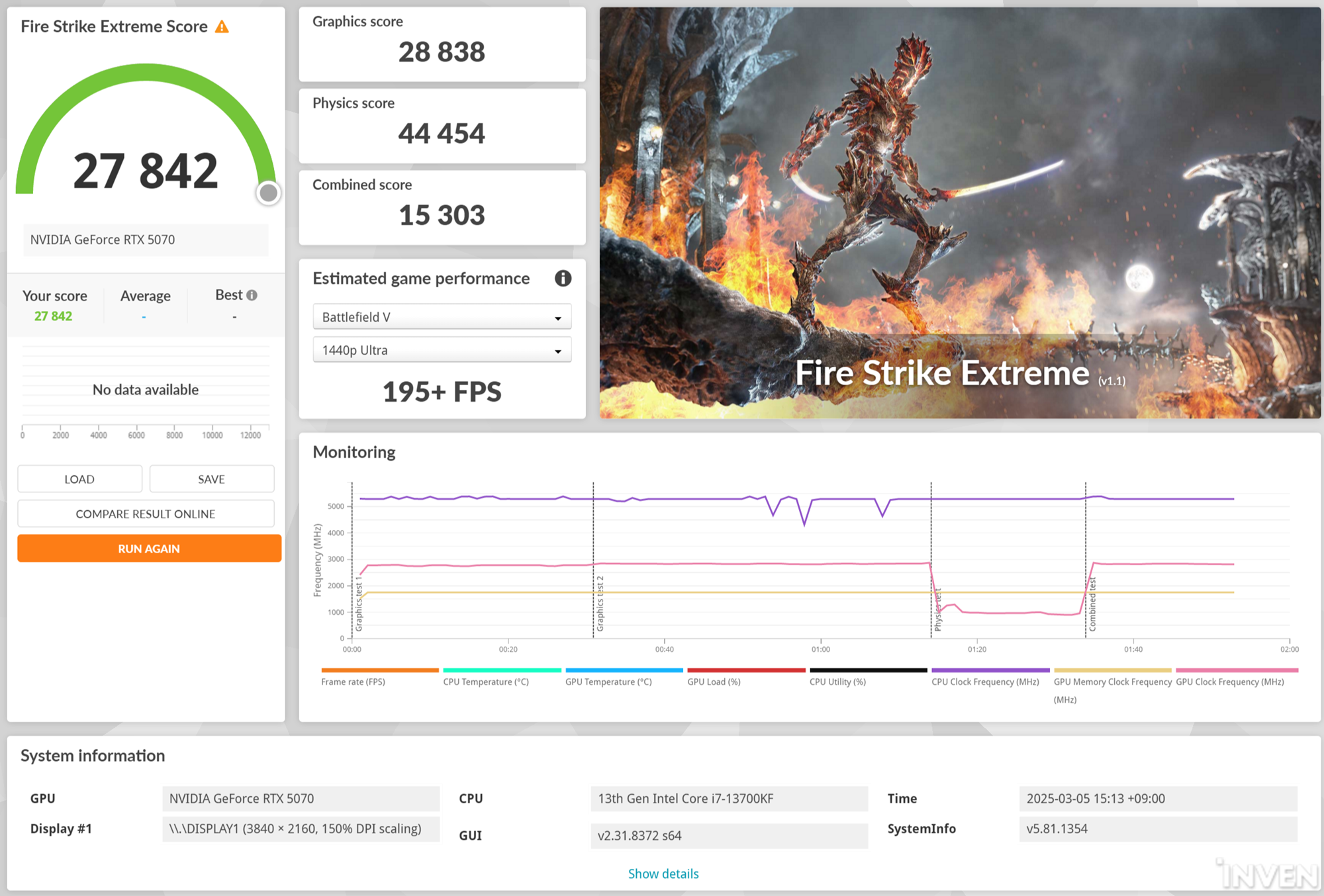
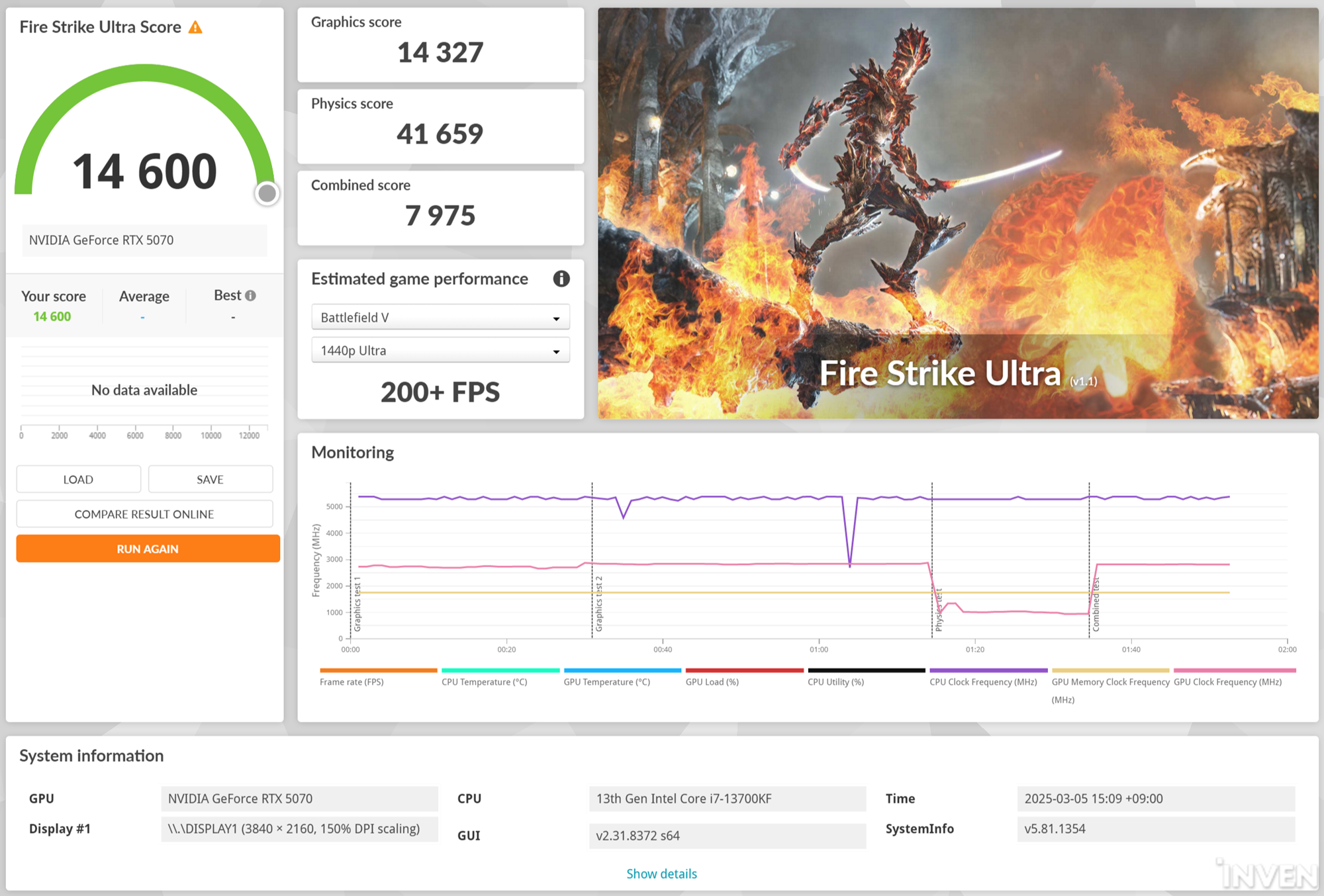
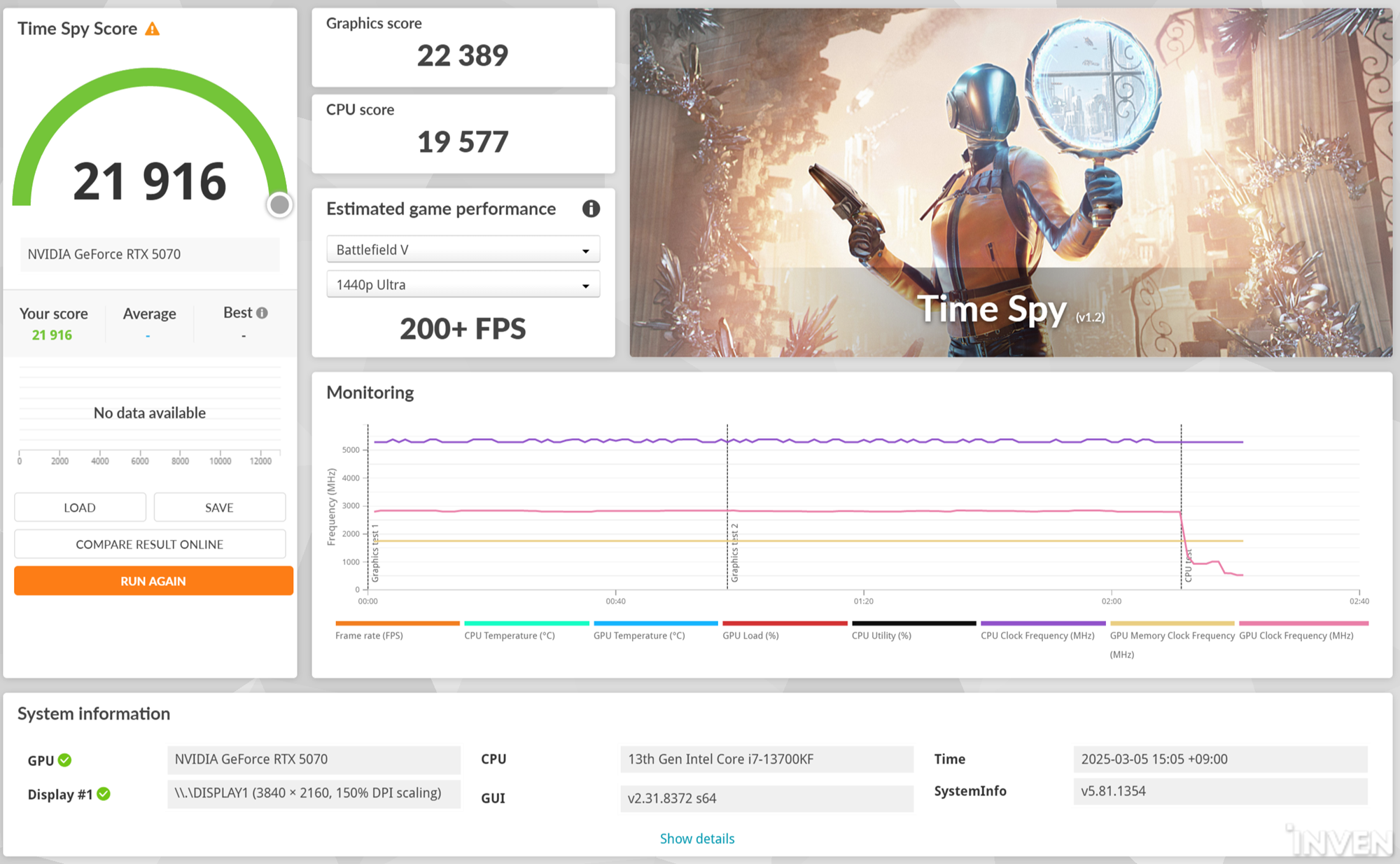
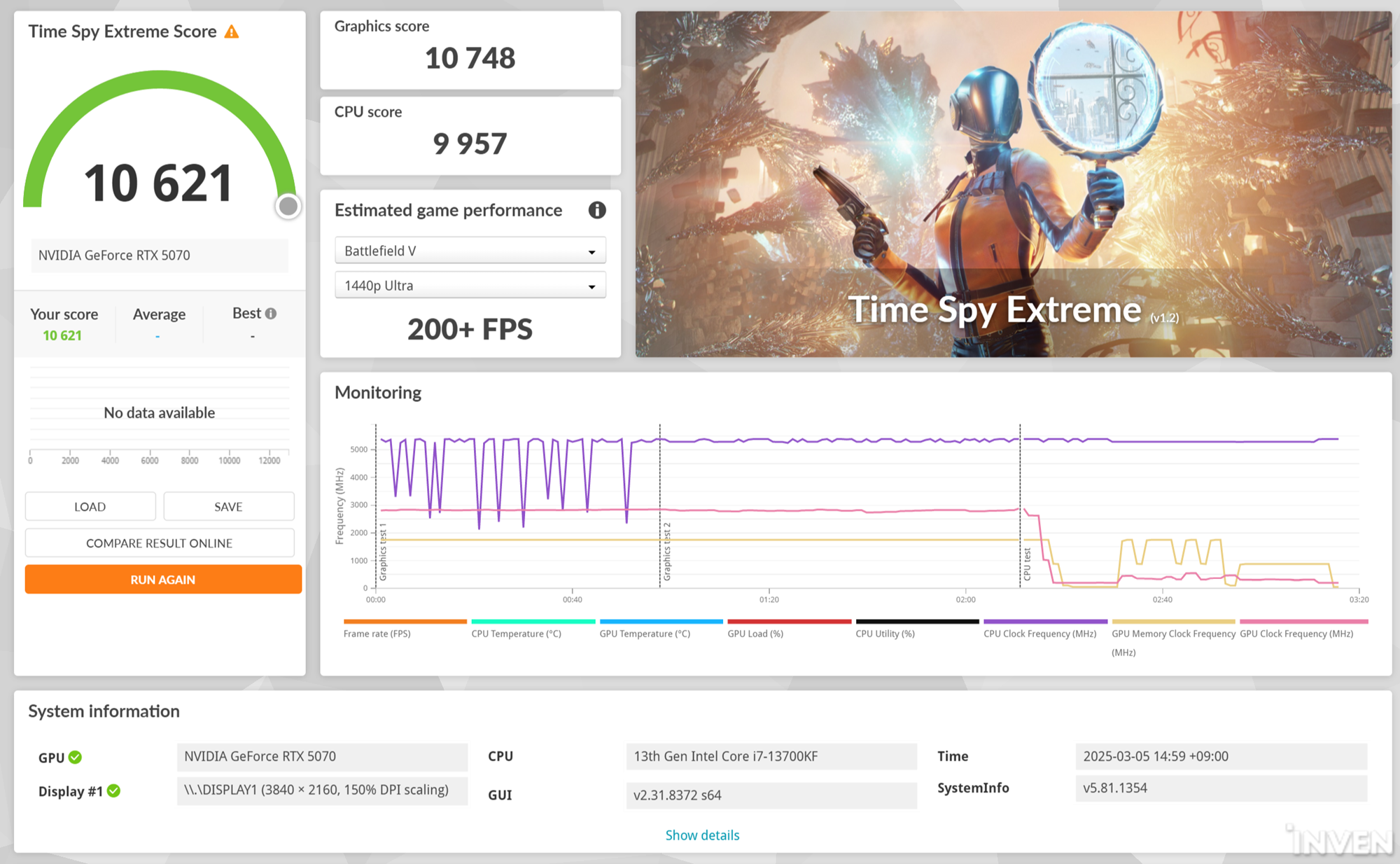
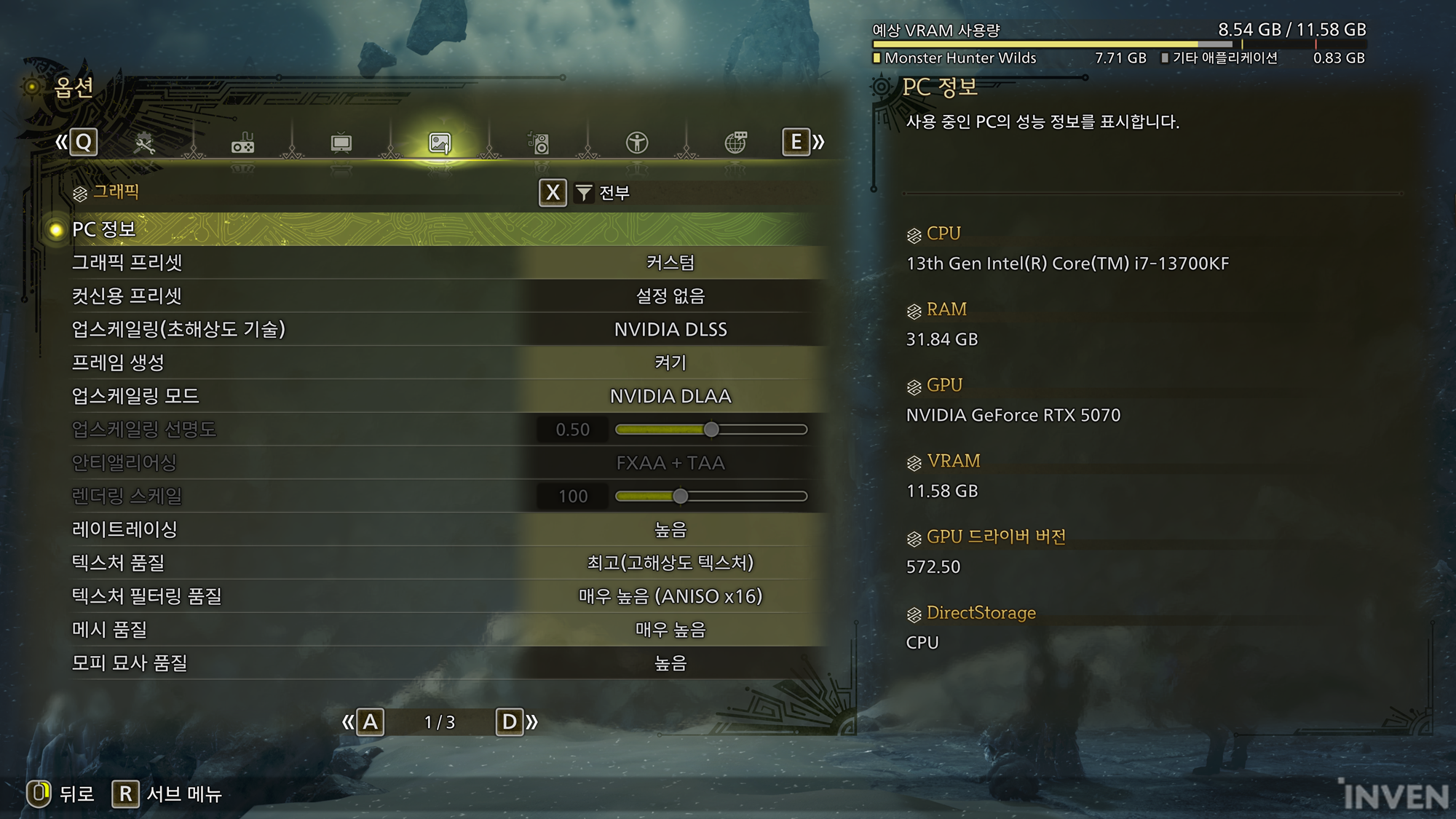
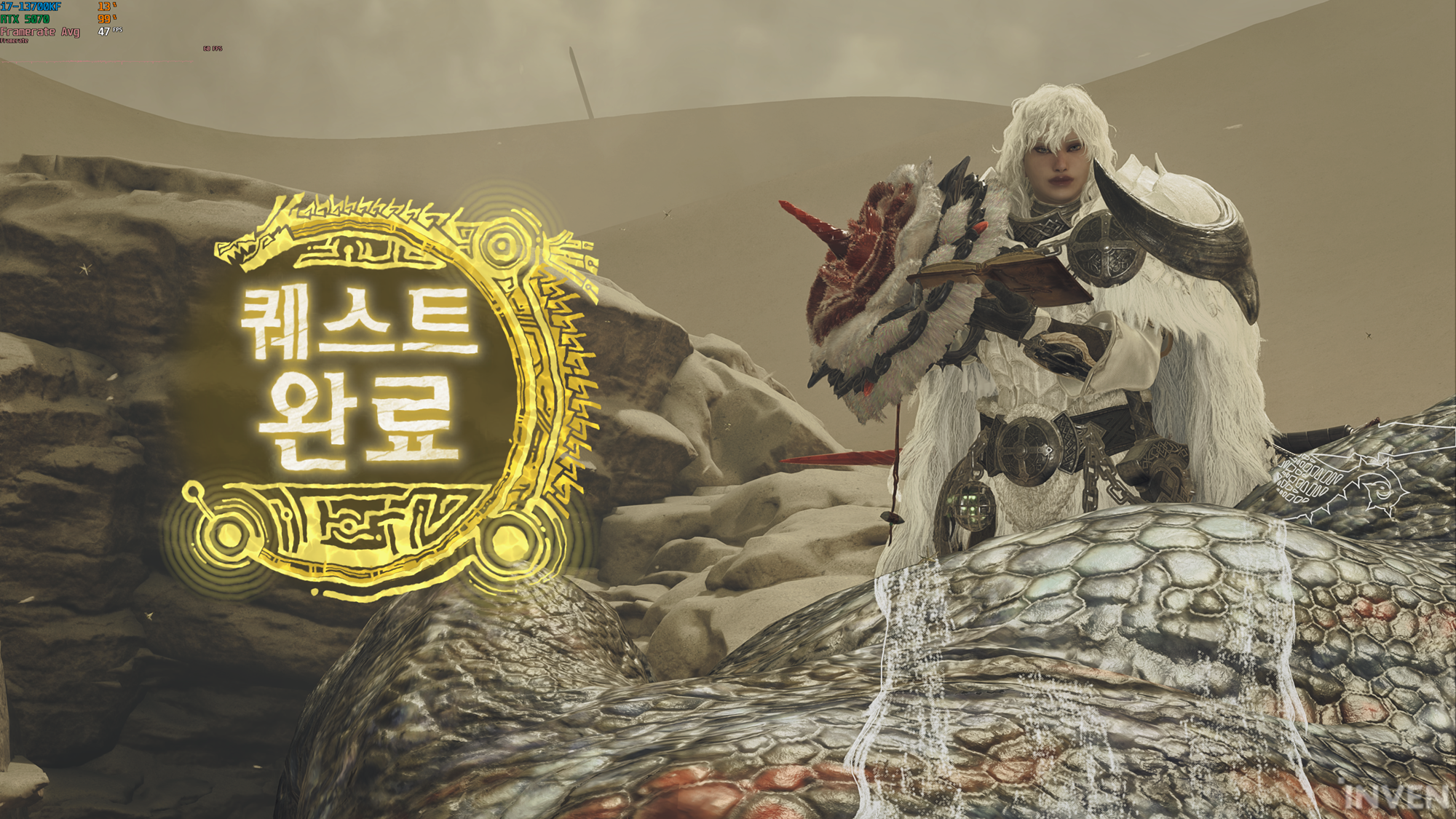
The test started with measurements at the base camp in the Bordering Sand Plains field, moved to the location of Kematris, and hunted, and was conducted in FHD, QHD, and 4K resolutions. The graphics options were Ultra graphics options, and as we were playing with the RTX 50 series graphics card, all available options such as NVIDIA Reflex, NVIDIA DLSS, NVIDIA DLAA Upscaling, and Ray Tracing were applied.
The results below may seem somewhat low compared to other test results, but this is because all advanced graphics options that can be applied were applied. Most gamers have many options that they avoid not only in MH but also even if their PC specs are good. In particular, the Ray Tracing option applied in this test requires high specs and many people prefer to turn it off.
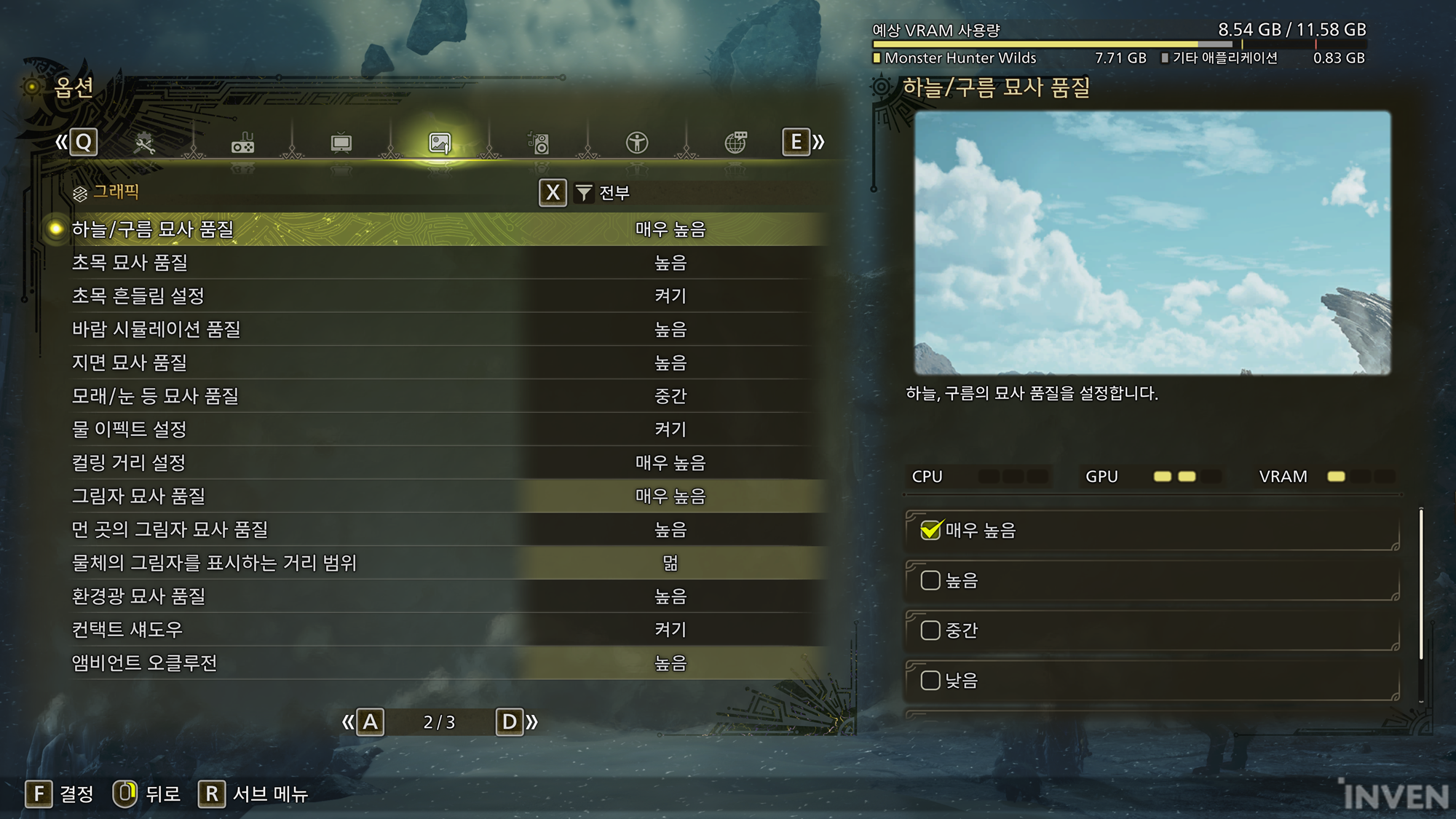
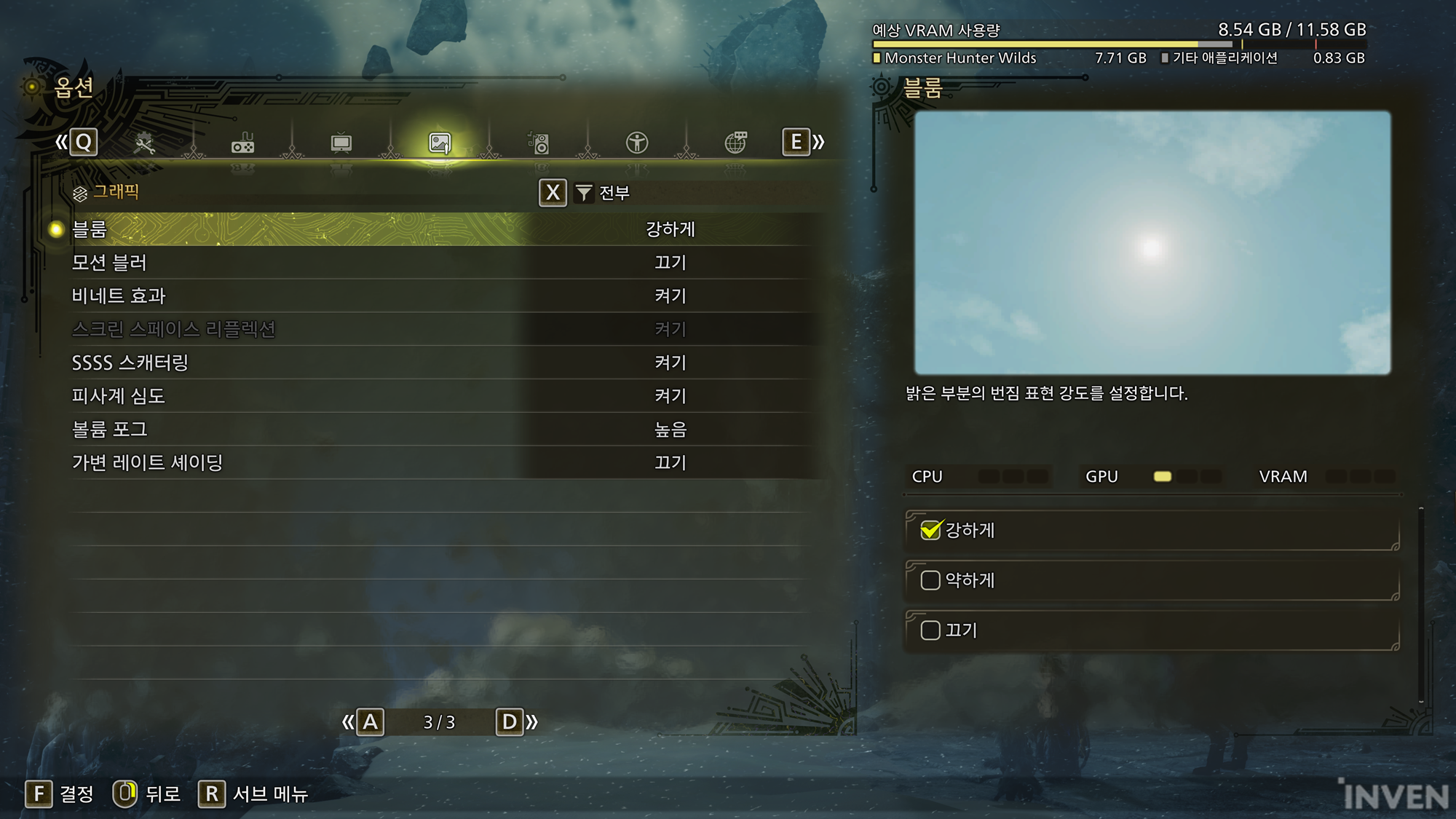
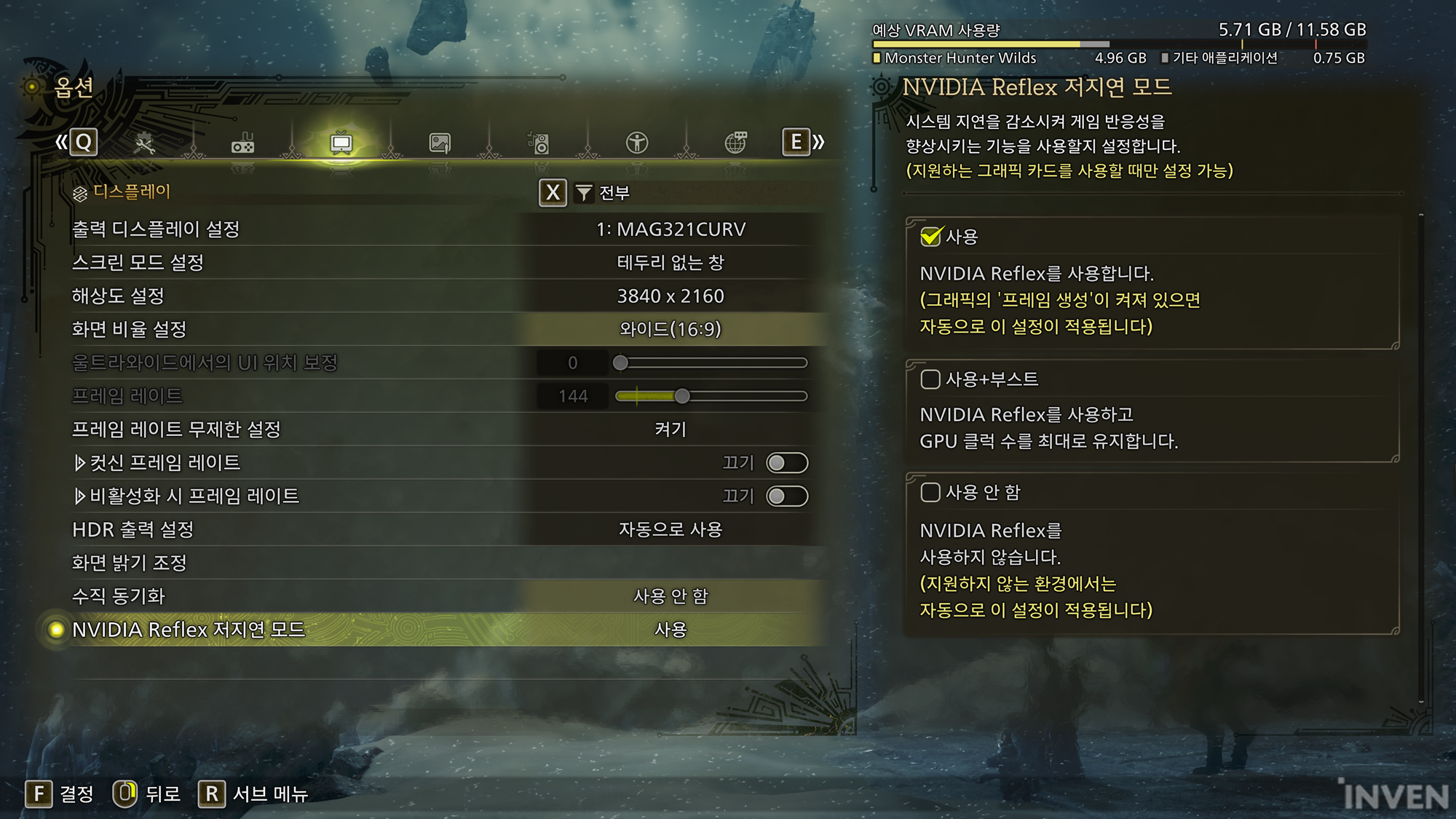
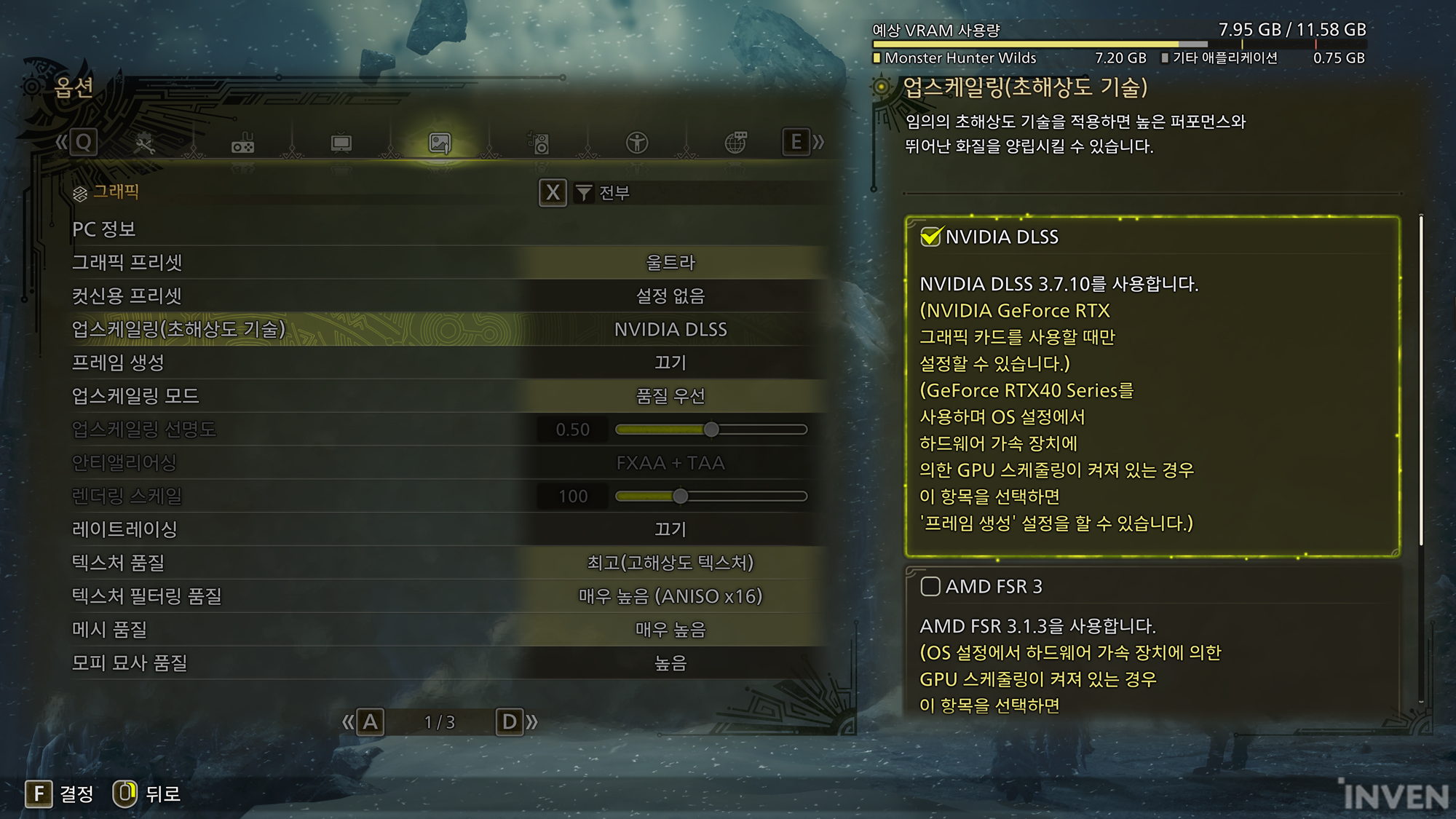
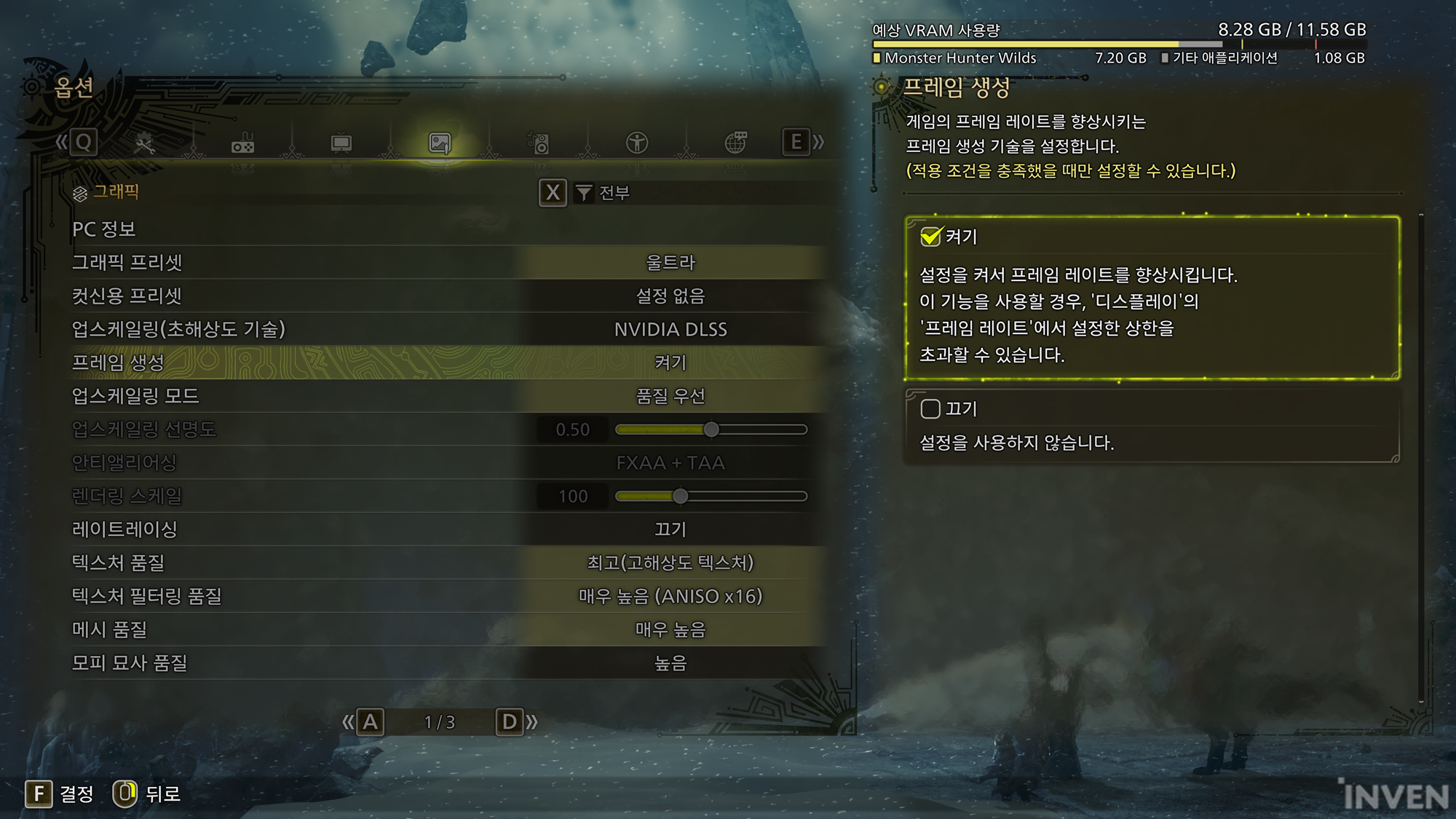
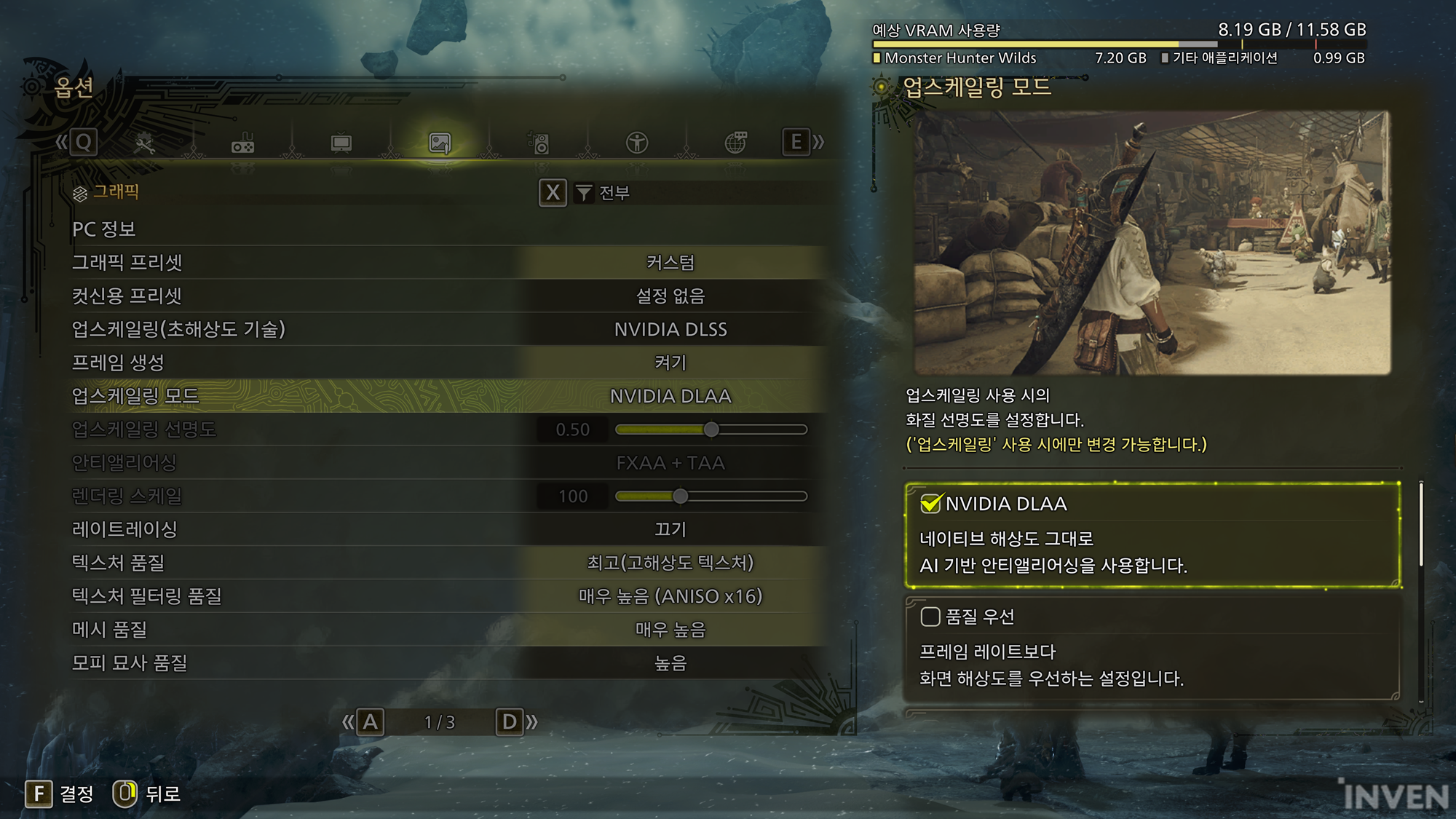
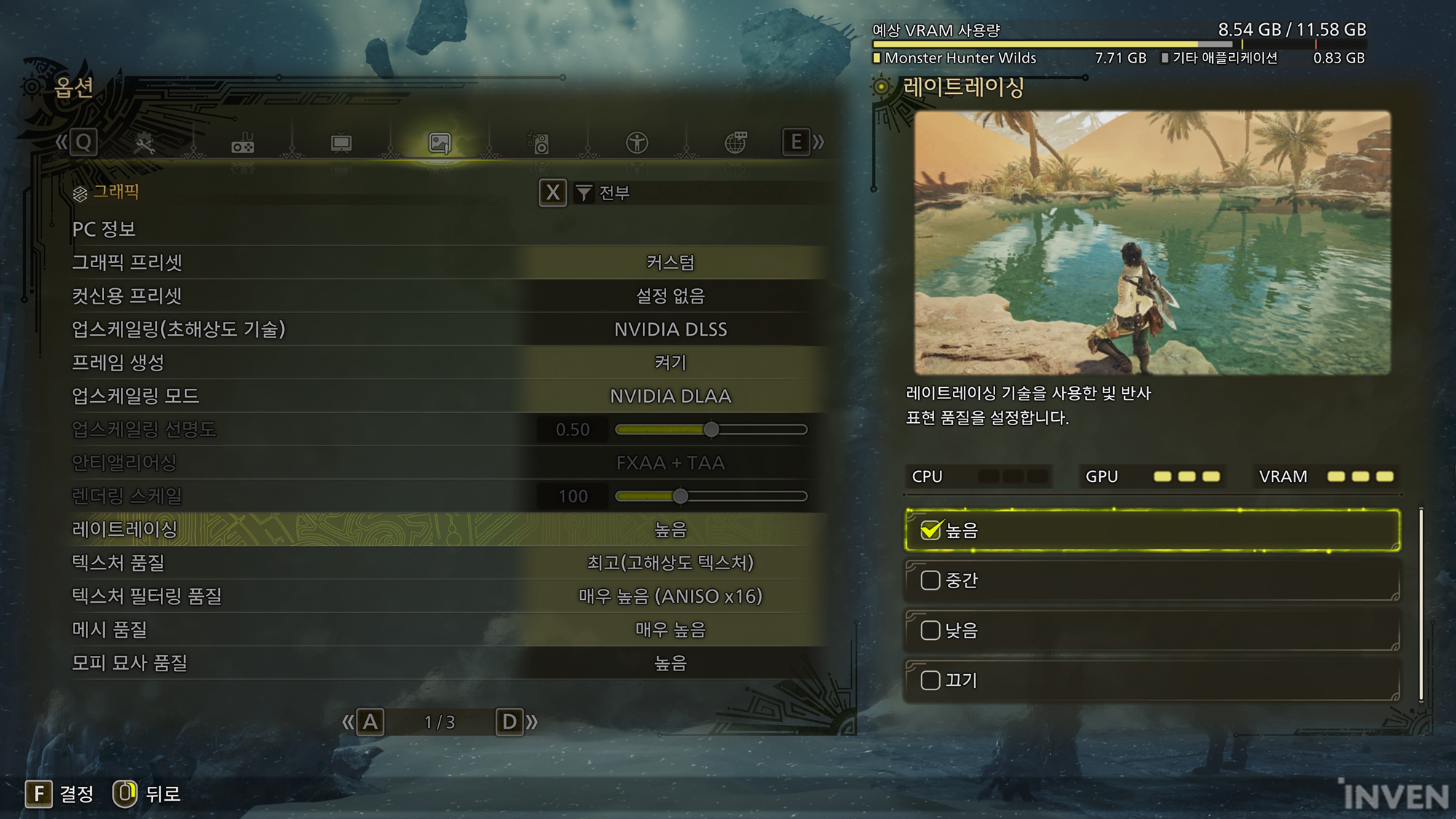
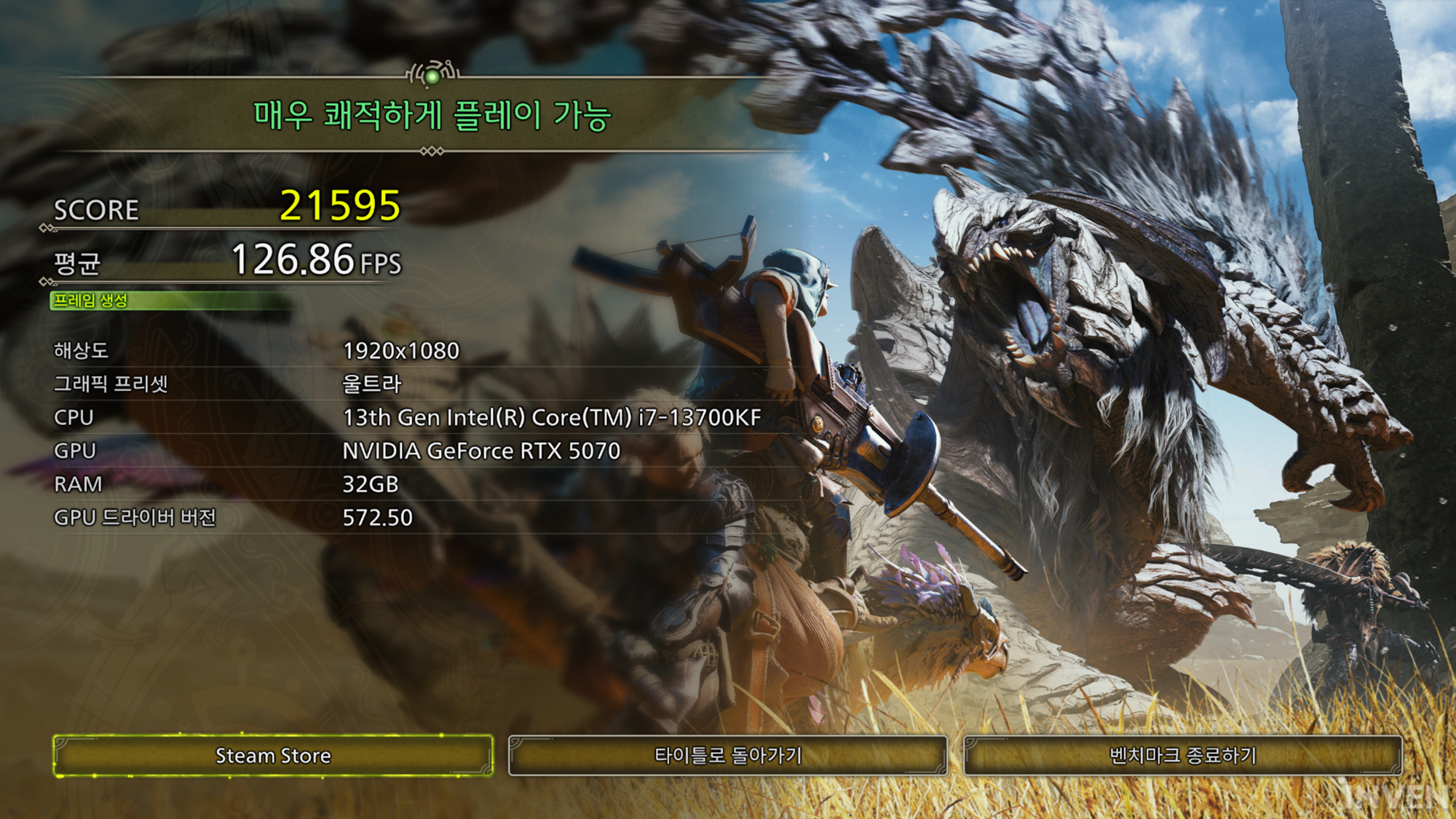
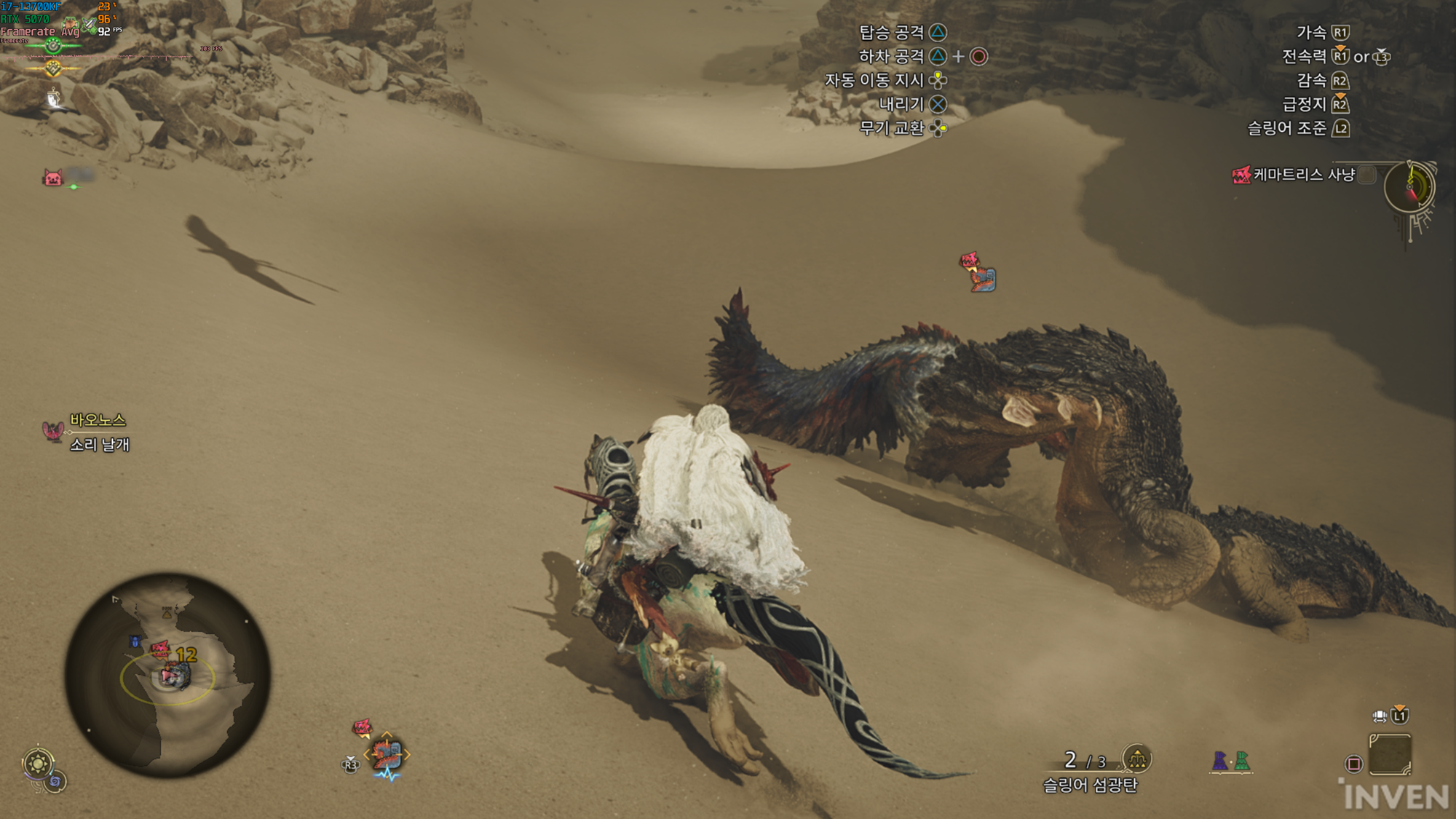
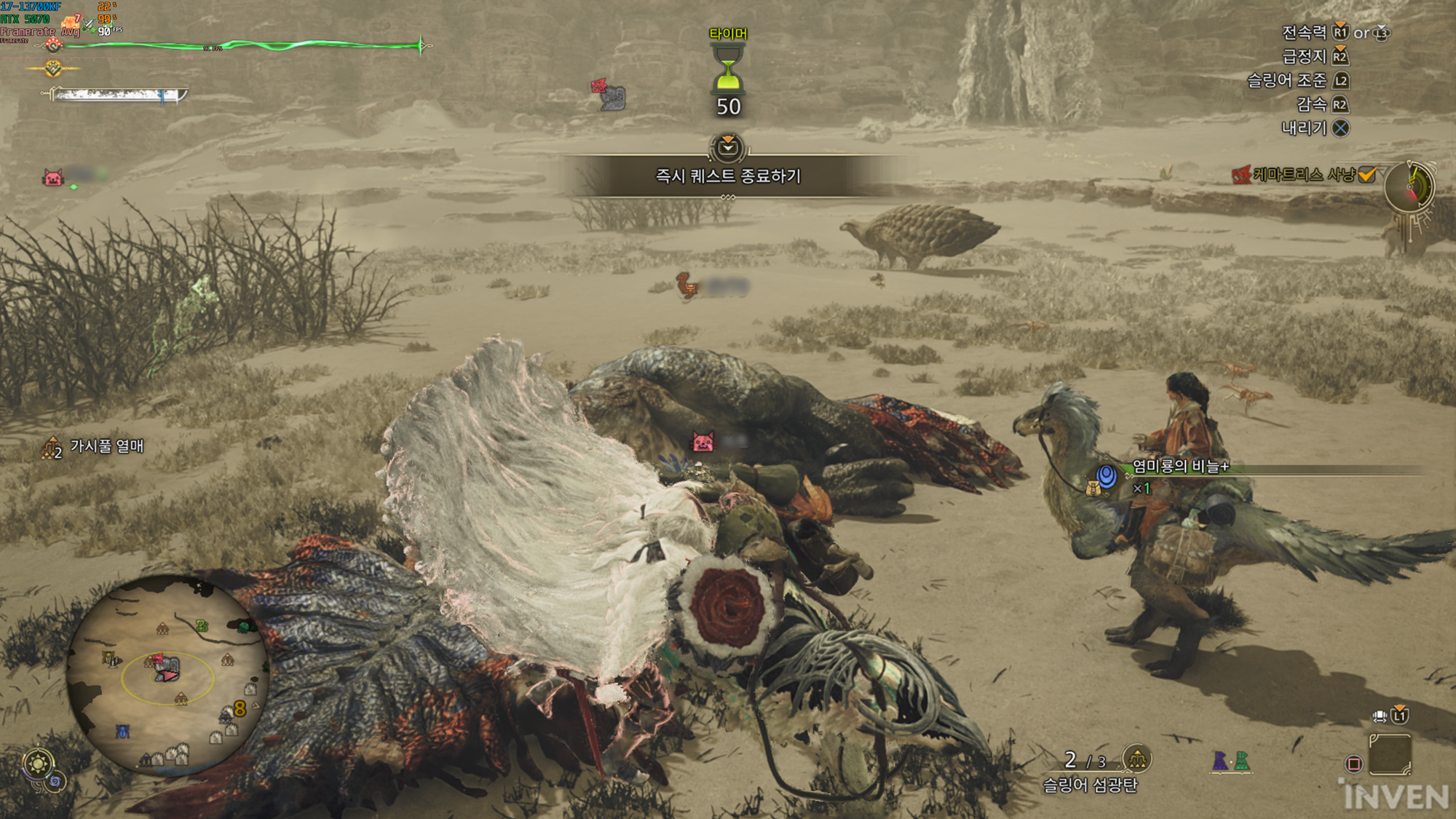
First, in the MH Wilds benchmark tool at FHD resolution, it was measured at an average of 126FPS, resulting in a very comfortable play. In the in-game, the average was measured at about 101FPS in the moving section, but it dropped to an average of 91FPS in the battle phase. The average of 90FPS was recorded from the base camp to the completion of the hunt.
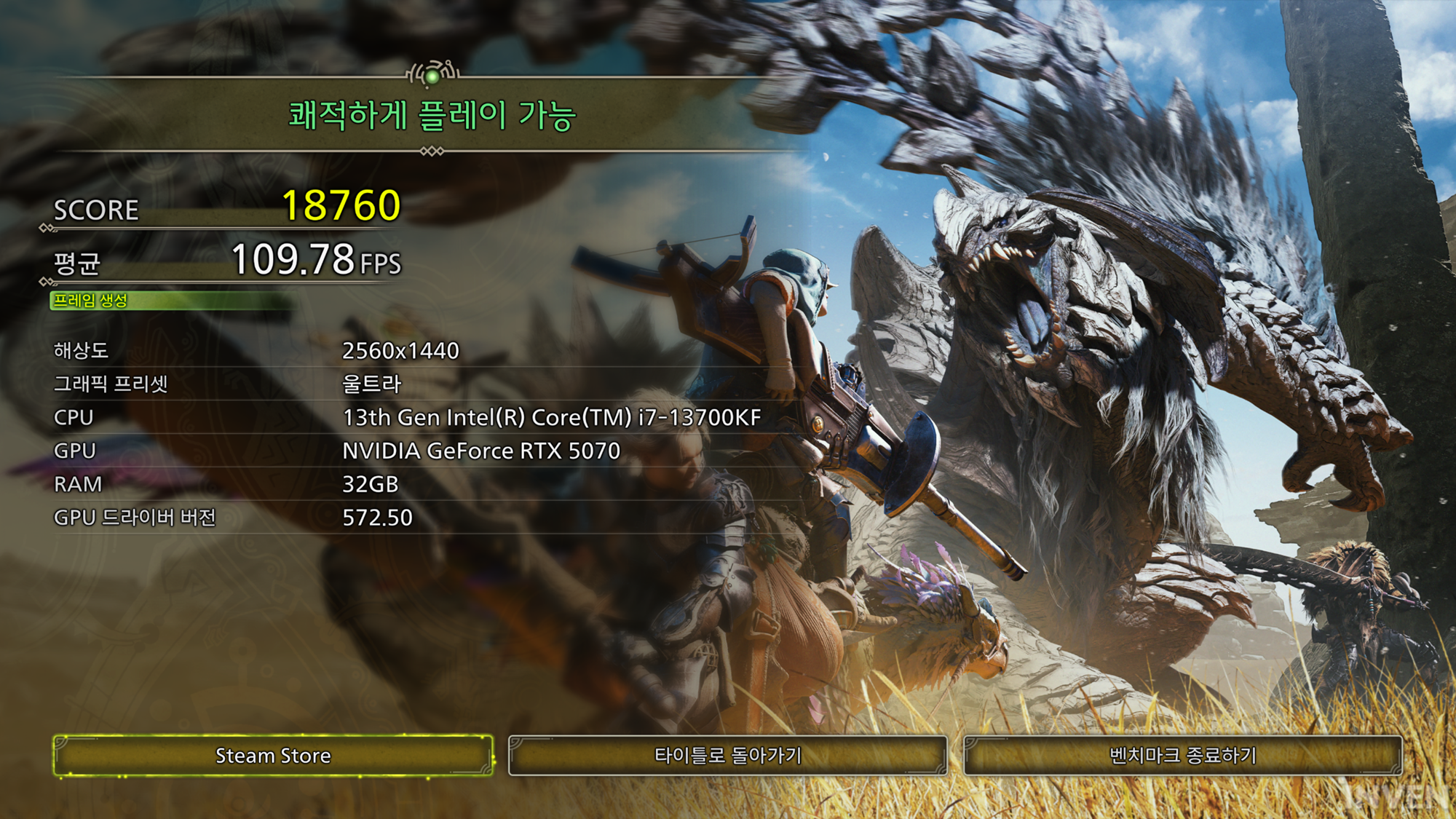
In the benchmark tool at QHD resolution, it was measured at an average of 109FPS, resulting in comfortable play. In the in-game, the average was measured at 78FPS in the moving section and 72FPS in the battle section. The average frame from the base camp to the completion of the monster hunt was measured at 70FPS.
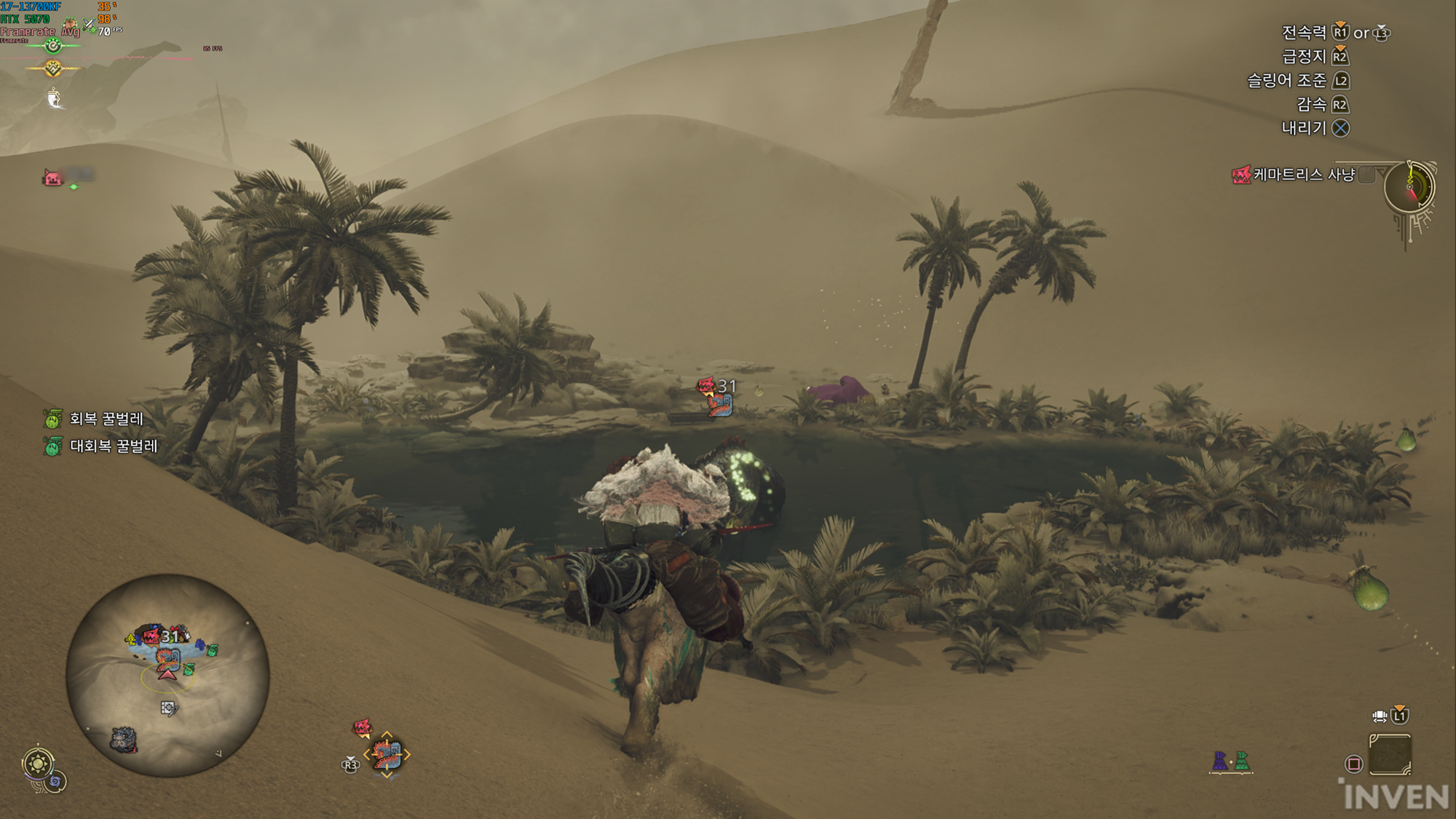
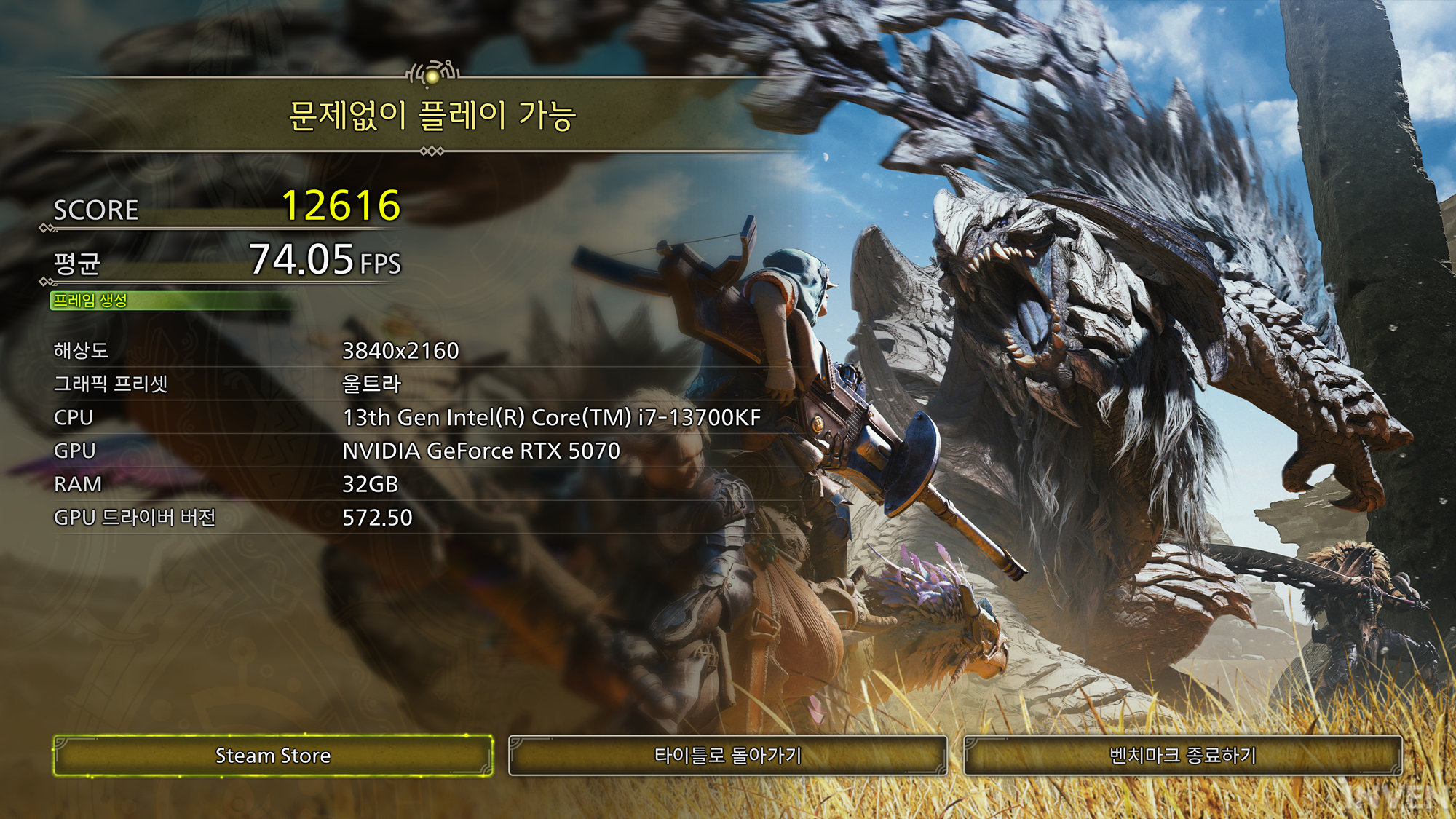
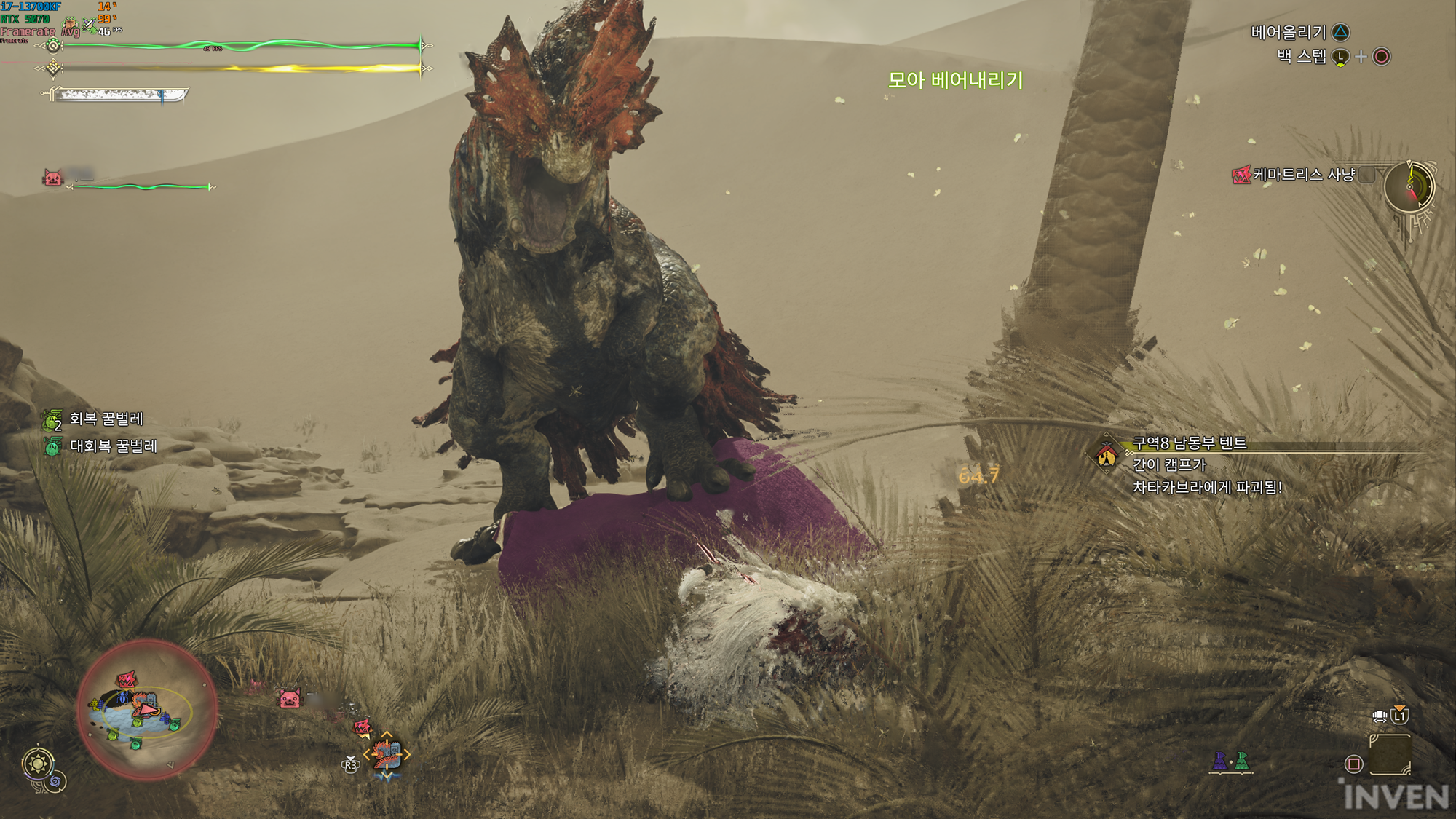
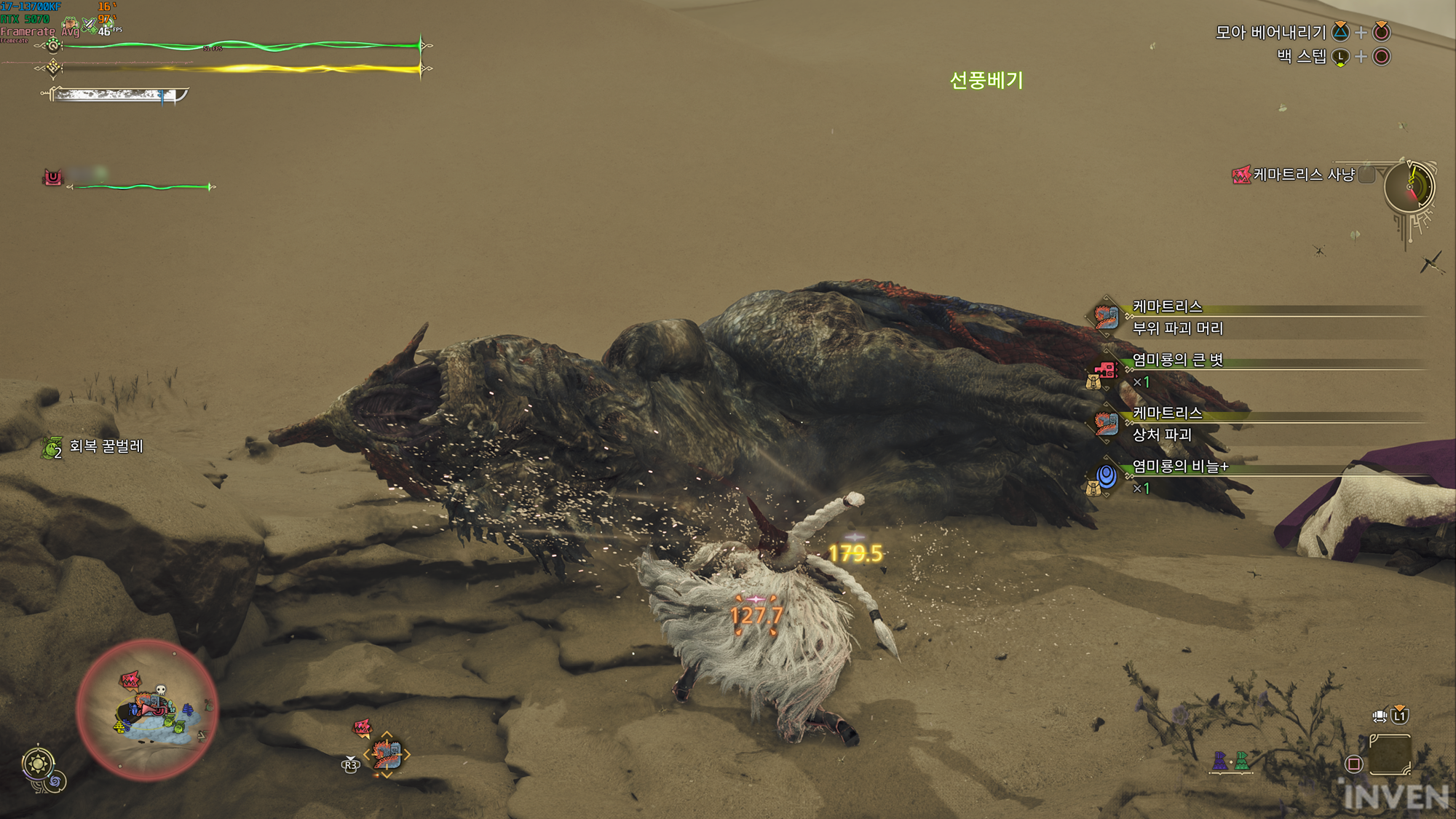
The benchmark tool result at 4K resolution was measured at 74FPS, resulting in playable without problems. However, in actual play, there is a rough feeling that can be felt, so it seems necessary to compromise on graphics options. The average was measured at 48FPS from the base camp to the completion of the hunt, and since it was a test based on ultra-grade graphics, if you boldly give up Ray Tracing or lower the level a little and fine-tune other graphics options, you should be able to easily maintain 60FPS.
In conclusion
In the past, it was difficult to get satisfactory results even in QHD with 60~70 lineup graphics cards in most AAA-class blockbuster games. In order to maintain an average of about 100FPS in QHD resolution, it seems that you could achieve it by boldly giving up Ultra and finely cutting down on graphics options that are a little disappointing to give up.
But whether MH Wilds is well optimized or this RTX 50 series is good, in MH Wilds, you can play enough in 4K resolution with RTX 5070 along with DLSS, of course, you have to give up Ray Tracing in this case. If you must apply Ray Tracing, I can't stop you, but in that case, you have to set other graphics options to high or medium, or choose to give up securing a proper frame. In my personal taste, turning off Ray Tracing is the most reasonable and simple.
As mentioned in the main text, the measured frame may seem lower than expected because all advanced graphics settings that can be set were applied for testing. Considering that it is a test, all options that are not used for purposes other than screenshots to the extent that general gamers mention that it is uncomfortable to play the game because of the specs were applied. You can think of the numbers in this test as the minimum average frame. If you apply only DLSS without applying separate advanced graphics, it will be measured 15~30FPS higher than the results measured in this article.
웹진 인벤백승철 기자
2025-03-05